

Introduction….
Today, you are going to….
- learn about the keyboard
- learn about word processing
- learn how to open a document, save a document, and close a document
- use a word document to write about yourself
1.
Your teacher will explain to you the functions of all these keys…
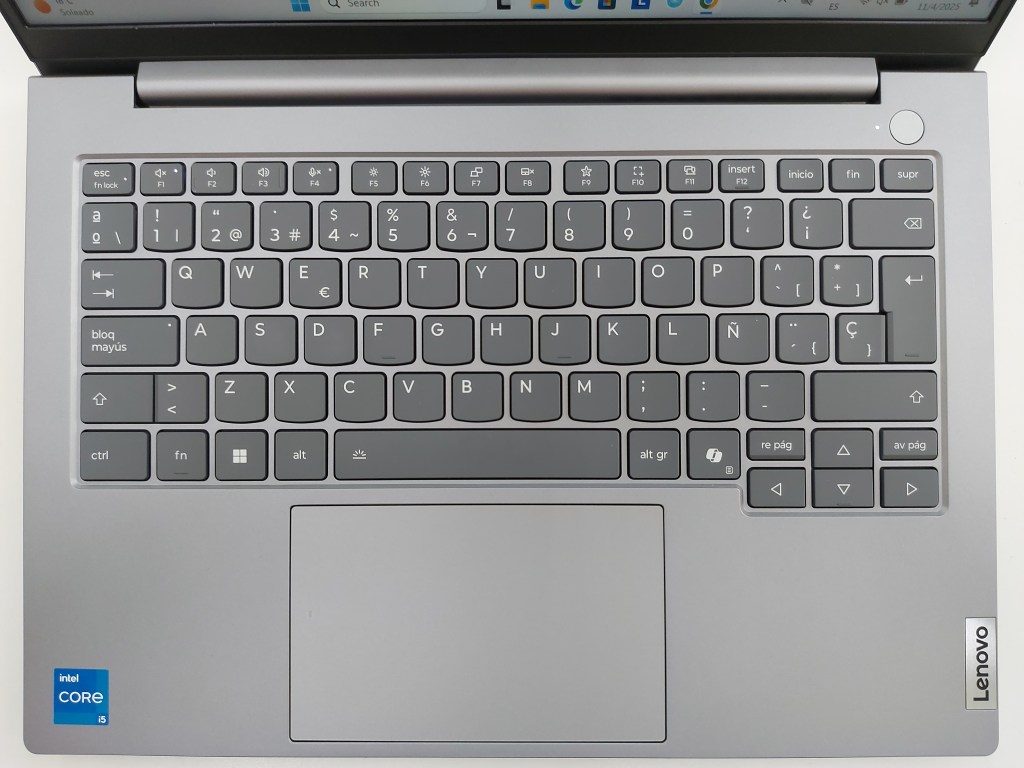

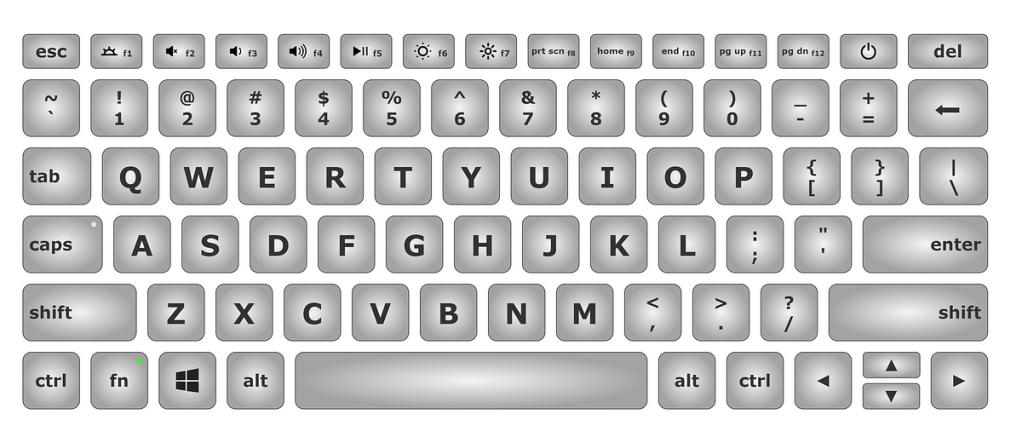
2.
Make a Word document about yourself.
Below are some ideas…

- Write your Name and Surname.
- Write about your Family – their names, and how old your siblings are.
- Write about your Favourite things… (mention at least 10)
- Write about things that you do not like… (name 5)
- Write about the job you want to do one day: “One day, I want to be a …”
- log on?
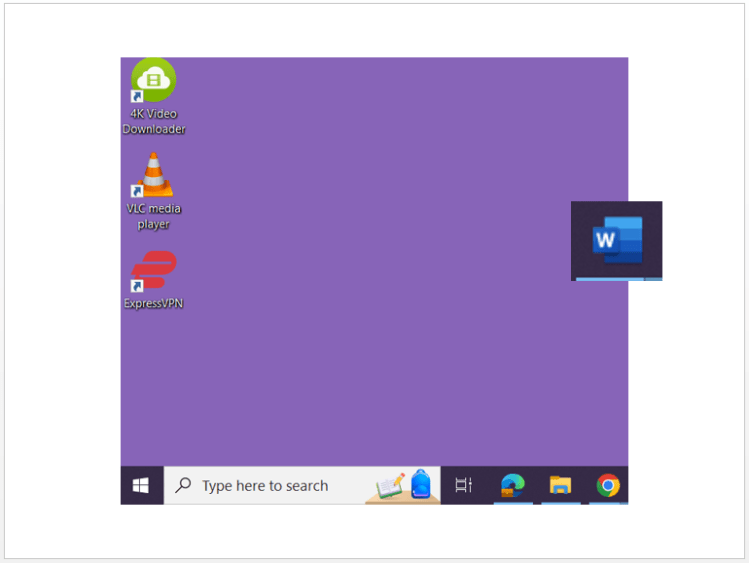
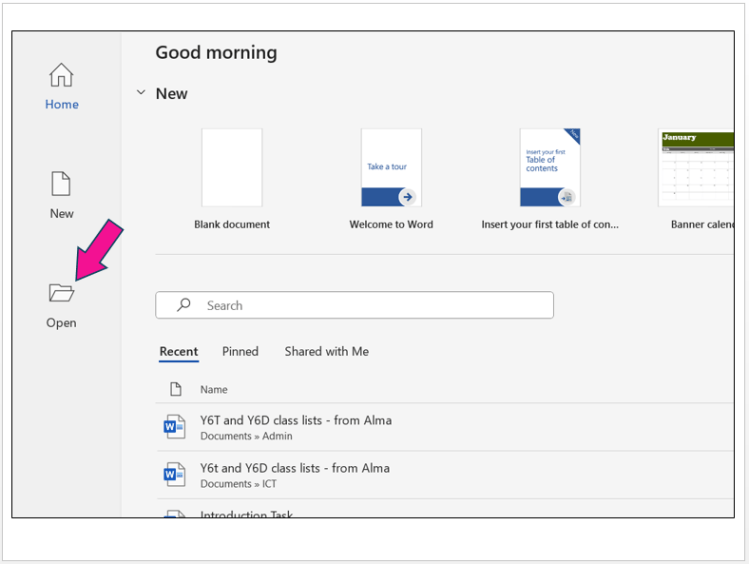
- open a document?
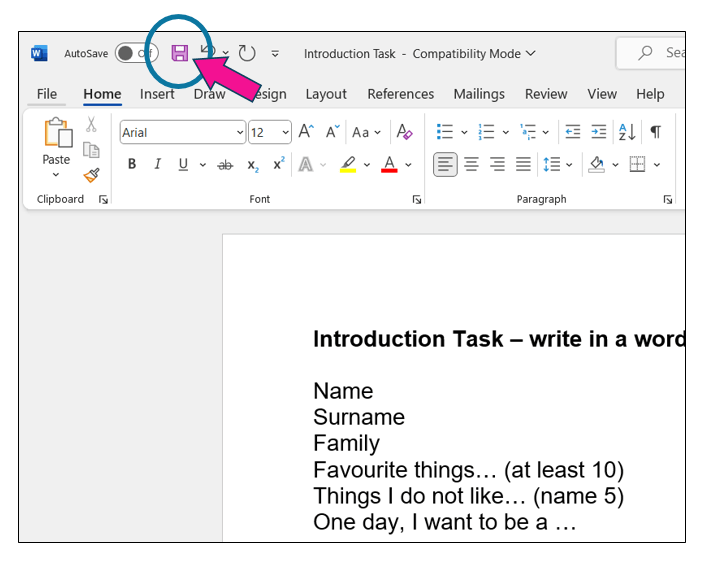
- save new work?
- log off?
3.
So, let’s start with the task!
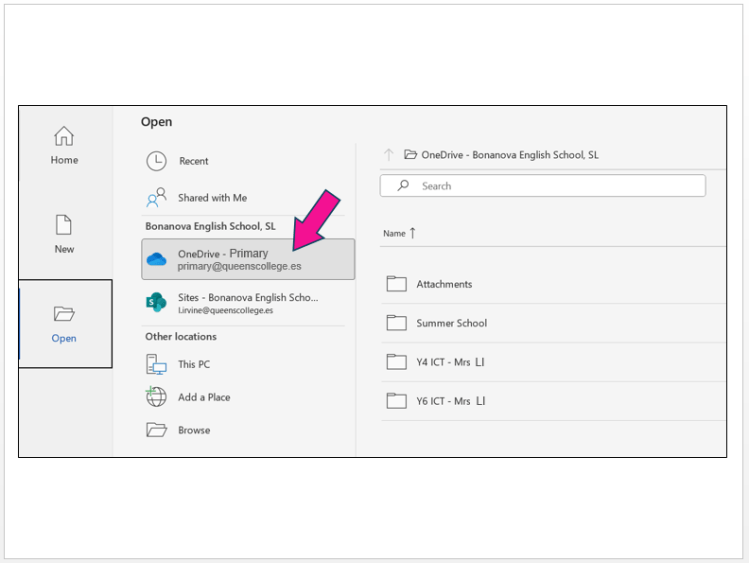
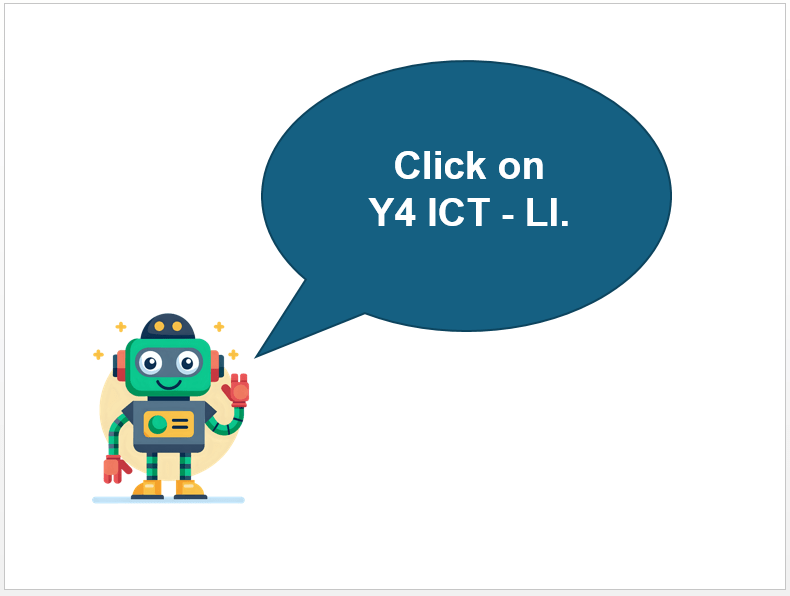
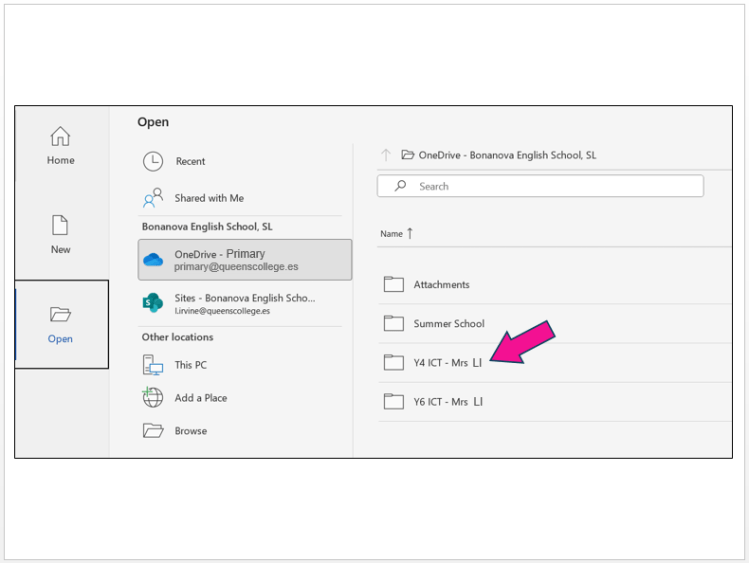
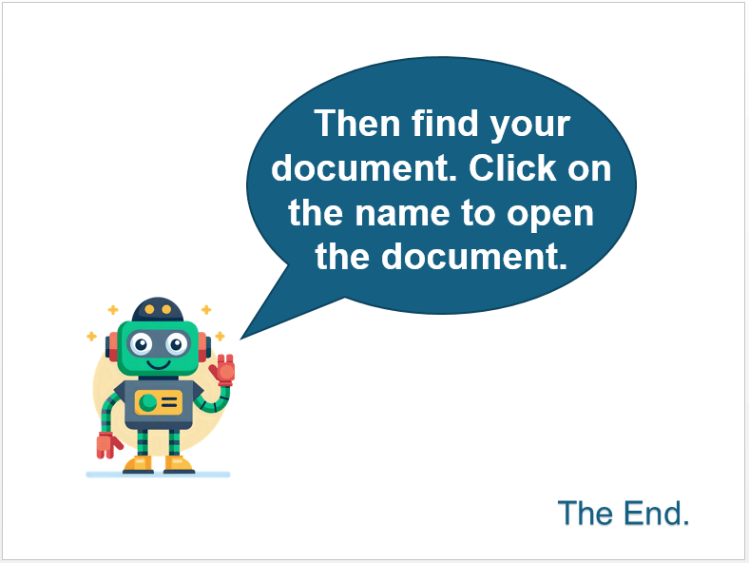
Open the document that the teacher has prepared for you to use in this lesson. It is in the Y4 ICT – Mrs LI folder.



4.



(WordPress advertisements may appear below.)
 Best study methods