

Today, you are going to….
- get a new Gmail account
- learn how to use it responsibly
- start using Gmail
1.
First, we need to discuss a few important tips for using an email account responsibly and safely.

- Do not share personal information like your full name, home address, phone number, or passwords in emails.
- Always ask permission from parents before signing up for services, subscriptions, or websites that require an email.
- Avoid opening attachments or clicking on links from unknown senders. They could contain harmful viruses or scams.
- Double-check with a trusted adult before downloading anything.
- Create a strong password that combines letters, numbers, and symbols.
- Never share your password, even with friends. Parents can help you keep track of it.
- Don’t reply to suspicious emails asking for personal information, money, or claiming you’ve won something.
- If an email looks suspicious, tell a parent or teacher right away.

- Use respectful language in all emails. Avoid being rude, hurtful, or engaging in any form of online bullying.
- Remember that once an email is sent, it cannot be taken back.
- Don’t spend too much time checking your inbox, especially during school hours, family time, or when you should be focusing on homework.
- Follow family rules about when and how you can use Gmail.
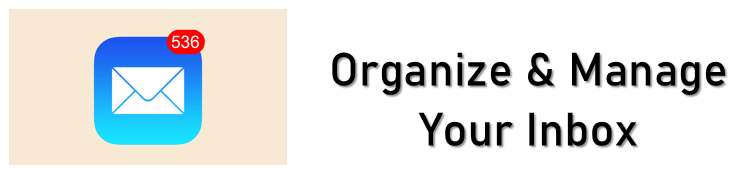
- Keep your inbox tidy by creating folders or labels for school, friends, or other categories.
- Regularly delete unnecessary emails to keep things manageable.
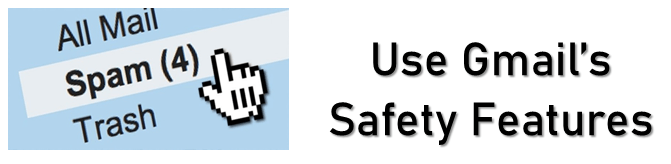
- Report spam or inappropriate emails using Gmail’s built-in tools.
- Block senders who send you unwanted messages or content that makes you uncomfortable.
- Always ask before sending group emails or forwarding messages, especially if they contain private conversations or photos.
- If you feel uncomfortable, confused, or unsure about anything you receive or read in an email, ask a trusted adult for advice.
It is very important to follow these guidelines. They will help you to develop responsible email habits and stay safe online!
2.
You now need to log onto your Gmail account…
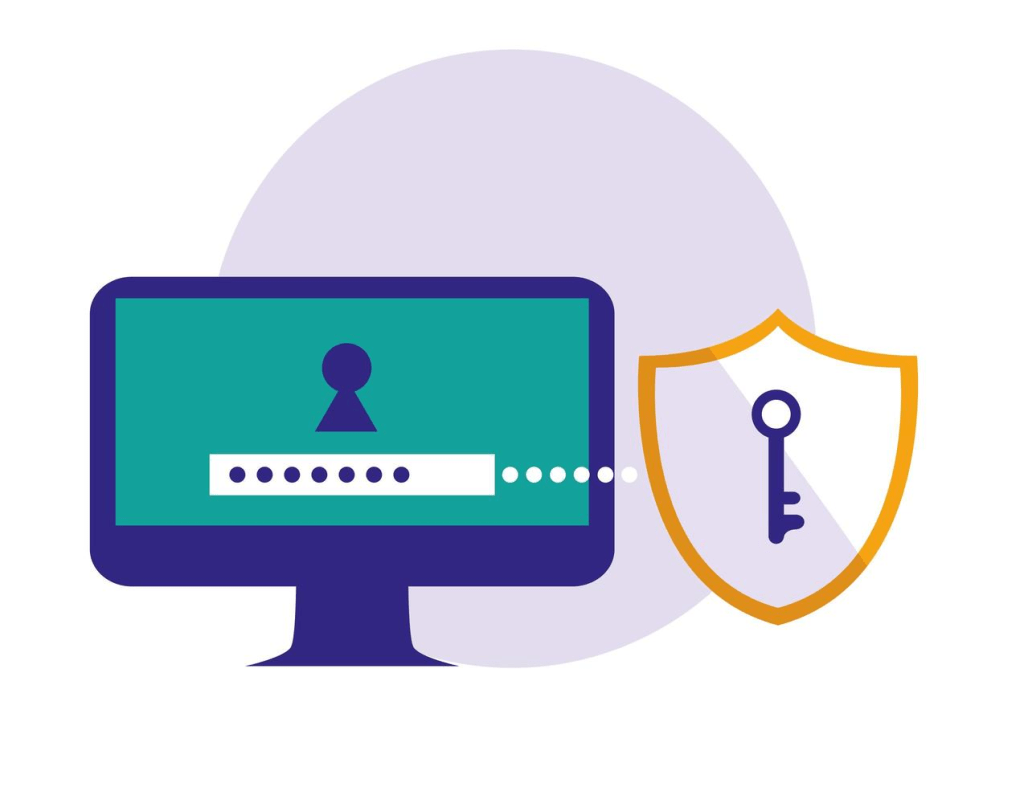
Your teacher will give you your user name as well as your password.
Make sure that you do not share your password with anybody (except with your parents). Also, make sure that you remember the password!
3.
You can change your Profile Photo…

HOW TO Change your Profile Photo:
(It is recommended that you do not put a picture of yourself, or of anything that gives away private information. Rather put a picture of something that you like – e.g. football.)

How to Change Gmail Profile Picture. (1:31 minutes long)
4.
- log on?
- open an email?
- reply to an email?
- log off?
5.
You will find an email about a research task in your email account. The email has an attachment. Open the attachment, and start with the task.

Never open attachments from unknown senders! (First ask an adult to check if it will be safe.)

(WordPress advertisements may appear below.)
 Best study methods