
This is Lesson 3 on Computing Systems & Networks – the Internet, taken from teachcomputing.org.

Today, you are going to….
- see how information can be shared via the World Wide Web (WWW)
- discover the types of media that can be shared on the WWW
- describe where websites are stored when uploaded to the WWW
- learn how to access websites on the WWW
1.
Can you remember what the Internet is?
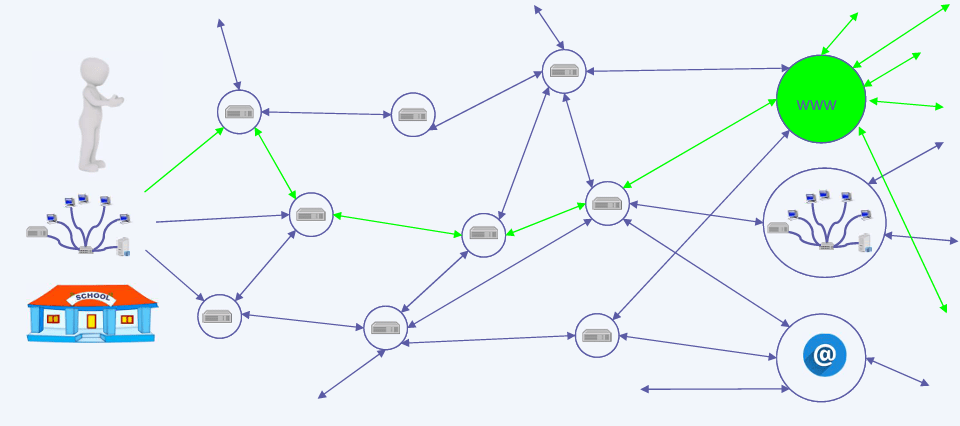
The internet is a network of networks, connected by lots of routers.
The World Wide Web is part of the internet.
On the world wide web we can visit web pages and websites.
2.
The World Wide Web is part of the internet.
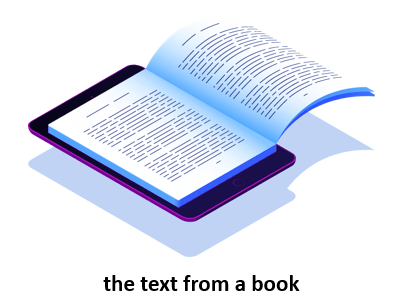
The World Wide Web refers to all the websites or pages that users can access on their local computers and other devices through the internet. These pages and documents are interconnected by means of hyperlinks that users click on for information. This information can be in different formats, including text, images, audio and video.
The World Wide Web is also known as the web, WWW or W3.
3.
What can we share on the world wide web?
Click on OK to complete the task below:
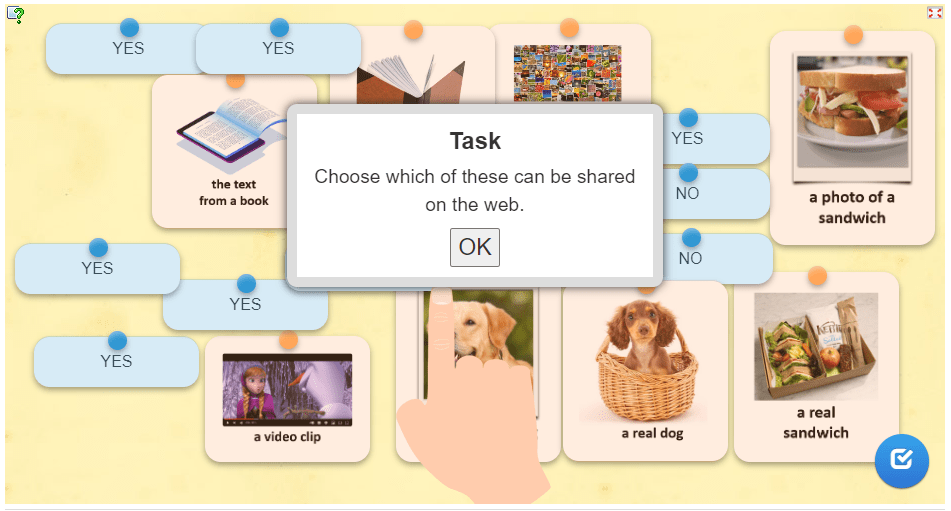
Let’s recap: (Swipe the slides to see the answers.)

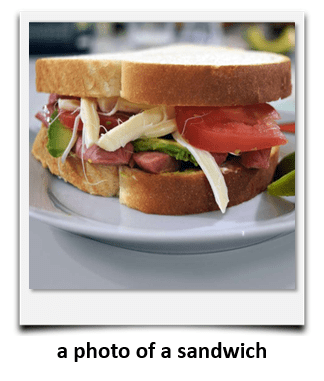



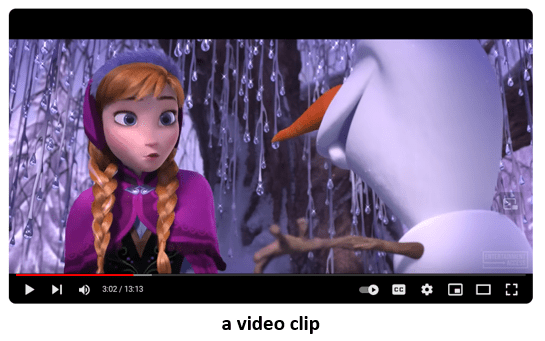

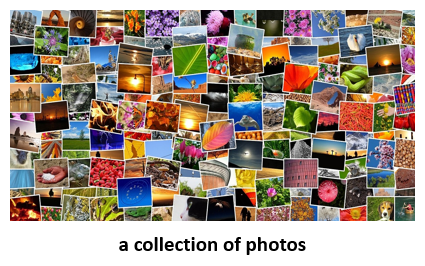

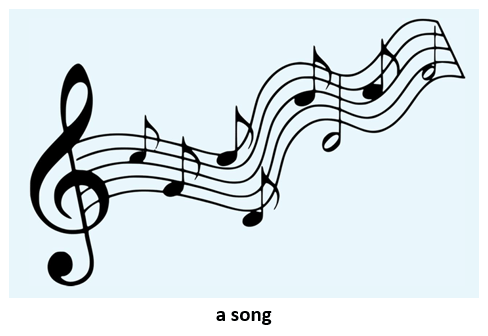









4.
Look at this web address:
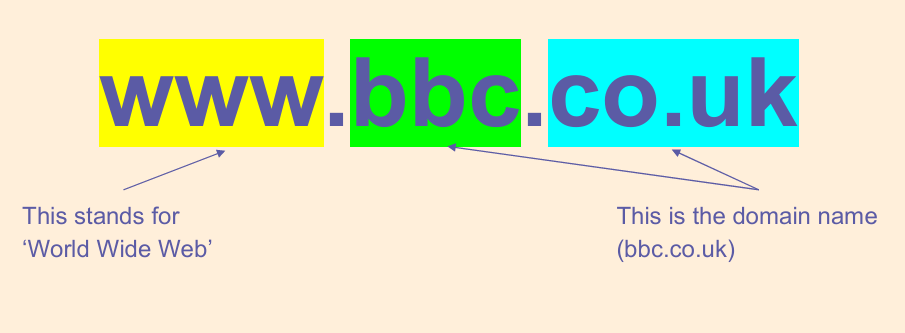
The address of the website tells you where it was created.
Where were these websites created?
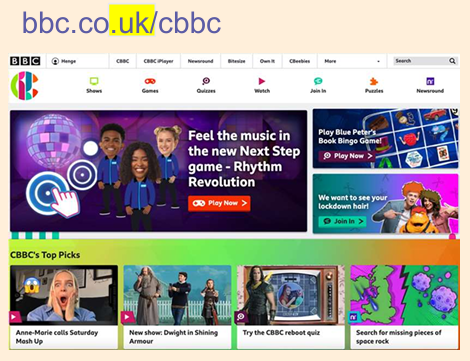


UK
United Kingdom
Fr
France
5.
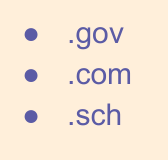
Here are the ends of some web addresses. Some tell you where the website may originate from. Where do you think these are from?

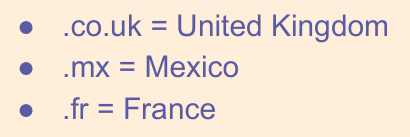
Some tell you more about the content of the website. What do you think these mean?

6.
Where are websites kept? (Or “hosted”?)
Most websites are hosted in large data centres.
Data centres are large buildings full of powerful computers.

Data centres distributed around the world. (They can be anywhere in the world!)
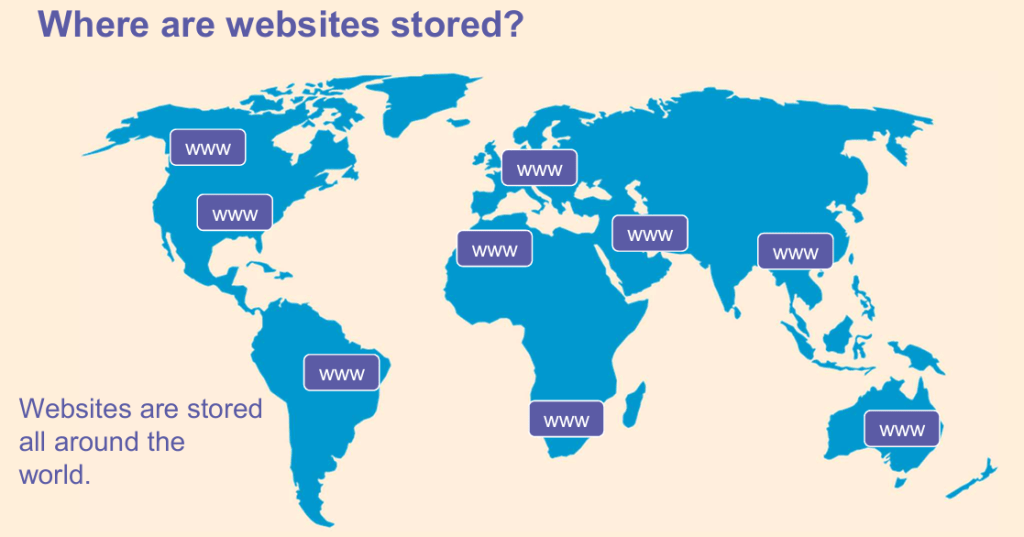
Some of the largest data centres are owned by companies such as Google, Amazon, Apple and Microsoft.
7.
How can I access the World Wide Web?
We access the world wide web on devices like these ones below:

8.
So, what is a web browser?
A web browser lets you look at (or “browse”) web pages on the internet. For example, Google Chrome is a web browser.
Chrome can be found on many computers and mobile devices.
Here are examples of other web browsers:

9.

- The web is part of the internet.
- Web browsers allows us to access (or look at) information on the web.
- Web pages are stored in big computers called data centres.
10.
Test yourself!
Complete this short quiz…
What do you know about sharing information on the web?
Click on OK to complete the task below:

This is the original lesson source:
(WordPress advertisements may appear below.)
 Best study methods