

Today, you are going to….
- revise computing terminology
- learn how to use Google Docs
1.
First, read the document below.
Can you remember these glossary words that describe physical parts of a computer….?

2.
The video below tells us how to use Google Docs:

How To Use Google Docs | Tech Insider. (4:16 minutes long)
3.

Make a document with 10 of the words from the article above, called “Definitions for Physical Parts of a Computer”.
Also include some colour and images in your document.


Sign into your Google account.
Click on this icon to sign into the account:
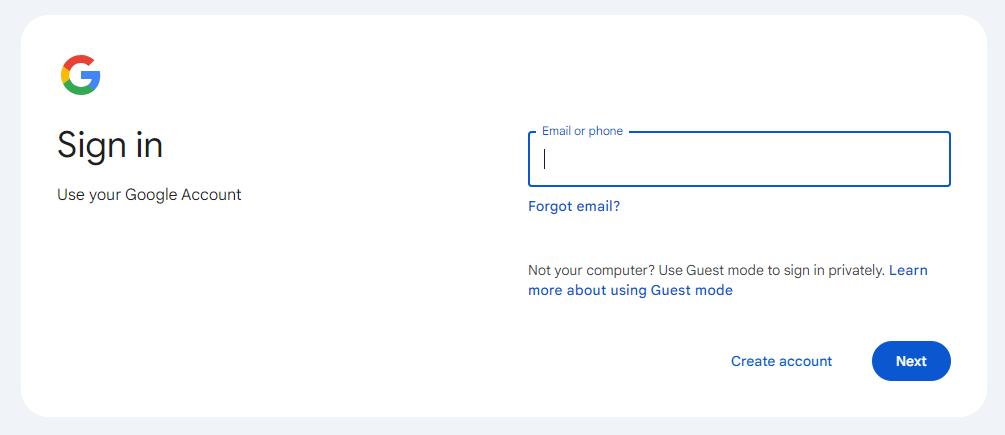

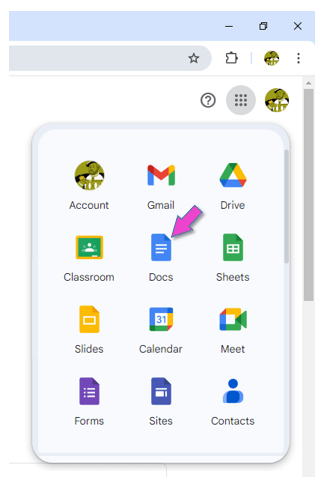
Open Google Docs.

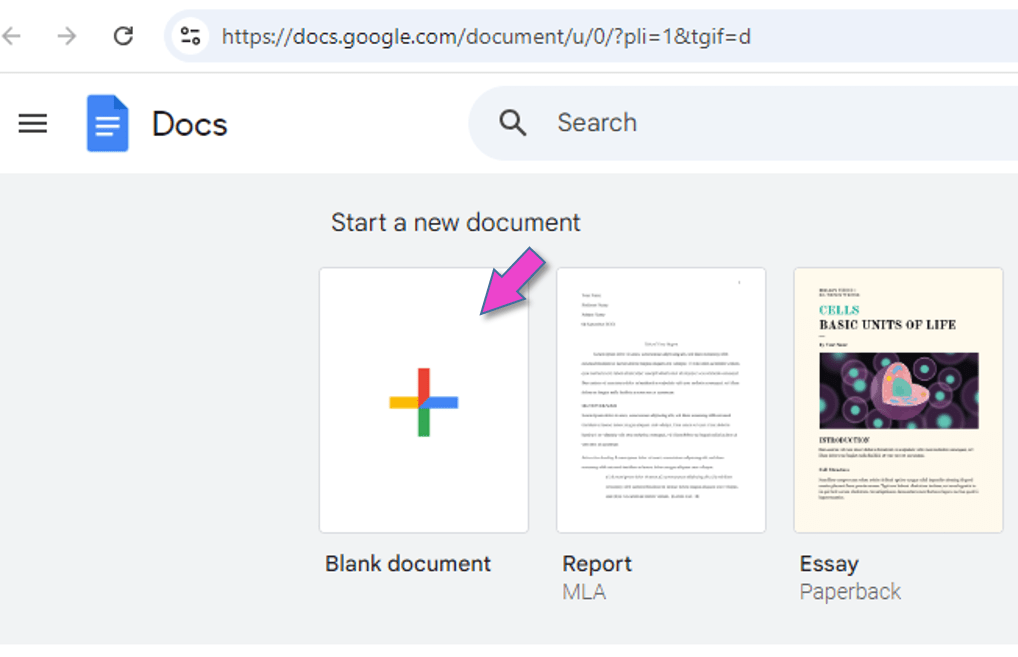
Click on BLANK DOCUMENT.

Give the document this name:
“Computer Parts”
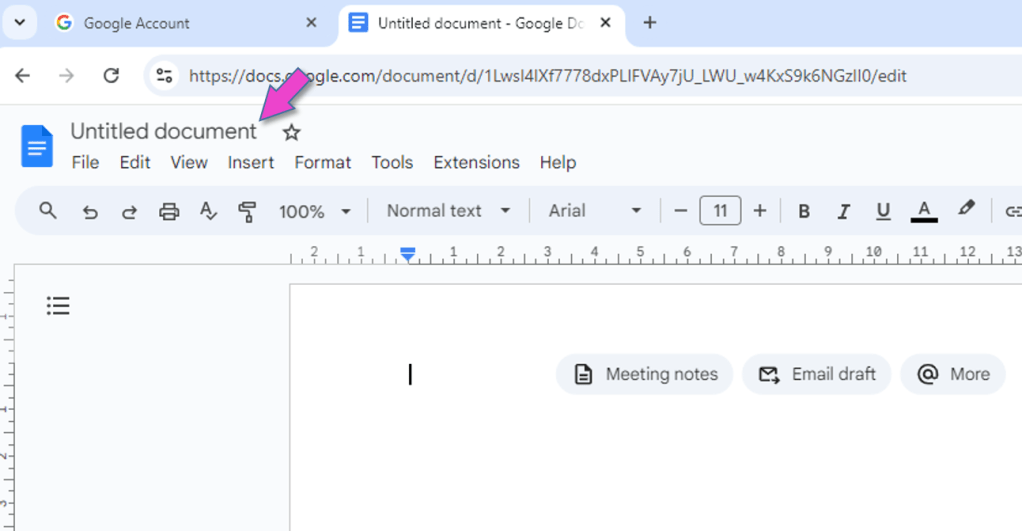
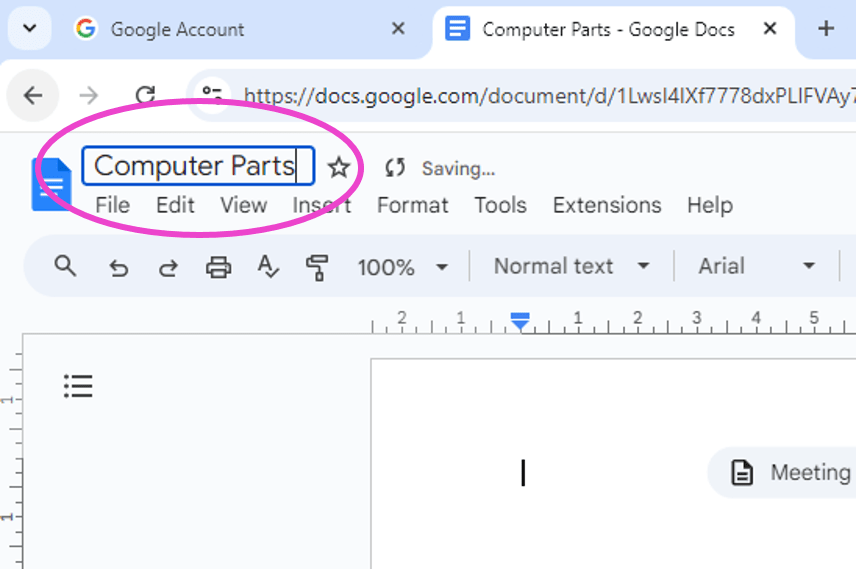

Create the document.
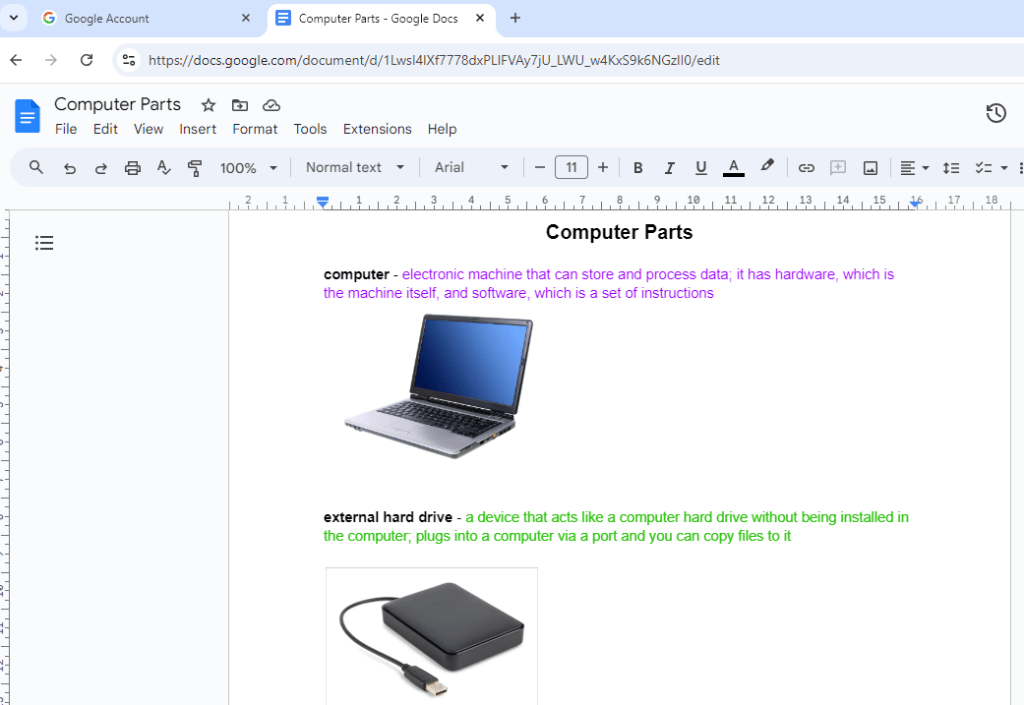

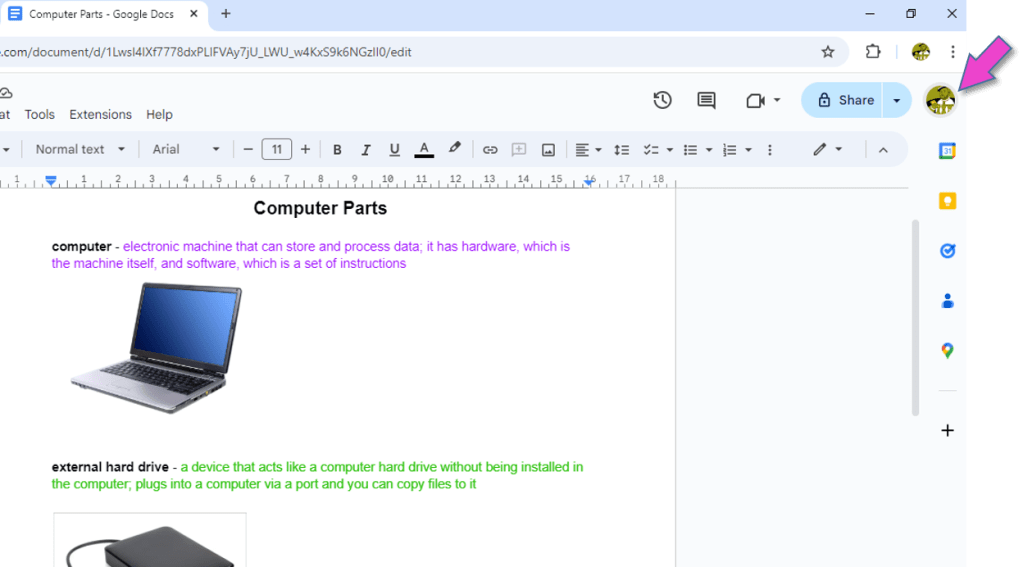
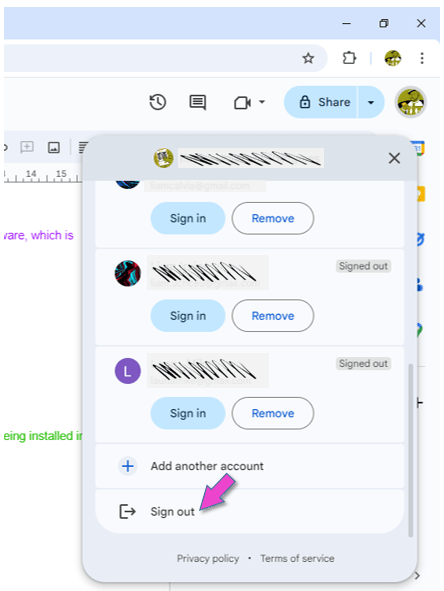
Sign out of your Google account.
This is VERY important, because everybody can log into the computers in the ICT room with the primary password!!!
4.
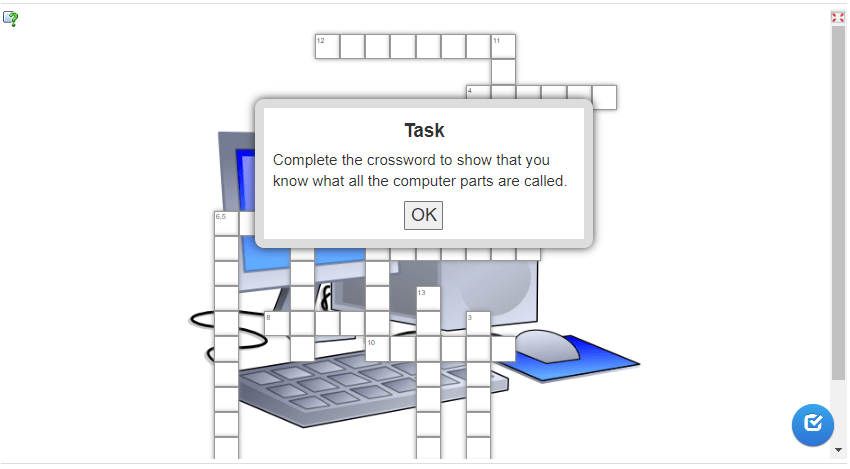
Do you know all the parts of a computer?
Click on OK to complete the crossword below:

(WordPress advertisements may appear below.)
 Best study methods