

Today, you are going to….
- discover some online dangers
- learn how to keep yourself safe online
- practise using Google Slides to create a slides-show
1.

Keeping Kids Safe on the Internet. (8:24 minutes long)
2.
In the previous lesson you did research on online safety / cyber security. Below are the links in case you need to look at the information again:




3.
You will complete a project on Cyber Safety, using Google Slides. Here is a brief reminder: “How to use Google Slides”.
How To Use Google Slides. (5:21 minutes long)
4.
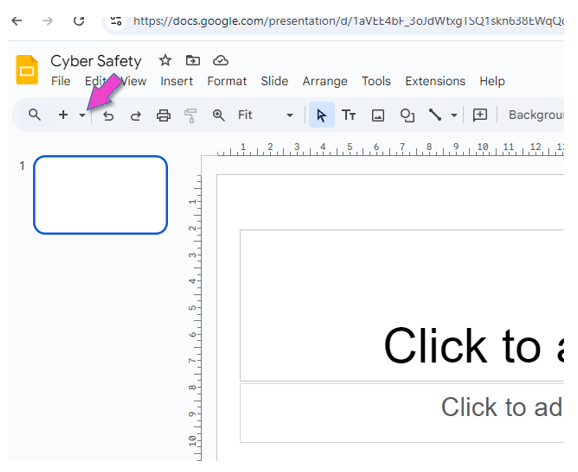
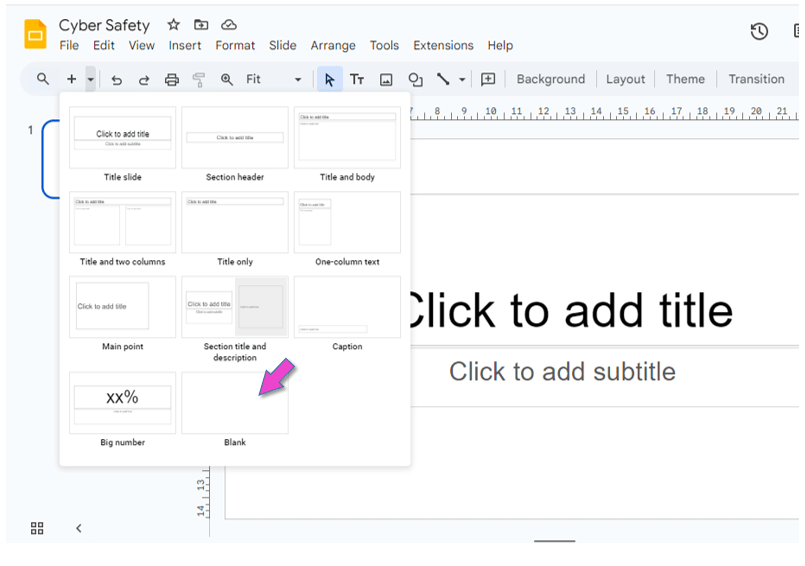
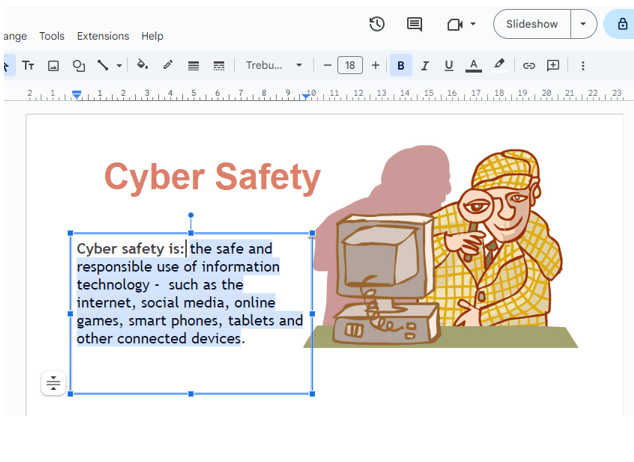
Using Google Slides, make a slides-show on “Cyber Security”.
Also include some colour and images in your slides.


Sign into your Google account.
Click on this icon to sign into the account:
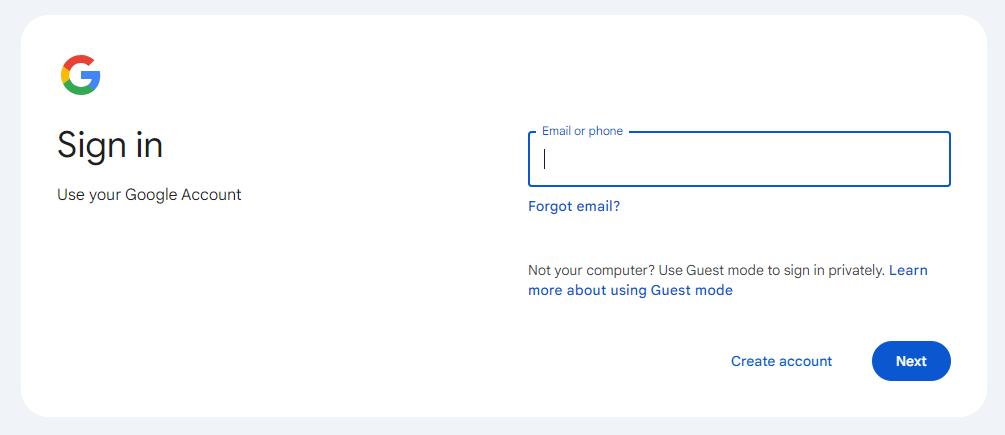

Open Google Slides.
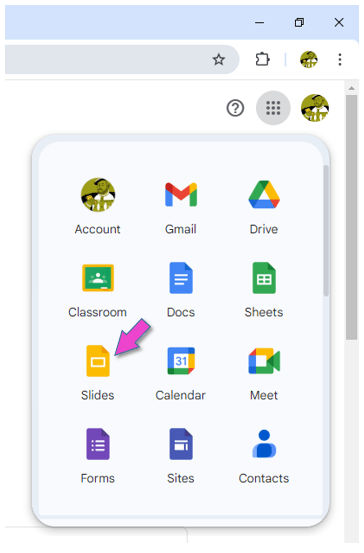

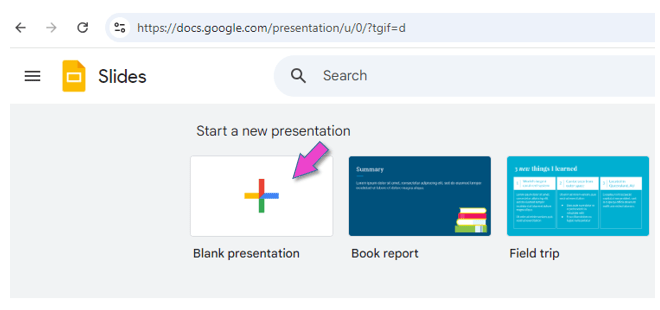
Click on BLANK PRESENTATION.

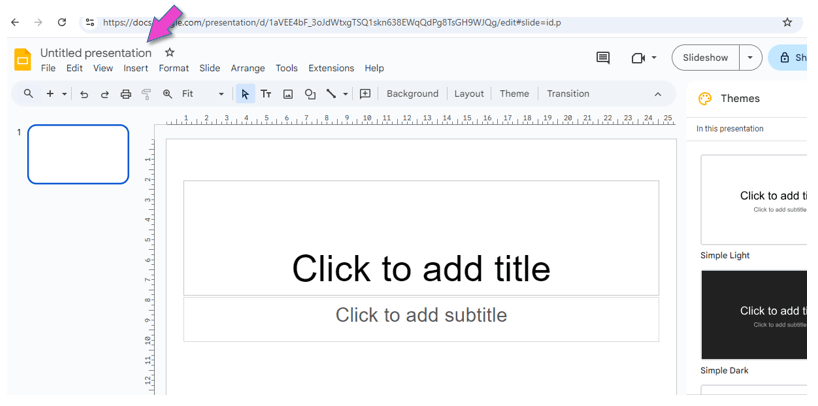
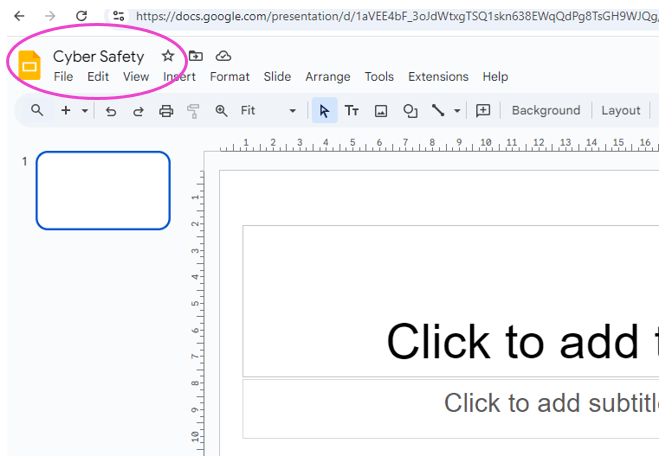
Give the document a name: “Cyber Safety”.


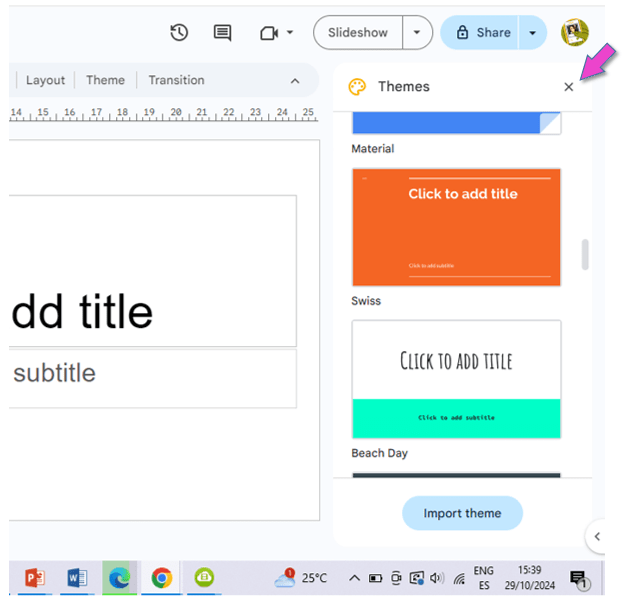
Create the document.

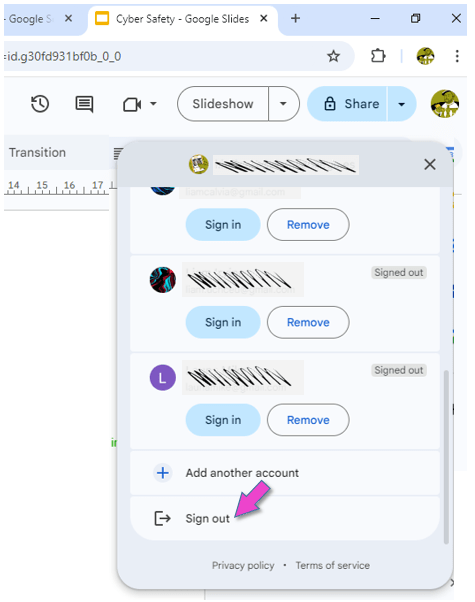
Sign out of your Google account.
This is VERY important, because everybody can log into the computers in the ICT room with the primary password!!!
5.
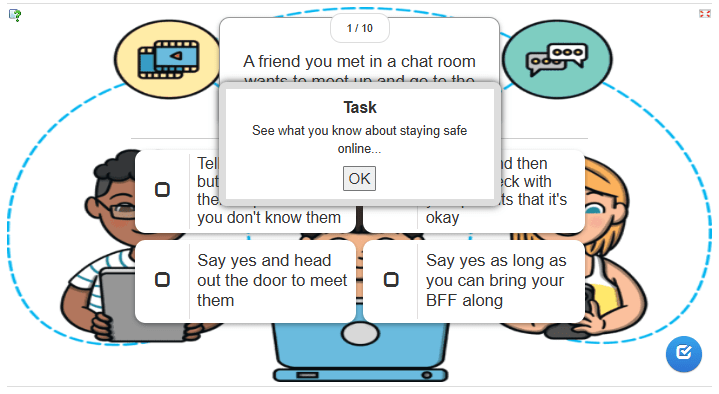
Do you know how to stay safe online?
Click on OK to complete the quiz below:

(WordPress advertisements may appear below.)
 Best study methods