

Today, you are going to….
- Use Google Sheets to create images of Santa…
- Use the internet, online tools, or word processing programmes to create something else related to Christmas…
1.
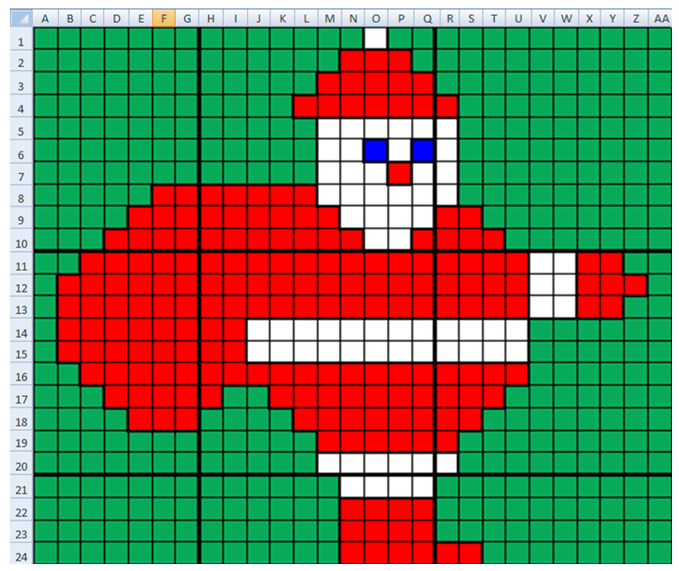
Use Google Sheets to create the following images of Santa:



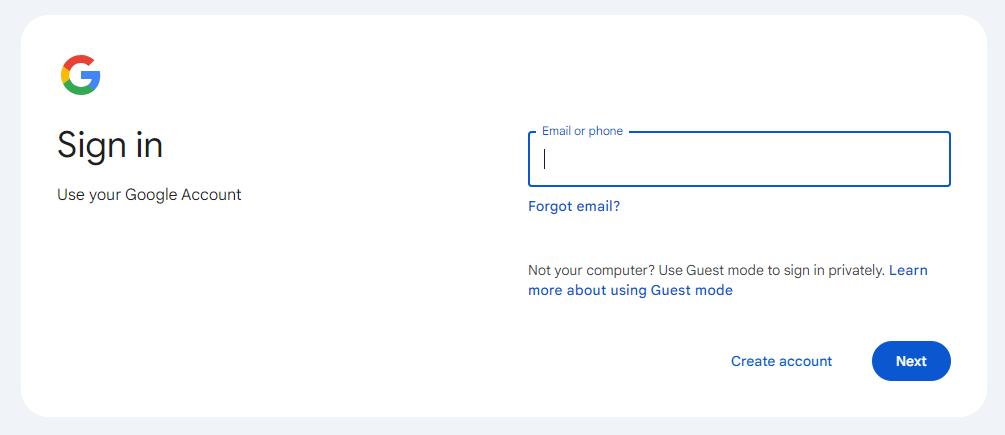
Sign into your Google account.
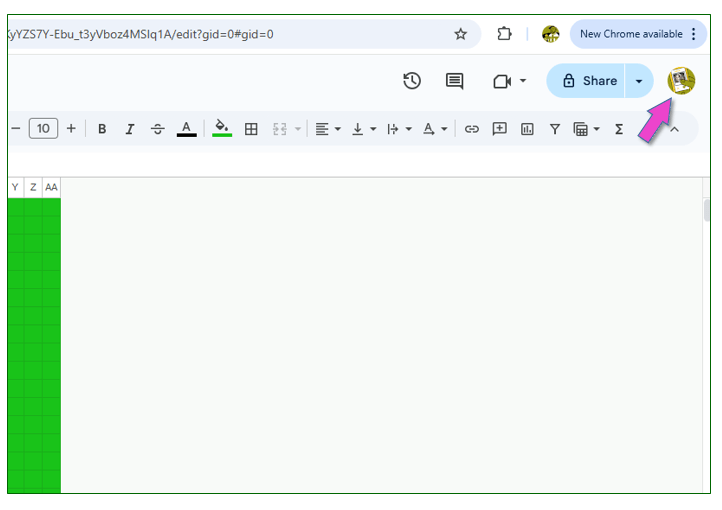
Click on this icon to sign into the account:

In G-mail, open the “Santa” document sent to you by your teacher.
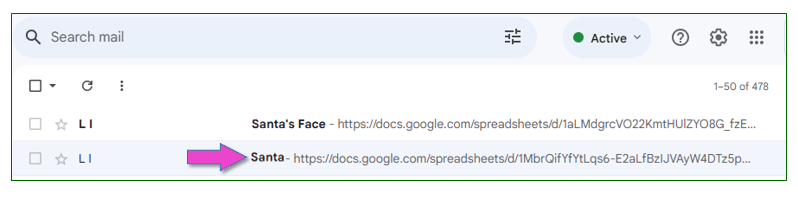

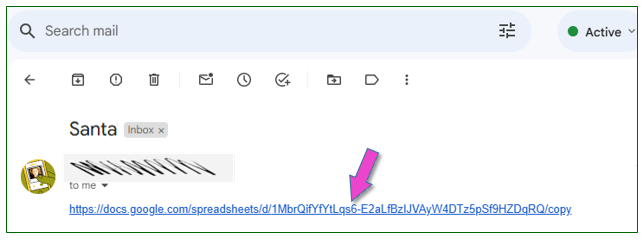
Click on the link to access the document needed for this task.

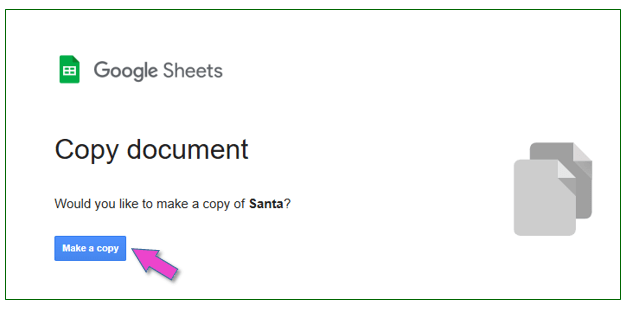
Click on: “Make a copy”.


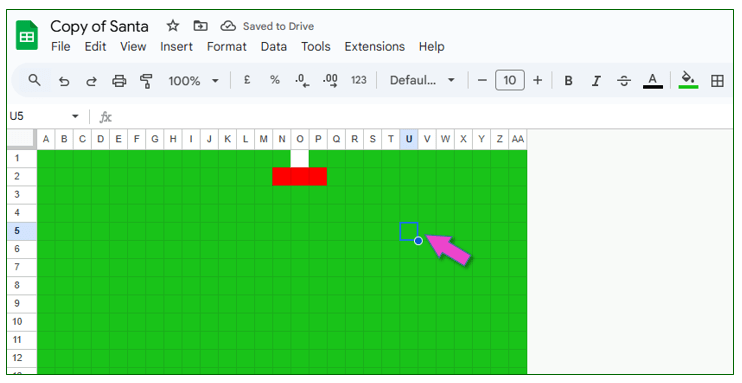
Now, use this document to create an image of Santa.
(Use cell heights, widths and background colours to make the Santa Clause image. To change the colour of the cells, you need to use the “fill tool”.)
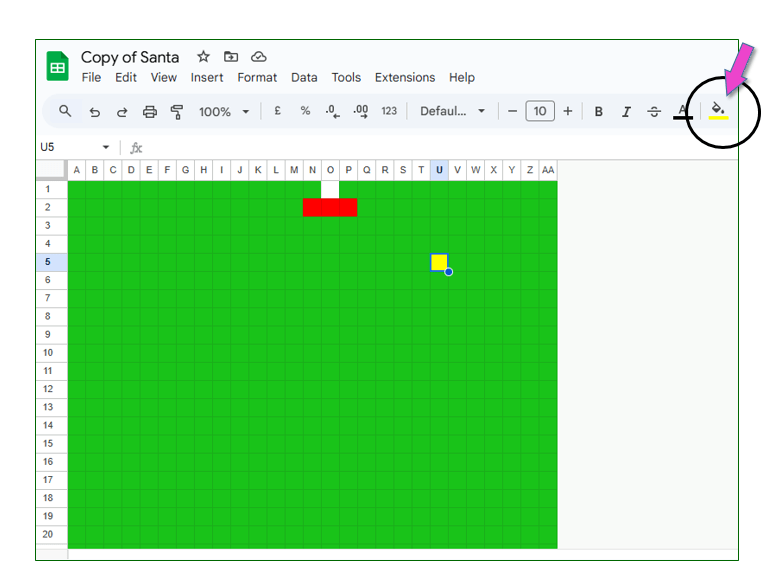

Once completed, share your document with your teacher.
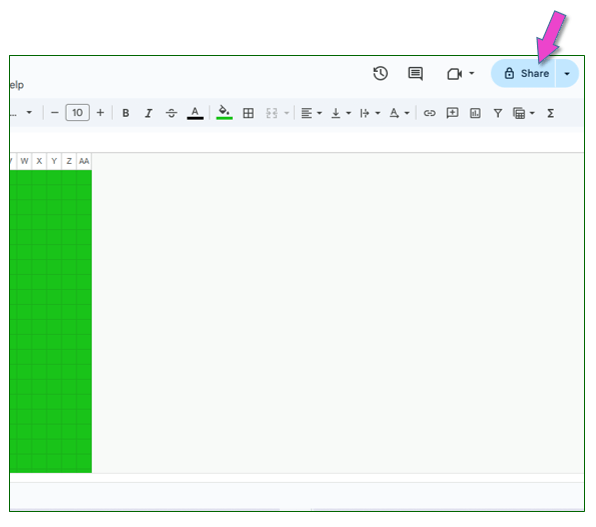

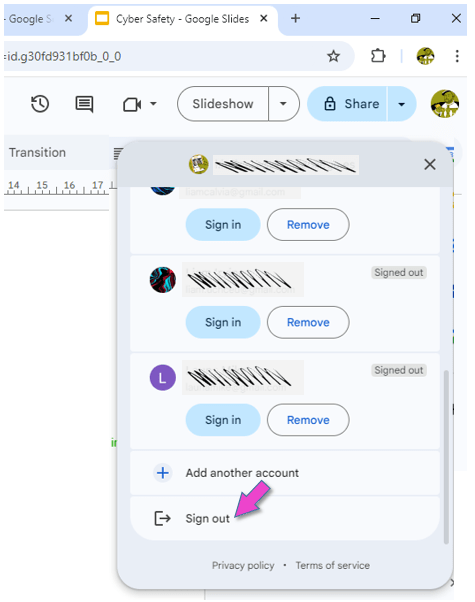
Sign out of your Google account.
This is VERY important, because everybody can log into the computers in the ICT room with the primary password!!!
You may be asked to do this second task as well:

Sign into your Google account.
Click on this icon to sign into the account:
In G-mail, open the “Santa’s Face” document sent to you by your teacher.
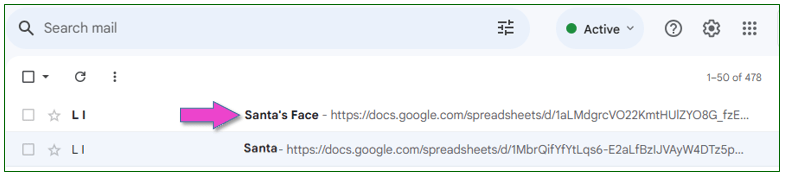
Click on the link to access the document needed for this task.
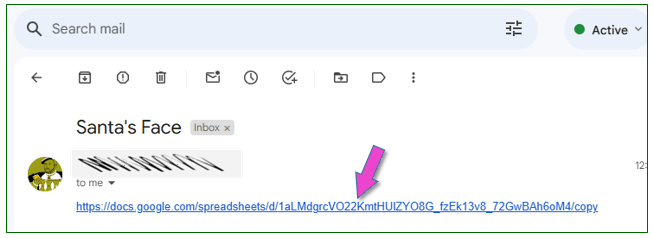
Click on: “Make a copy”.
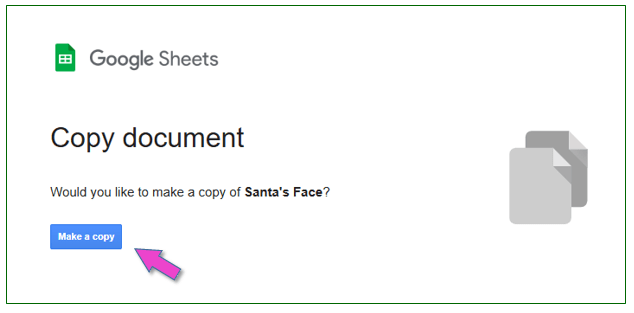
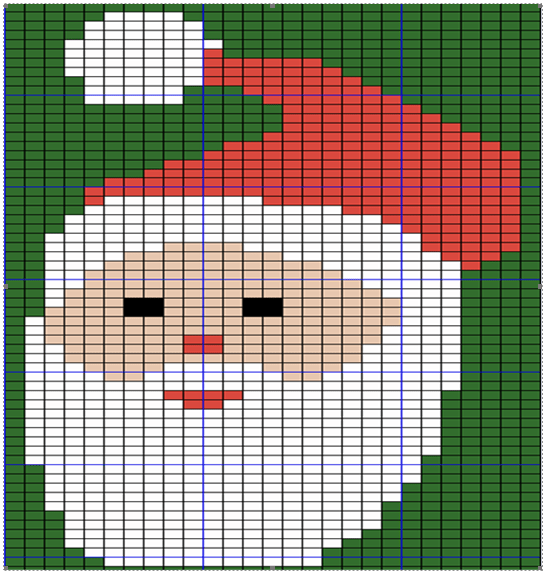
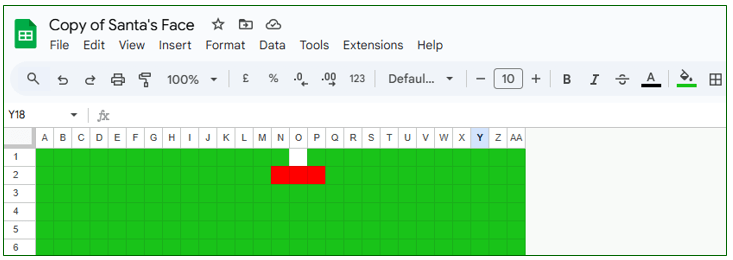
Now, use this document to create an image of Santa’s face.
(Again, you will use cell heights, widths and background colours to make the image of Santa’s face. Work out how many cells there are and then use cell heights, widths and background colours to make a Jolly Santa. To change the colour of the cells, you need to use the “fill tool”.)
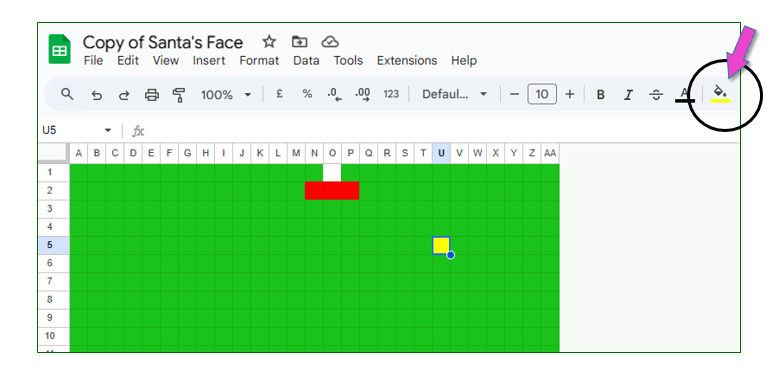
Once completed, share your document with your teacher.
Sign out of your Google account.
This is VERY important, because everybody can log into the computers in the ICT room with the primary password!!!
2.
ICT Tasks for Christmas….


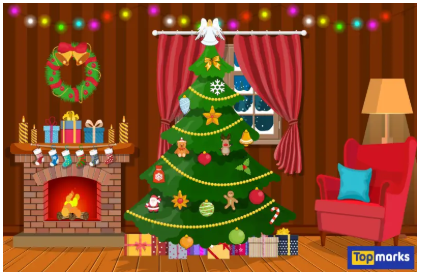
Decorate a Virtual Christmas Tree
You need to decorate the virtual Christmas tree by dragging ornaments.
Skills Developed: Basic mouse skills, & creativity.

Christmas-Themed Games
Play online Christmas-themed educational games like matching games, jigsaw puzzles, or memory games.
Skills Developed: Problem-solving & cognitive skills.


Decorate a Virtual Christmas E-Cards
Use a card-making app or website to create and send a Christmas e-card to family or friends.
Skills Developed: Basic design, creativity, sharing online.


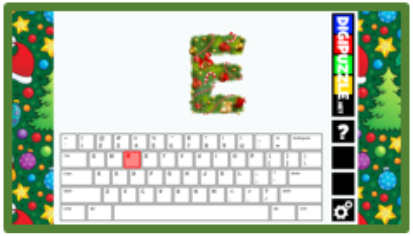
Holiday-Themed Typing Practice
Use fun, Christmas-themed typing games to improve your keyboard skills.
Skills Developed: Typing, & hand-eye coordination.
OR

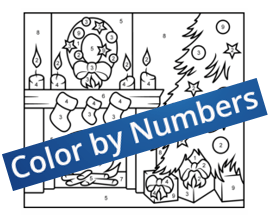
Christmas Coloring Pages
Color Christmas-themed pages using online coloring books.
Skills Developed: Creativity, digital drawing, & basic mouse skills.

OR

Christmas Music Coding
Use Scratch Jr. to create a simple project where characters move or play sounds in time with a Christmas song.
Skills Developed: Basic coding, pattern recognition.

How to make a Christmas Game with Scratch FAST. (9:57 minutes long)
3.
If there is still time, you may do an extension task…
(Click on the button below to access more activities.)
4.

Create a Christmas Picture in Paint…
Task: Use a simple drawing tool like Microsoft Paint or a tablet app to draw a Christmas scene (snowman, tree, presents, etc).
Skills Developed: Digital art, mouse control, creativity.
Tools: Microsoft Paint, Paint 3D, Procreate.
OR
Create a Christmas Story with Stickers and Animations…
Task: Use apps like Toontastic 3D or ChatterPix Kids to create simple
Christmas stories by adding stickers, voice recordings, and animations.
Skills Developed: Storytelling, basic animation, creativity.
Tools: Toontastic 3D, ChatterPix Kids. (These apps need downloading…)
OR
Make a Christmas Collage…
Task: Use apps like Pic Collage to make a fun Christmas collage with family photos, stickers, and text.
Skills Developed: Creativity, basic digital manipulation.
Tools: Pic Collage, Adobe Spark for Kids. (These apps need downloading…)
OR
Build a Christmas Scene in a Block-Based Game…
Task: In simple block-based building games like Toca Blocks or Lego Builder, kids can create a Christmas-themed world.
Skills Developed: Spatial awareness, creativity, basic problem-solving.
Tools: Toca Blocks, Lego Builder. (These apps need downloading…)
5.



(WordPress advertisements may appear below.)
 Best study methods