
This lesson is based on teachcomputing.org lessons.

Today, you are going to….
- revise networks
- describe networked devices and how they connect
- see how networked devices make up the internet
- realise that the World Wide Web is the part of the internet that contains websites and web pages
1.

What is a network?
A computer network is a set of computers sharing resources.
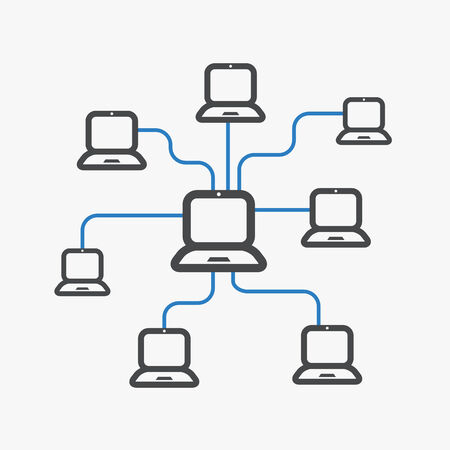
The computers in a network are connected with a “switch”.
Messages are sent from one computer to another in a network, via the network switch.

Messages can also be send from one network to another network.
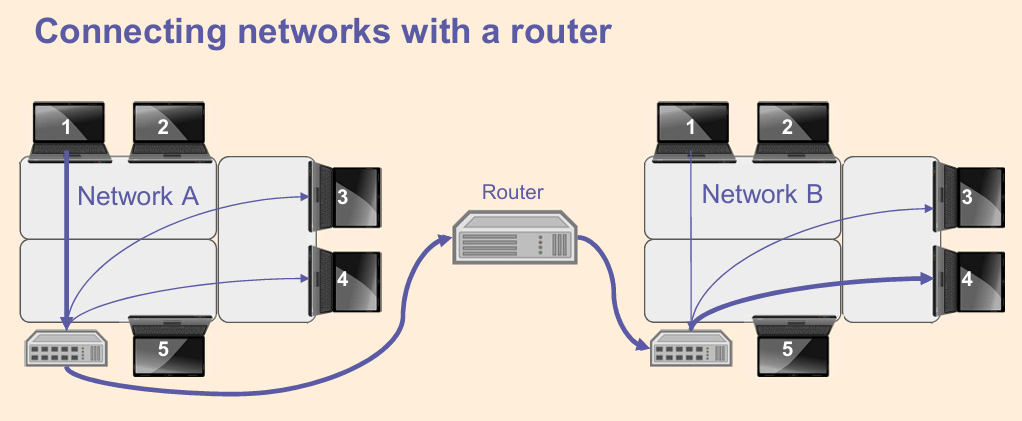
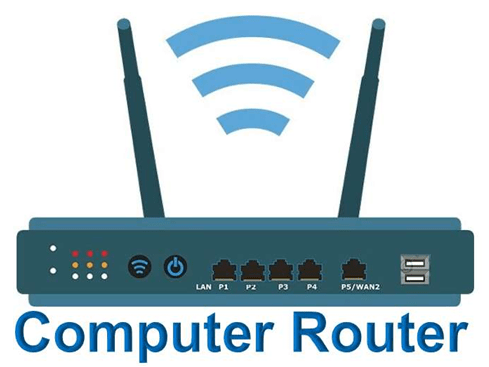
The networks are connected to each other with a “router”. (Routers enable messages to be passed between networks via switches.)
2.

The internet is a worldwide system of interconnected computer networks, that communicate with each other.

Sometimes the internet is simply called the net.
3.

What is the Internet? (3:44 minutes long)
4.

The World Wide Web is part of the internet.
The World Wide Web refers to all the websites or pages that users can access on their local computers and other devices through the internet.
5.

A website is a set of web pages located under a single name. It is usually produced by an individual or an organization.
(Basically, it is a place you visit on the internet, like a page in a book, with pictures, words, and videos, on specific topics.)
6.
Where are websites kept, or stored? (Or “hosted”?)
Most websites are hosted in places called “data centres”.
Data centres are large buildings full of powerful computers.

Data centres can be anywhere in the world! They are distributed all around the world.
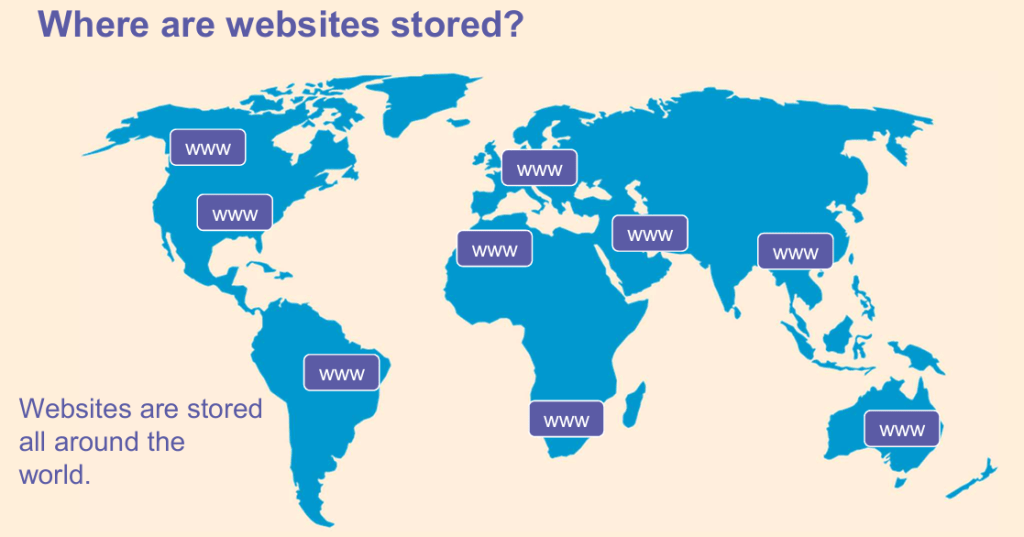
Some of the largest data centres are owned by companies such as Google, Amazon, Apple and Microsoft.
7.

What is “web content”?
What do we mean by “content”?

Content is the stuff on a website.
For example, any text, image, audio, or video (that is part of the website) is web content.
8.
Let’s see what you know. Click on the link below to fill in the missing information about the internet:
The internet is connected by lots of _______. The ________ is part of the ___________, where we can visit _______ and ________.
9.
So, what is a web browser?
A web browser lets you look at (or “browse”) web pages on the internet. For example, Google Chrome is a web browser.
Chrome can be found on many computers and mobile devices.
Here are examples of other web browsers:

10.
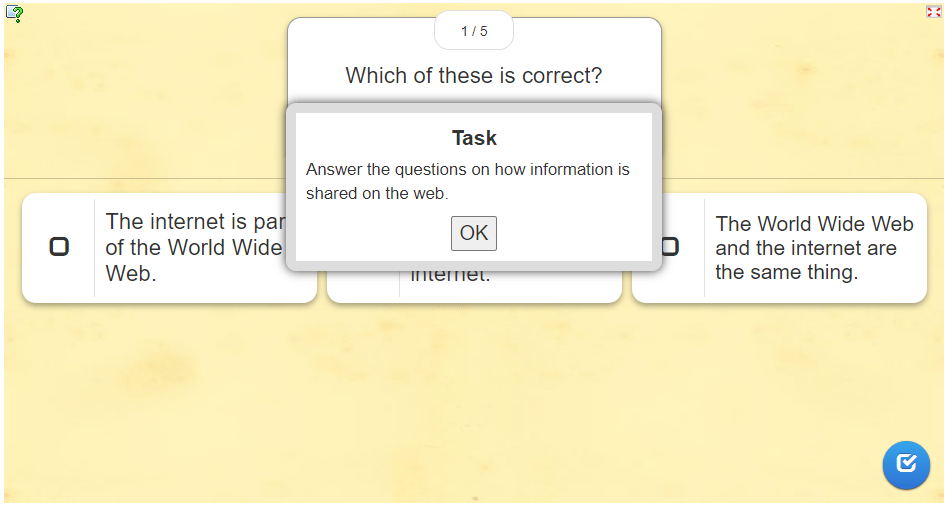
Test yourself!
Complete this short quiz…
What do you know about sharing information on the web?
Click on OK to complete the task below:
11.

Finally, here are some abbreviations that you should know:
LAN – Local Area Network (LAN)
A LAN is a network that connects computers and devices within a localized area, such as a home, office, or building.
WAN – Wide Area Network (WAN)
A WAN is a network that covers a large geographical area, often connecting multiple LANs.
The internet itself is the largest example of a WAN!
12.

How The INTERNET Works – Argo’s World | STEM for Kids (Science, Tech, Engineering, Math). (3:44 minutes long)
13.
Finally, another abbreviation:

Can you explain what HTML is?
ANSWER

HTML stands for Hypertext Markup Language.
But what is HTML?
Do you have any idea?

ANSWER

HTML is a code. Websites are created by using this code!
14.
You can see the code for any website by following these easy steps in Google Chrome:
- Go to a website
- Right-click on a section of the website e.g. an image
- Click Inspect
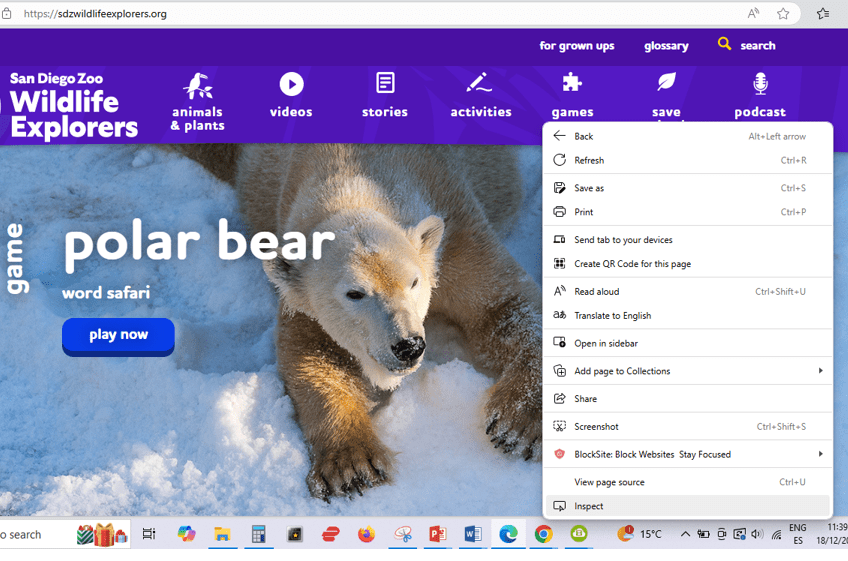

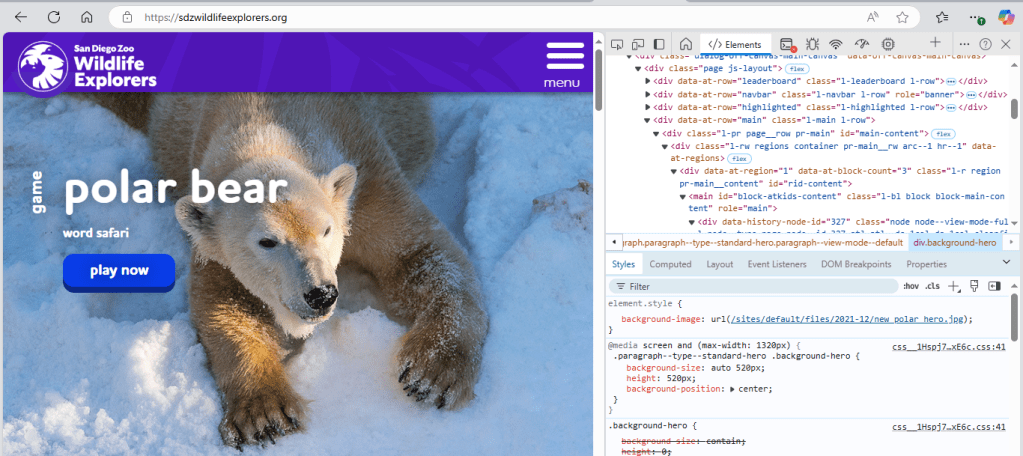
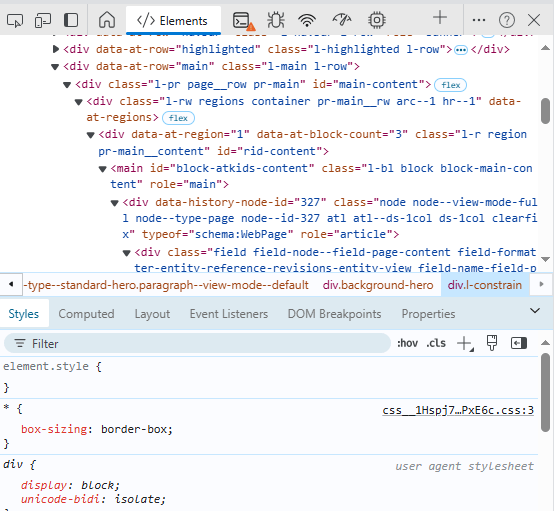
Now you can see the HTML code.
The code defines what the website will look like.
15.
So, what does HTML stand for?
(Choose the correct answer below.)
- How To Make Layouts
- Hypertext Make Up Language
- How To Move Lines
- Hypertext Markup Language
16.
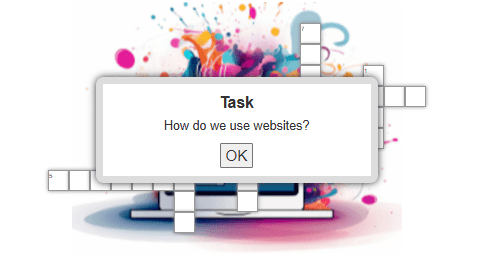
Let’s see what else you know about websites…
17.

You need to know:
- The internet is a network of networks.
- The networks are connected to each other with routers.
- The Web Wide Web (or “web”) is the part of the internet that contains websites and web pages.
- Web pages are stored in big computers called data centres.
- Web browsers allows us to access (or look at) information on the web.
- Websites are created by using HTML (a code).

This is the original lesson source:
(WordPress advertisements may appear below.)
 Best study methods