

Today, you are going to….
- learn how to recognize safe websites
- examine unsafe websites
- make a “Safe Browsing” poster
1.

Child Focus ‘E-safety’. (1:52 minutes long)
2.

Let’s talk about what makes a website look safe.
3.
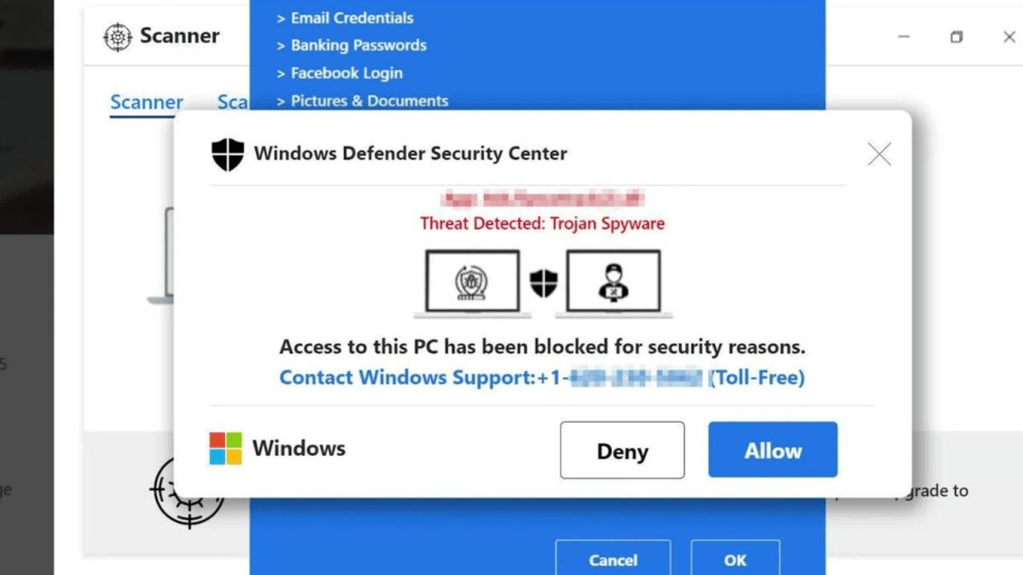
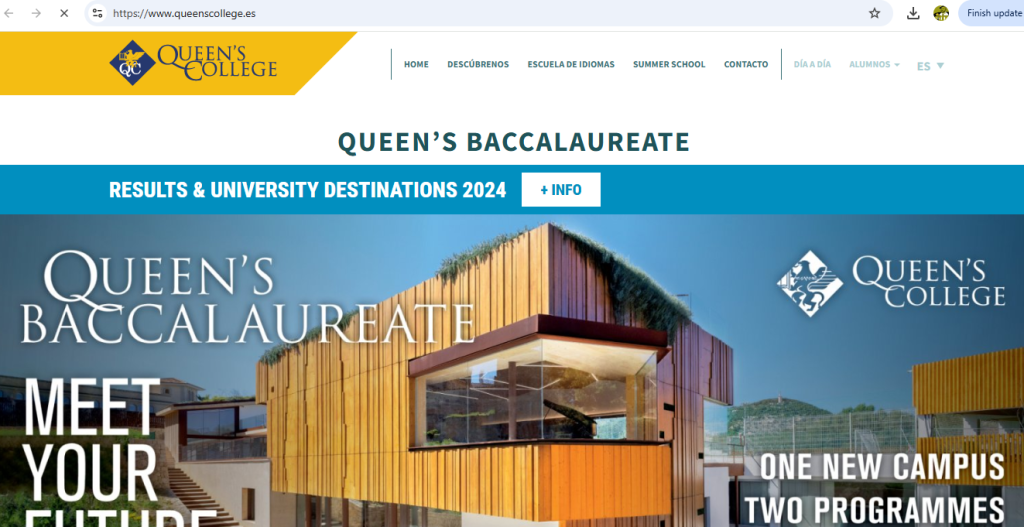
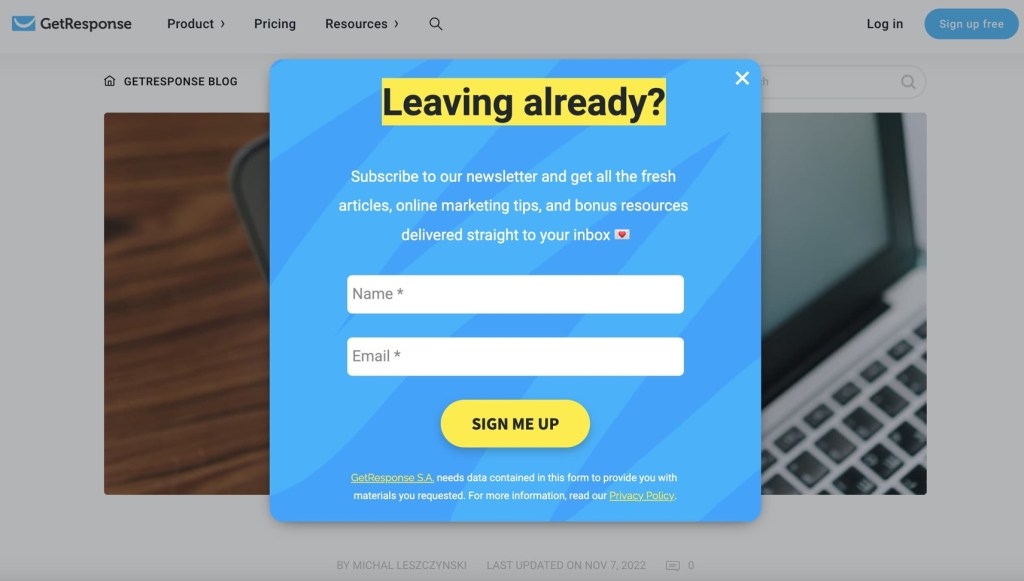
Which of these websites do you trust?
Website 1
Website 2
Website 3
4.
We will now consider what makes a website safe:

Things That Make a Website Safe:

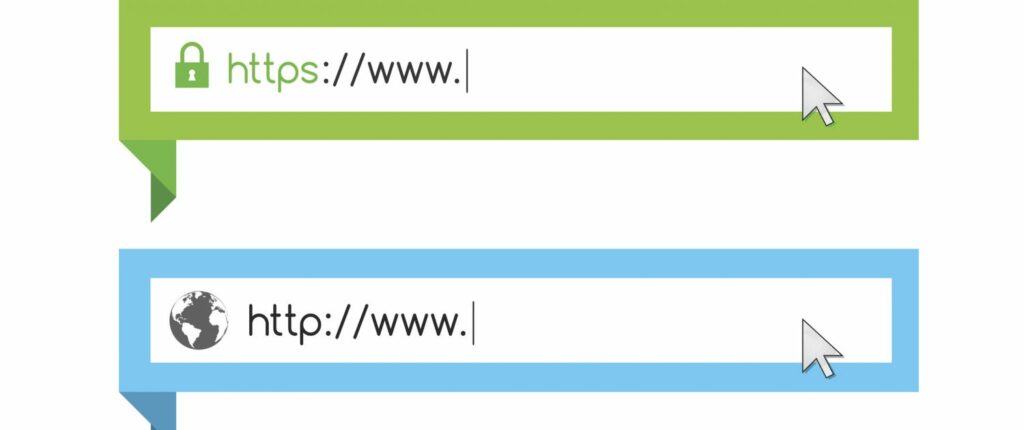
The Website Starts with “https”
Look for “https://” at the beginning of the website address. It means the website is safe and keeps your information protected.

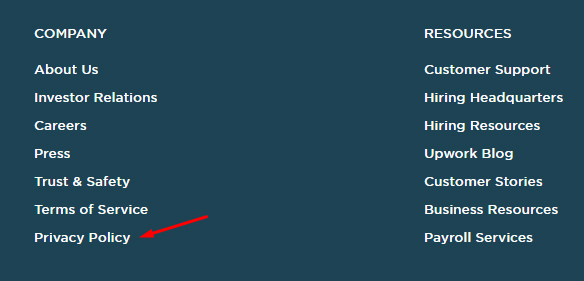
It Has a Privacy Policy
Safe websites tell you how they keep your information private and safe. They explain what they do with your information.

Parental Controls
Safe websites let parents check and control what kids can see and do on the website.


It’s from a Trusted Source
The website comes from a company, school, or group you know and trust, like your school website or a well-known store.

No Annoying Pop-Up Ads
Safe websites don’t have annoying pop-up ads that could take you to a bad website.

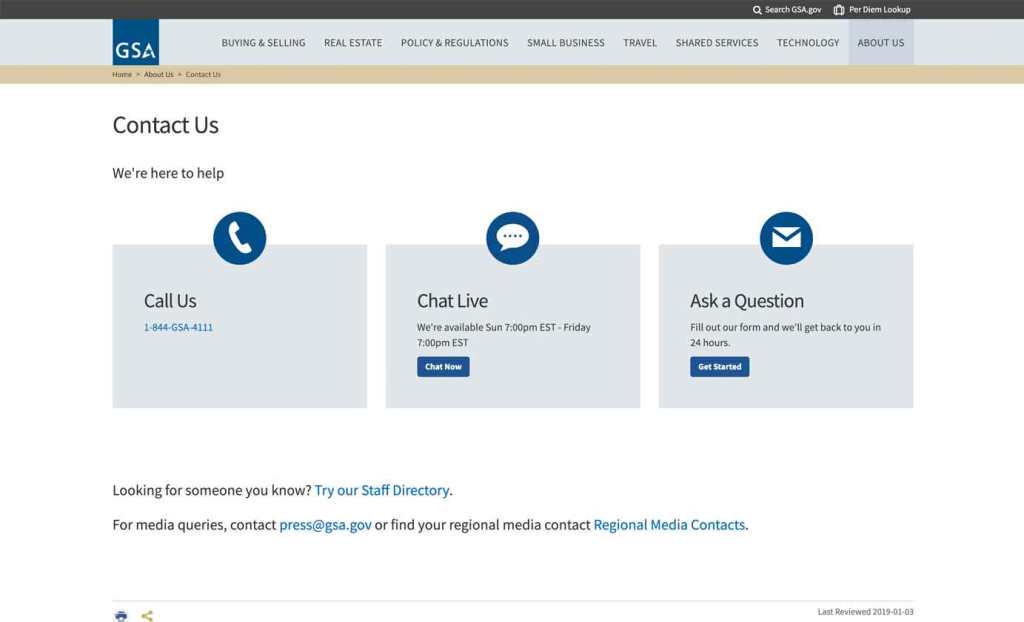
Clear Contact Information
The website shows where you can contact the people who run the website if you have questions or problems.

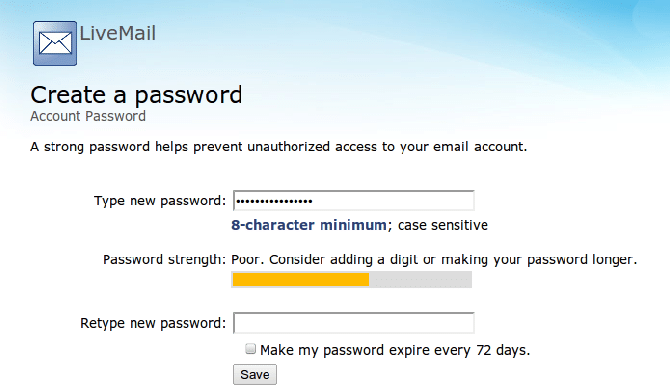
Strong Passwords
If you need to make an account, the website asks you to make a strong password with letters, numbers, and symbols to keep your account safe.
5.
We will now consider what makes a website unsafe:

Things That Make a Website Unsafe:
- No “https” in the Website Address
If the website doesn’t start with “https://,” it might not be safe to use. - No Privacy Policy
Unsafe websites don’t tell you how they protect your personal information. - Pop-Up Ads or Weird Links
Unsafe websites show pop-up ads or strange links that might trick you into clicking something bad. - Asking for Too Much Personal Info
If the website asks for your address, phone number, or other private information that doesn’t seem needed, it might not be safe. - No Way to Contact Them
If the website doesn’t have a way to contact someone for help or questions, it might be unsafe. - Spelled Wrong or Strange Name
If the website has a funny name or weird spelling, it could be a trick to get you to a fake website. - Confusing or Fake Information
If the website has confusing information or promises things that seem too good to be true, it’s best to stay away.
6.
Let’s look at ways in which websites are unsafe…


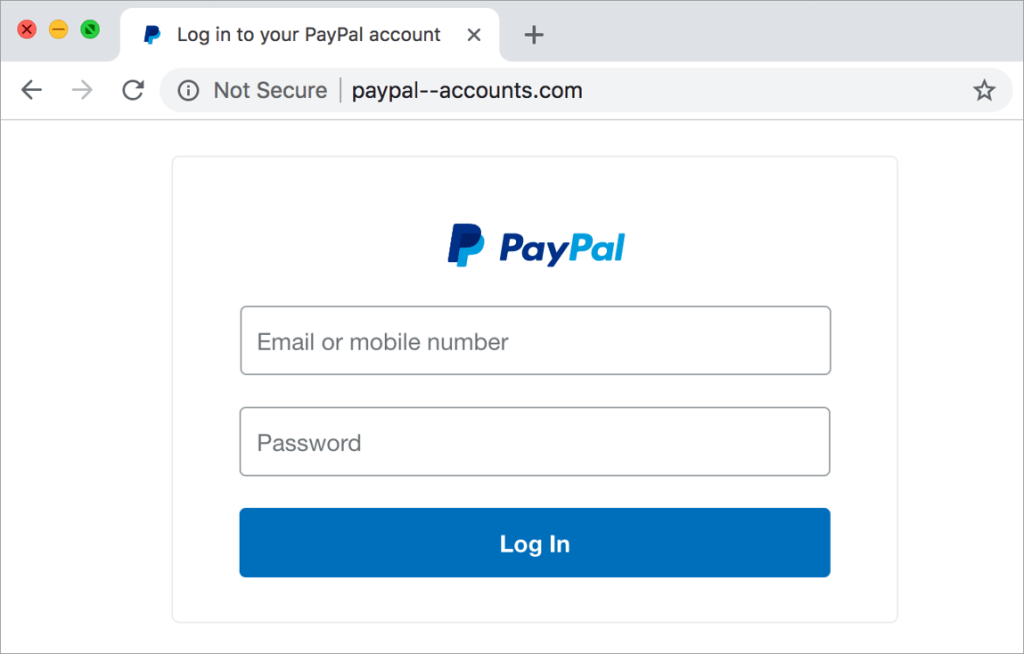
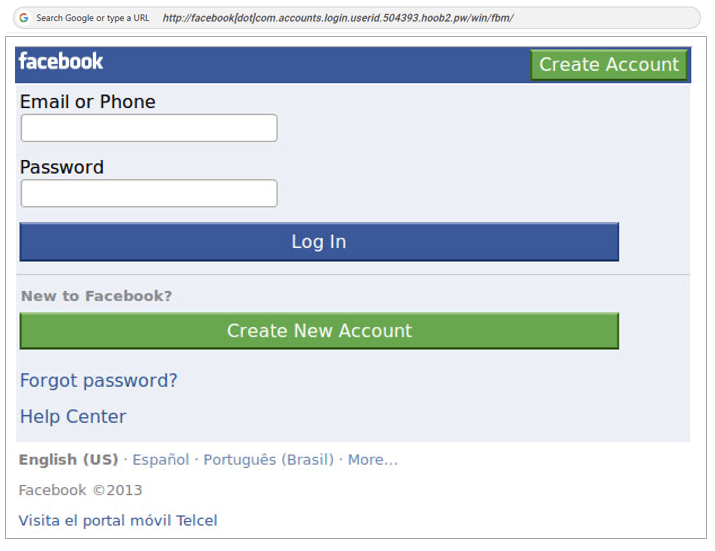
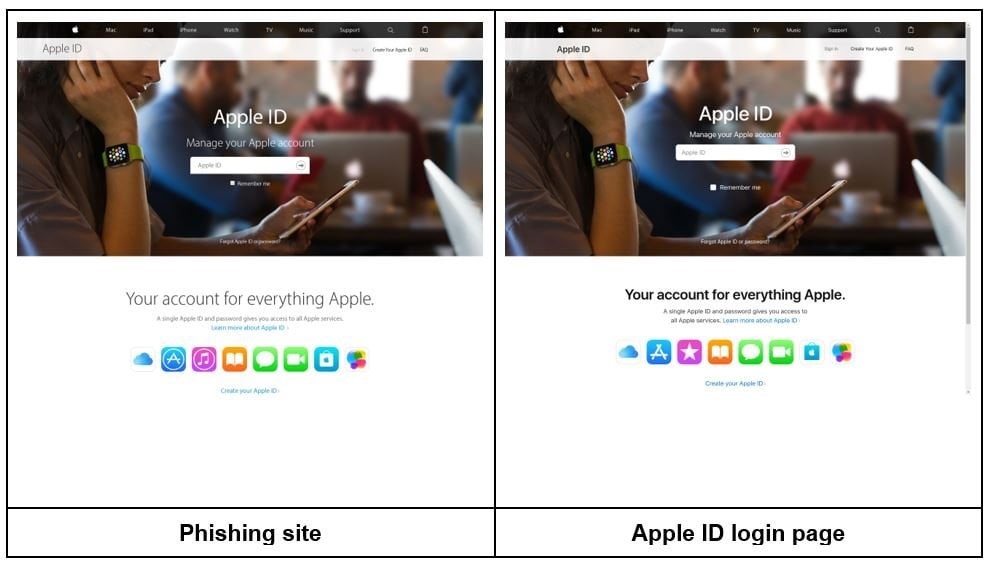
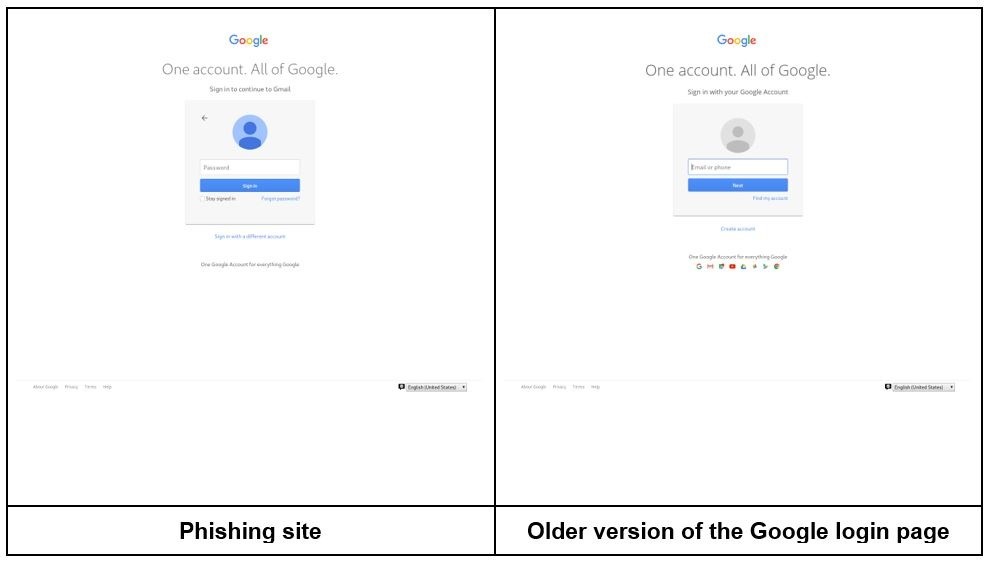
This is a fake login page that mimics a real service like Google or PayPal.
How does phishing work?
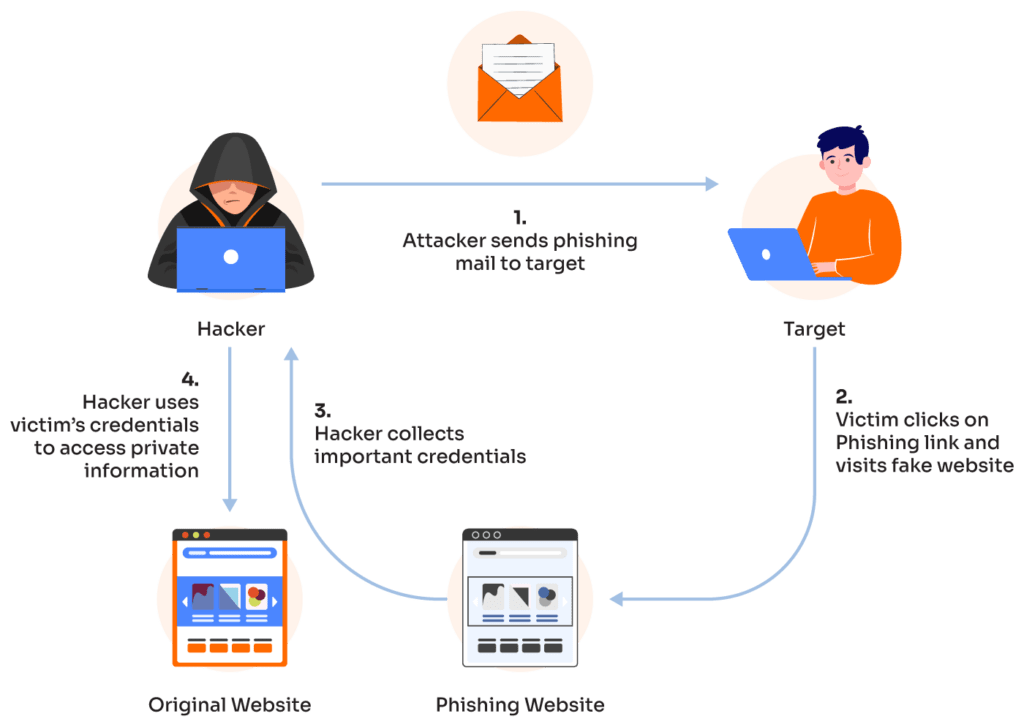
Phishing is a technique used by cybercriminals to trick people into giving up personal information such as credit card details and login details. It can come in many forms, including telephone phishing, smishing (SMS phishing), phishing emails, and phishing websites.






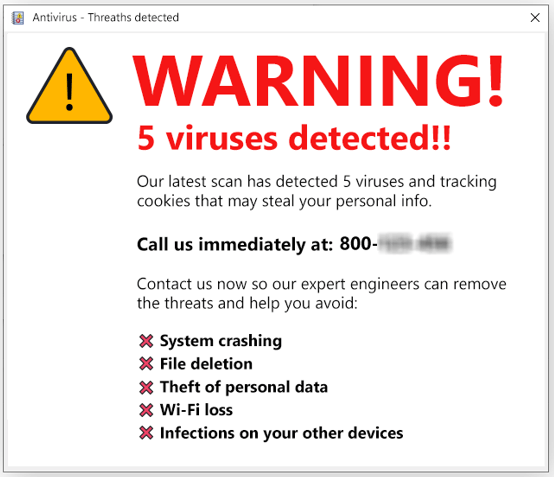
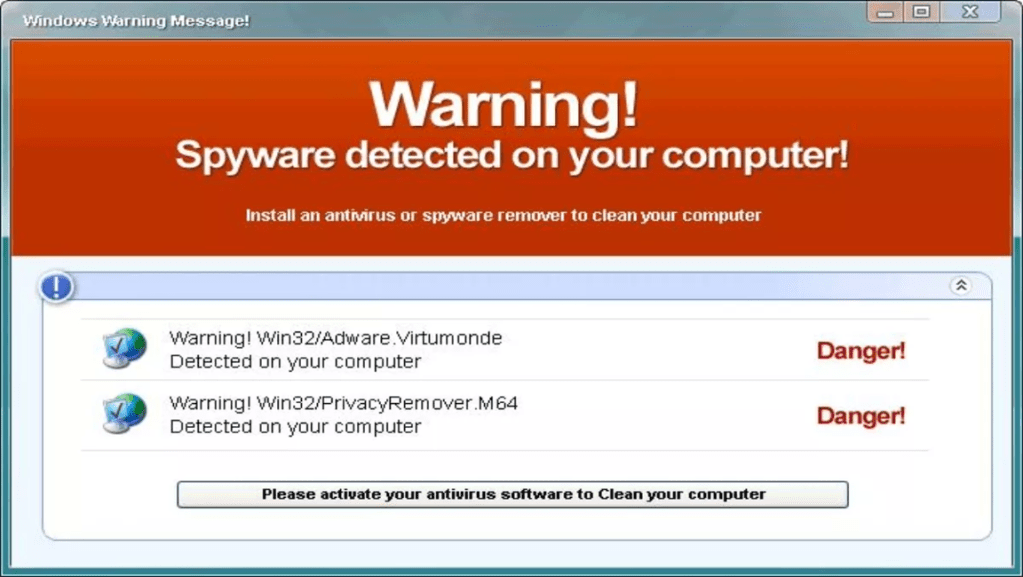
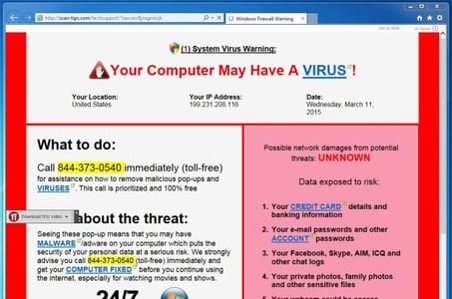
This is a flashing pop-up claiming “Your computer is infected! Click here to scan now!”
Some scare-war sites ask you to “contact a Helpline”. When you call the number, you would be asked to allow the technician to take remote control of your computer.

Does Your Computer Have A VIRUS? (5:46 minutes long)




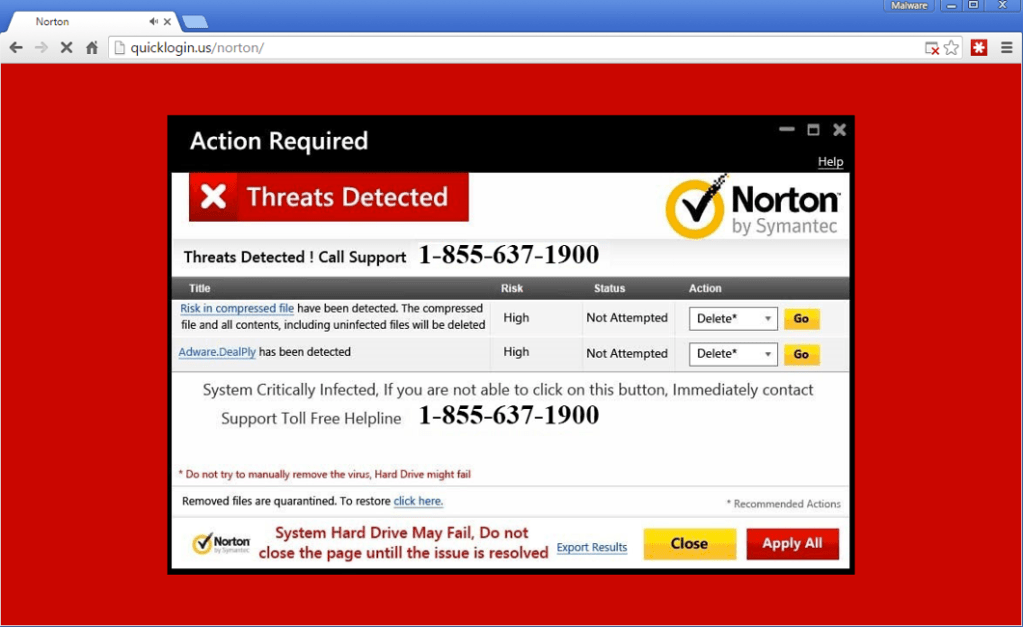

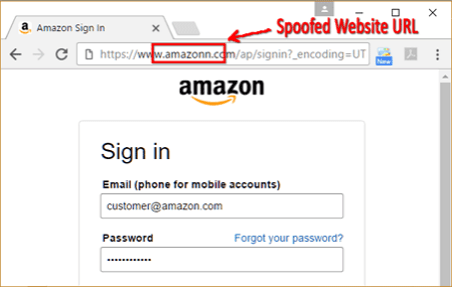
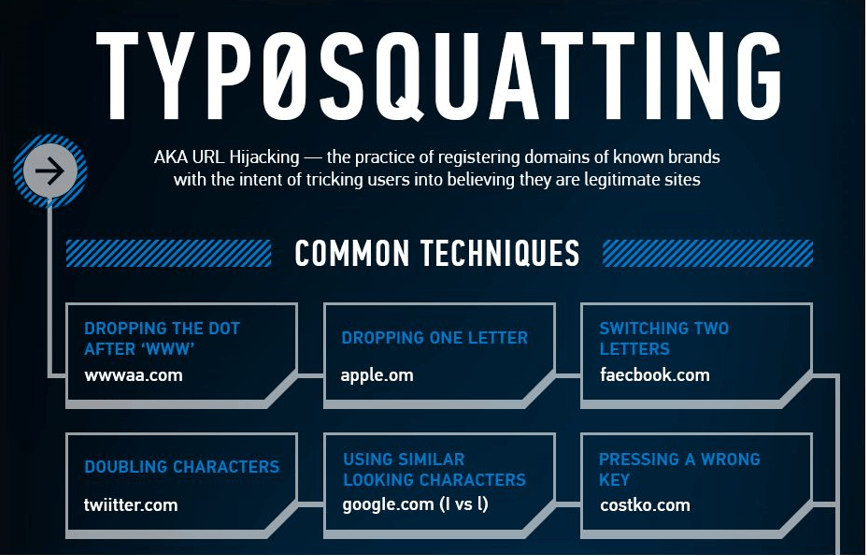
This is a website that looks like amaz0n.com instead of amazon.com, showing ads or malware downloads.
Typo-squatting, is a form of URL hijacking, where criminals register domain names that are slightly misspelled versions of legitimate websites. They do this to trick users into thinking that they use the real website.
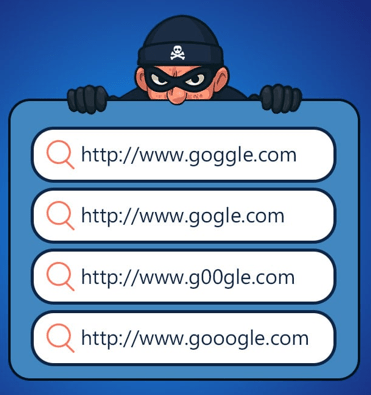

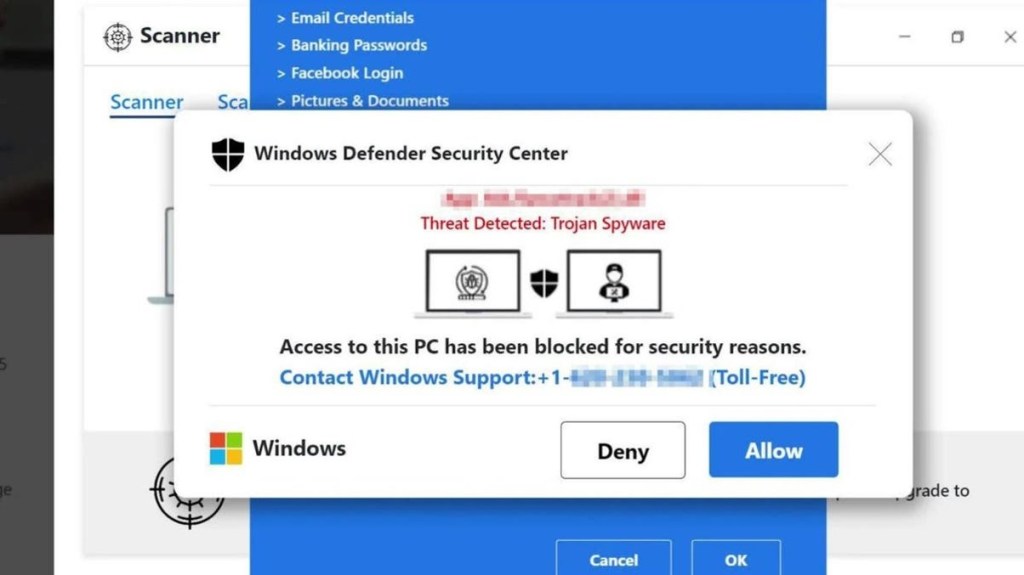
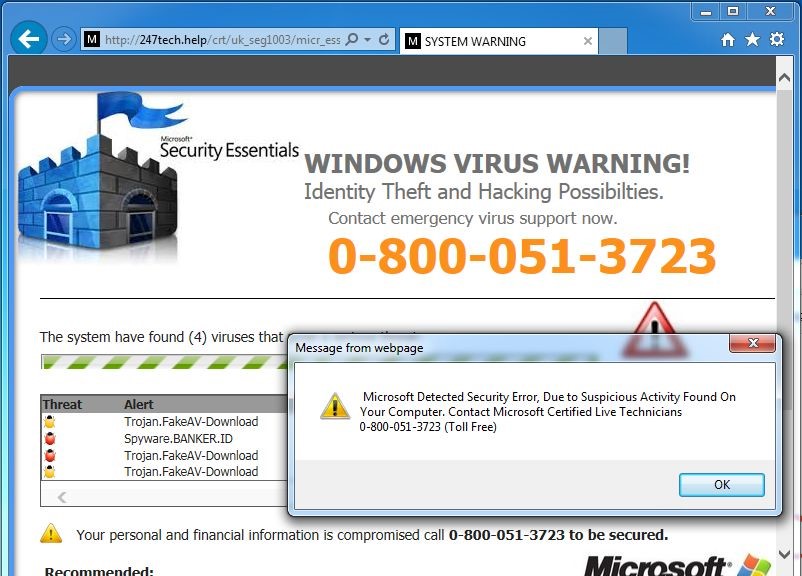
This is a page that locks the browser and displays a fake Microsoft or Apple warning with a phone number to call.




This is a a download page for popular software that includes multiple misleading “Download” buttons.

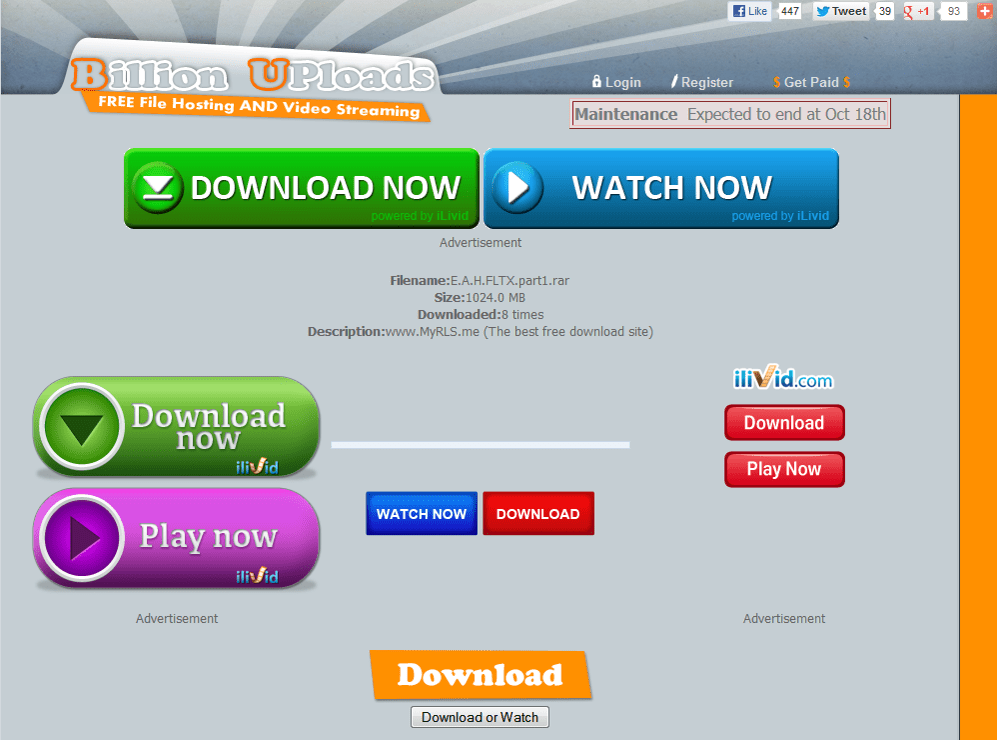
7.
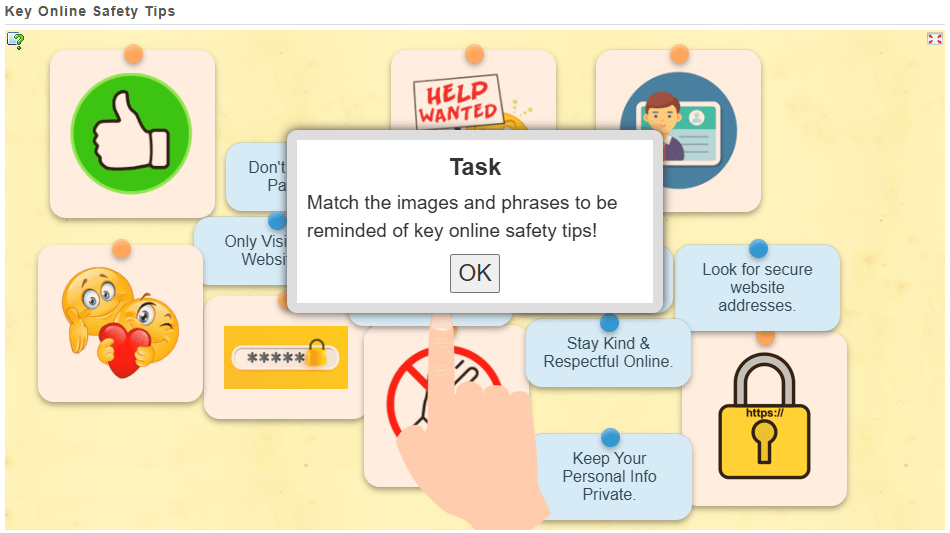
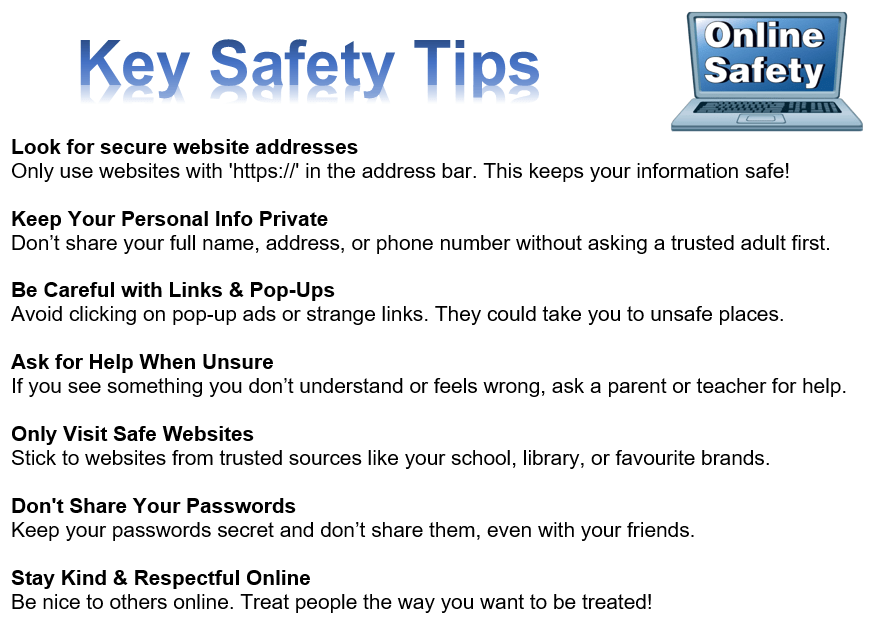
Do you remember these online safety tips?
8.
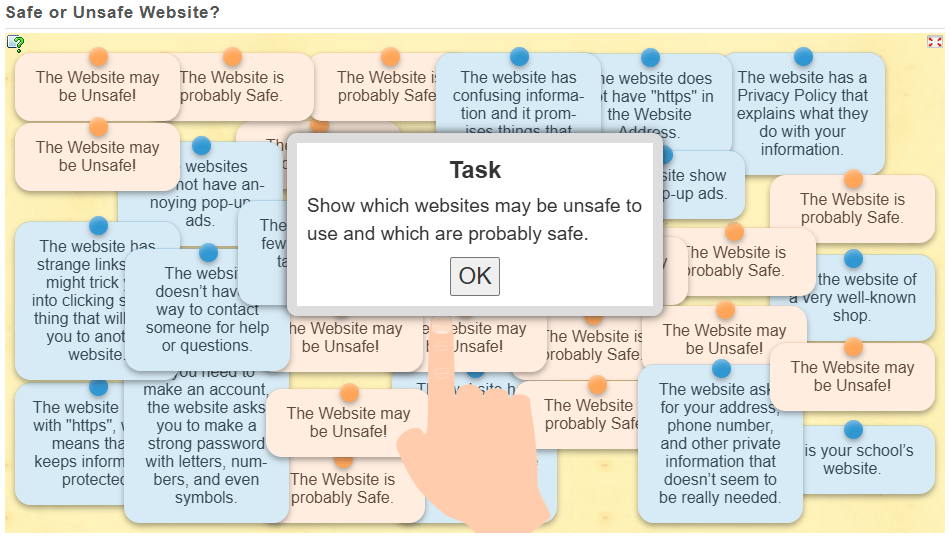
Can you identify which websites may be unsafe to use and which are probably safe?
9.
10.
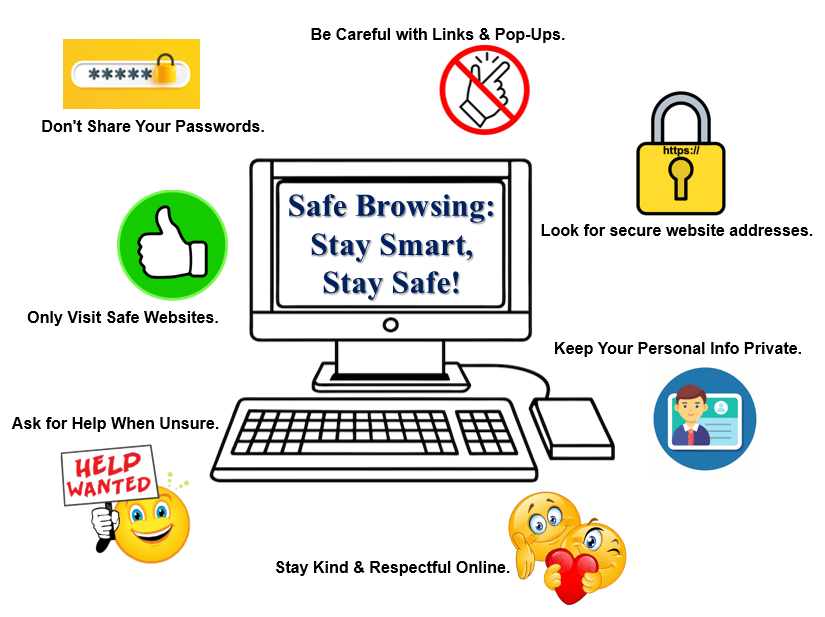
Create a “Safe Browsing” poster for the classroom.
You will need the following materials: glue scissors, pen, poster title, poster images, and the “key safety tips” sheet.
11.

Here are some awesome internet safety games that not only entertain but will also teach you essential online skills.
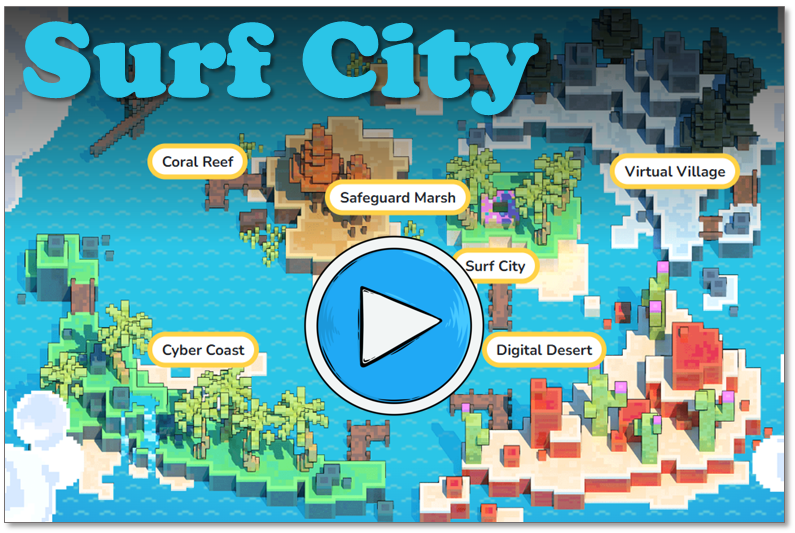
As you navigate through a virtual city, you will get pop-up questions at different points. By answering these questions, you do in an interactive quiz that helps you to learn essential internet safety skills.
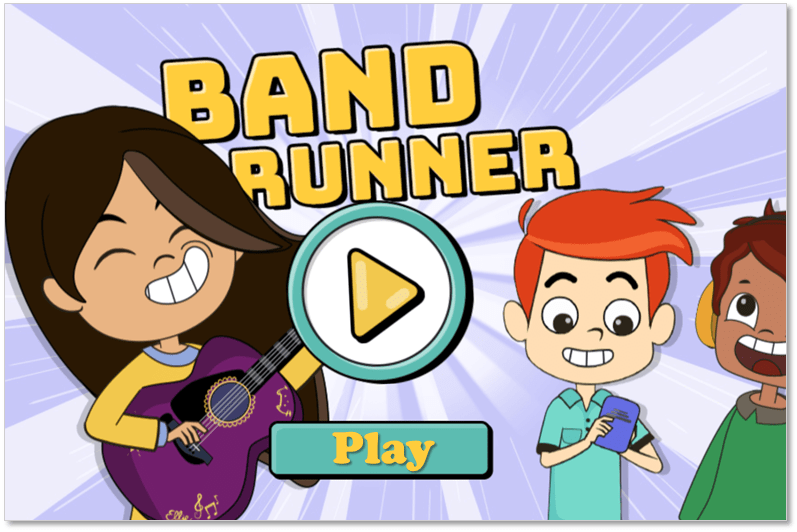
Band Runner blends fast-paced action with important safety lessons. You play as characters Alfie and Ellie. They run from potential dangers. You will help them recognize online predators and make quick, safe decisions.

(WordPress advertisements may appear below.)
 Best study methods