
THIS POST IS STILL UNDER CONSTRUCTION

Today, you are going to….
- rate some websites
- enter rating data on a spreadsheet
1.
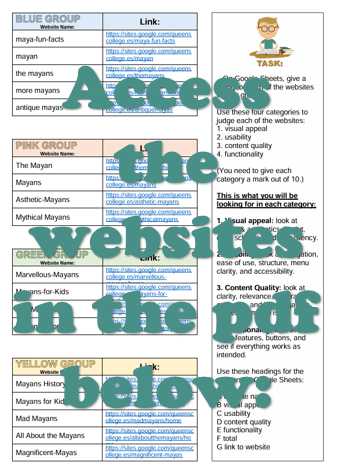
Carefully examine the websites allocated to you on the following document:
2.

Use these four categories to judge each of the websites:
1. visual appeal
2. usability
3. content quality
4. functionality
3.

You’re going to record some data in a
spreadsheet.
On Google Sheets, give a rating for each of the websites in your group.
(You need to give each category a mark out of 10.)
4.

This is what you will be looking for in each category:
1. Visual appeal: look at design & aesthetics, layout, color scheme, and consistency.
2. Usability: look at navigation, ease of use, structure, menu clarity, and accessibility.
3. Content Quality: look at clarity, relevance, accuracy, grammar, and how engaging the text or media is.
4. Functionality: look at all links, features, buttons, and see if everything works as intended.
5.

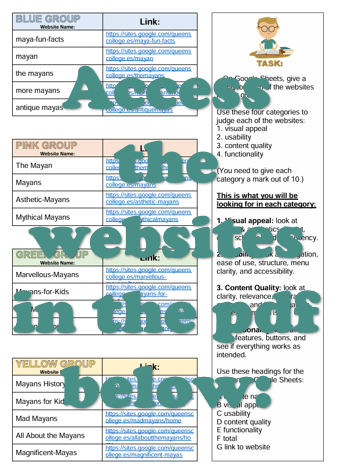
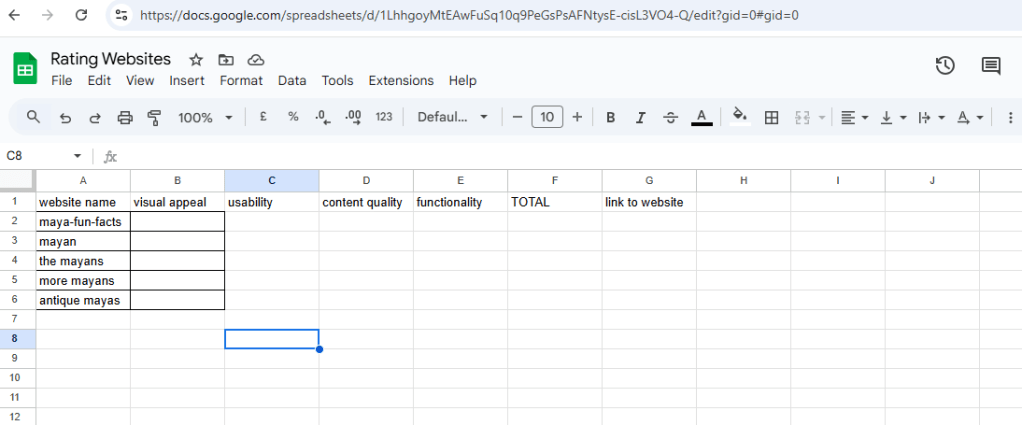
Use these headings for the columns in Google Sheets:
(Copy the column headings as shown on your worksheet.)
A website name
B visual appeal
C usability
D content quality
E functionality
F total
G link to website
6.
Key vocabulary
Data, collecting, table, structure, spreadsheet
7.

So, in Google Sheets, give a rating for each of the websites in your group. (See above worksheet.)


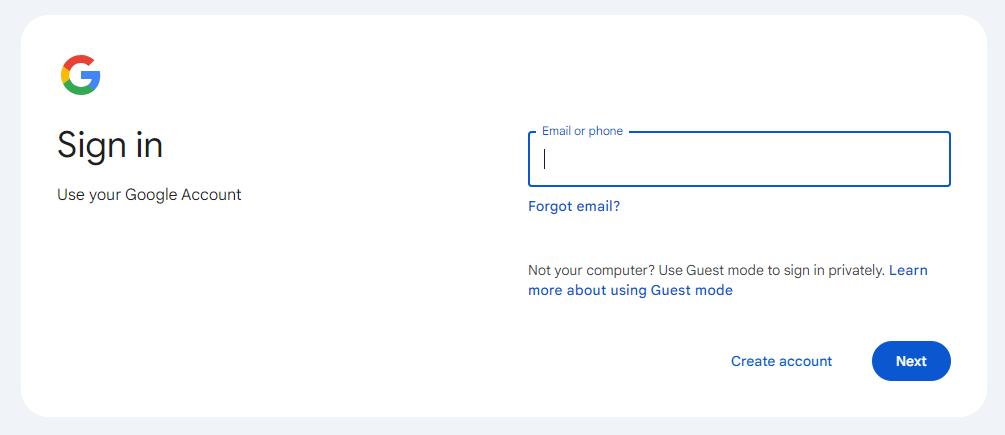
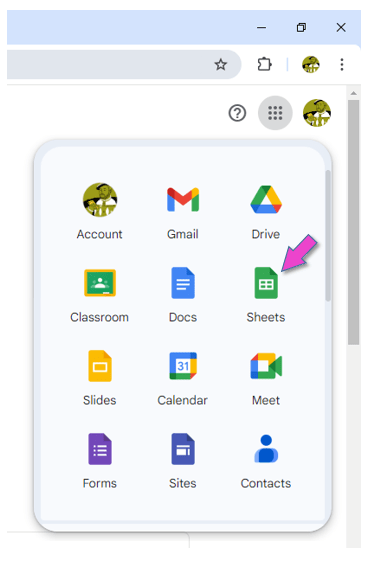
Sign into your Google account.
Click on this icon to sign into the account:

Open Google Sheets.

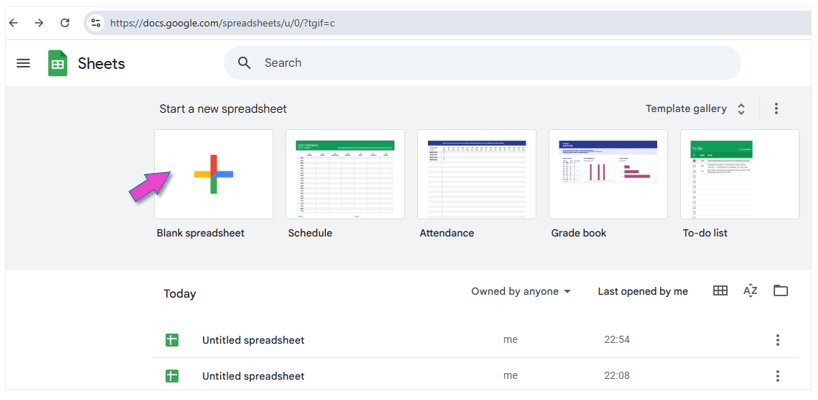
Click on BLANK SPREADSHEET.

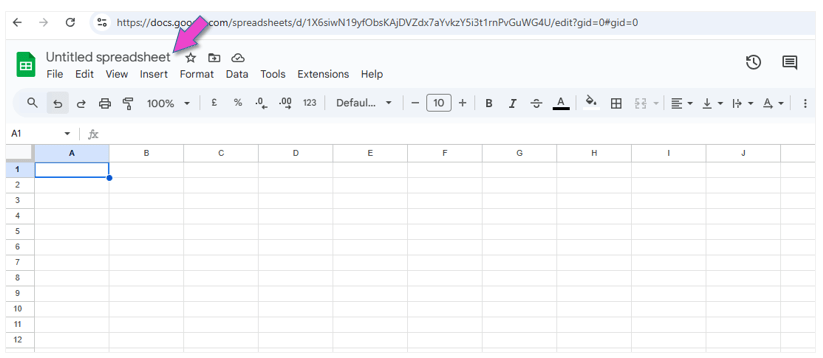
Give the document a name:
“Rating Websites”.
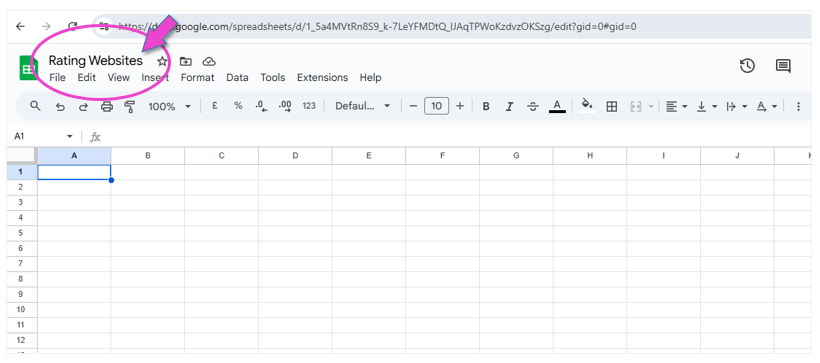

Create the document.

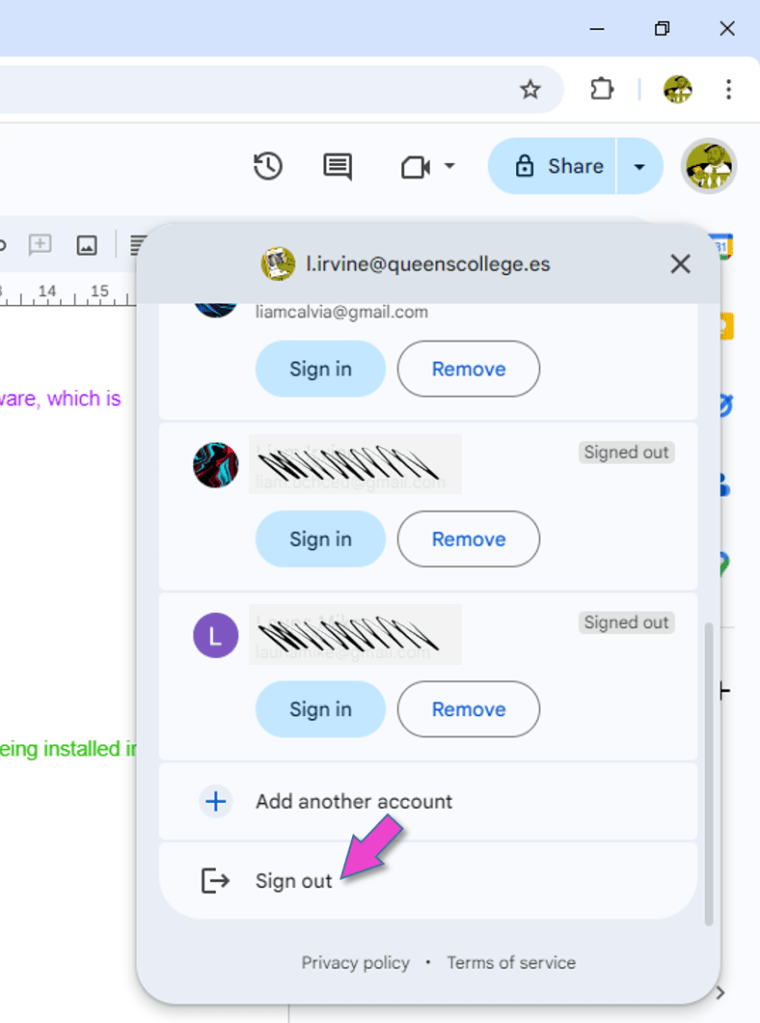
Sign out of your Google account.
This is VERY important, because everybody can log into the computers in the ICT room with the primary password!!!


(WordPress advertisements may appear below.)
 Best study methods