

Today, you are going to….
- learn about coding with Scratch
- modify a sprite
- create a moving crab
1.
Go to Scratch.
Access SCRATCH here.
2.
Click “create”.
3.
Close this box:

4.
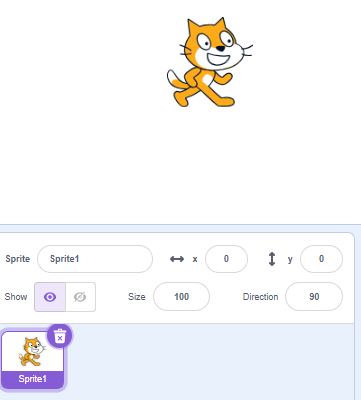
Delete the Scratch character (“sprite”).
5.
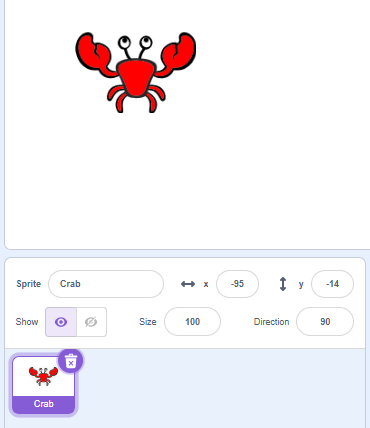
Choose the Crab character:
(You need to click on this “sprite” button on the screen.)


6.
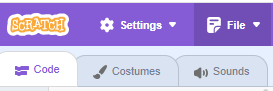
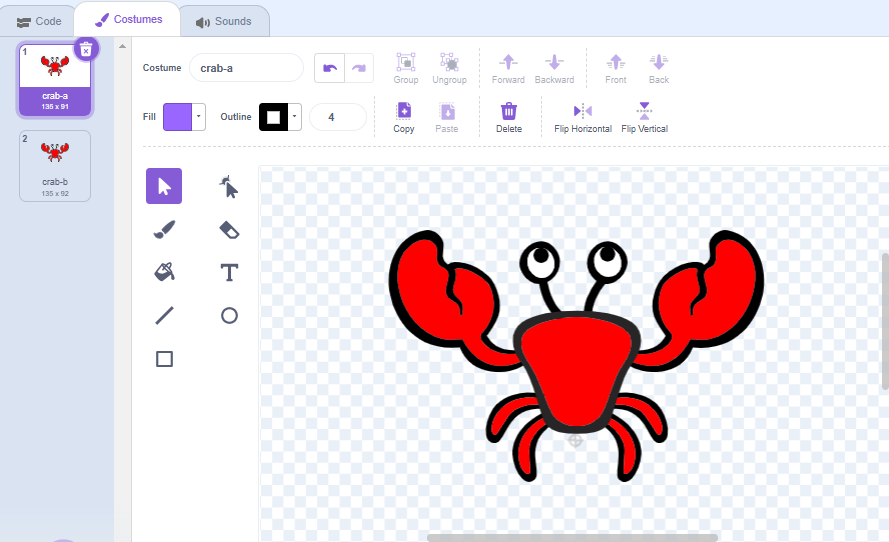
Also make a blue crab, by clicking on “costumes”.
7.
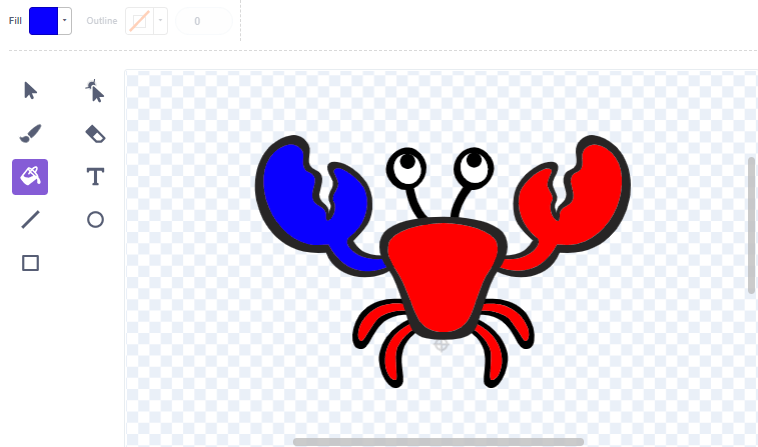
Change the colour of crab b:
8.
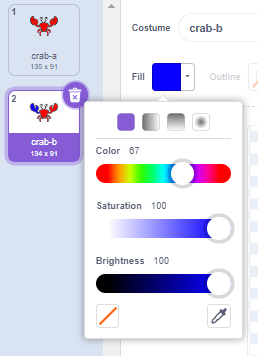
Choose this colour:
9.
Click on the different parts of the crab to change the colours.
10.
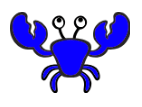
The blue crab should look like this:

11.
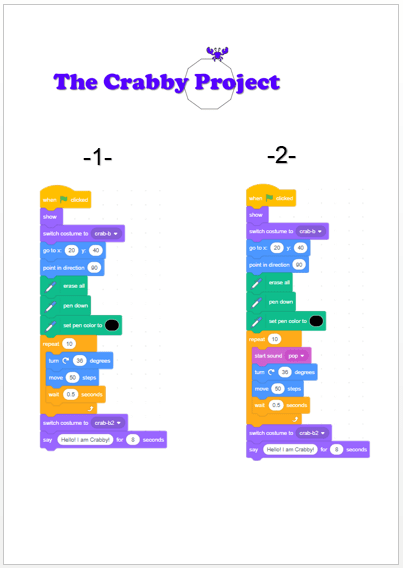
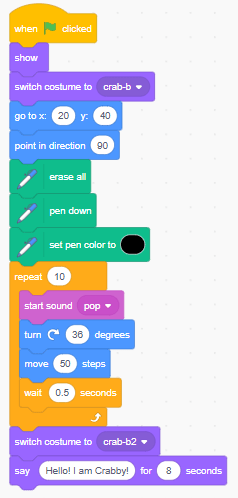
Use the blocks on the handout (also shown below) to make an algorithm that will make the crab move in a circle.

12.
See how the crab moves by clicking on green flag!

13.
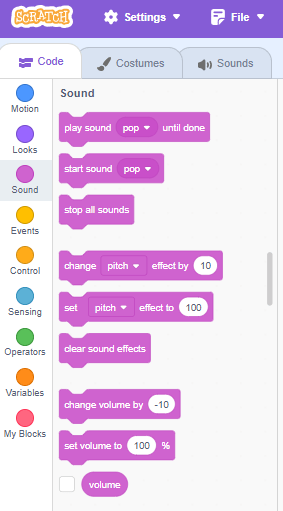
You can now also add sound…
14.
Click on the green flag to see the final version of the “Crabby Project”!

(WordPress advertisements may appear below.)
 Best study methods