

Today, you are going to….
- learn what exactly is meant by personal information
- consider online scenarios where people ask you for information
- see how to create strong passwords
- test the strength of passwords
1.
What does “personal information” mean?
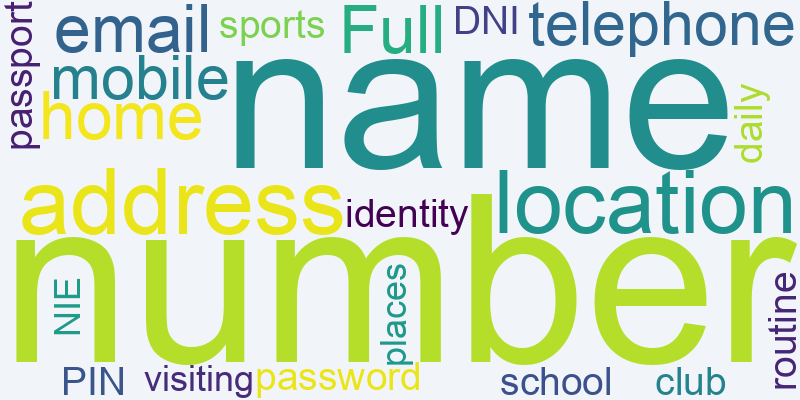
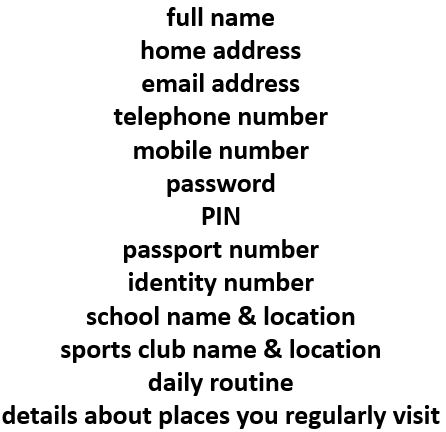
Here are some examples of “personal information”:

2.
Complete the following Quizzes. You need to sort the different pieces of information into “Safe to Share” and “Not Safe to Share.”


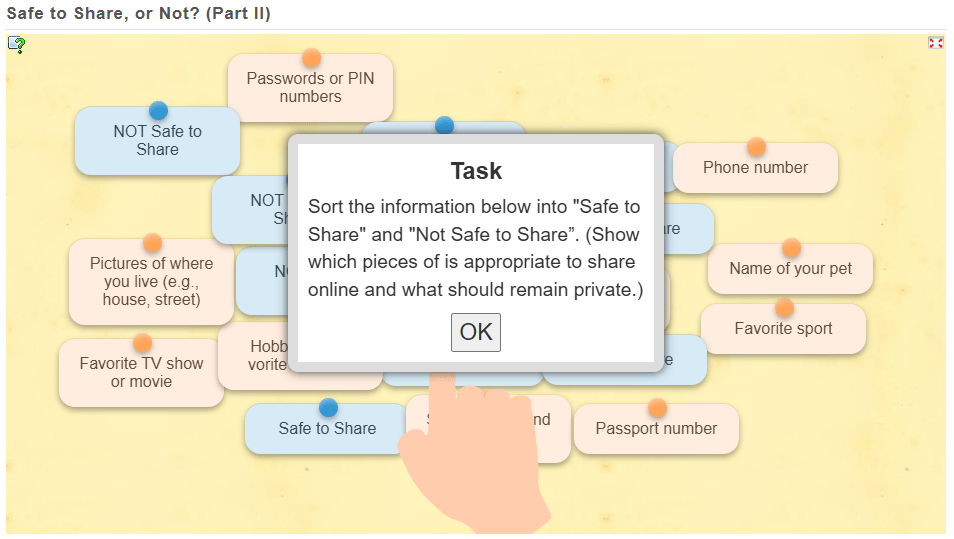
3.

In pairs, you are going to practice responding to an online situation where someone asks for personal info… (Each pair will get a role play card.)










4.
Now, let’s talk about the importance of strong passwords…
Weak passwords are easy to guess and unsafe!
- 123456 (Common and predictable)
- password (One of the most commonly used passwords)
- qwerty (Straight from the keyboard layout)
- john2008 (Includes a name and birth year, which is easy to guess)
- letmein (A simple phrase that hackers often try)
Strong passwords are difficult to guess and more secure!
- G8f$3mLp@Xz (Random mix of letters, numbers, and symbols)
- R@!nB0w_C@t99 (Uses a mix of uppercase, lowercase, symbols, and numbers)
- Zebra4!Pine#Tree (A combination of three unrelated words with symbols)
- Yt@#79LpQv! (Completely random mix of characters)
- S!llyB@nana_34 (Uses a mix of words and symbols but is still unique)
5.
So…
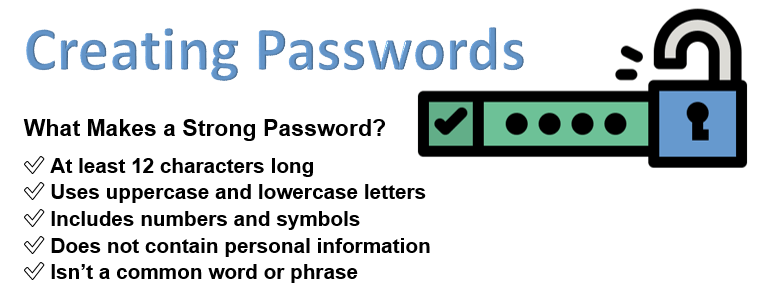
✅ Is at least 12 characters long
✅ Uses uppercase and lowercase letters
✅ Includes numbers and symbols
✅ Does not contain personal information
✅ Isn’t a common word or phrase
6.

Before the next activity, look ate these tips for creating a strong password.
- Use at least 12 characters
- Mix uppercase, lowercase, numbers, and symbols
- Avoid using your name, birthday, or common words
- Use a passphrase (e.g., “Blue$ky!Jumps#Fast”)
- Never share your password with others
7.
Now, let’s see if you can create a strong password, following this strategy!
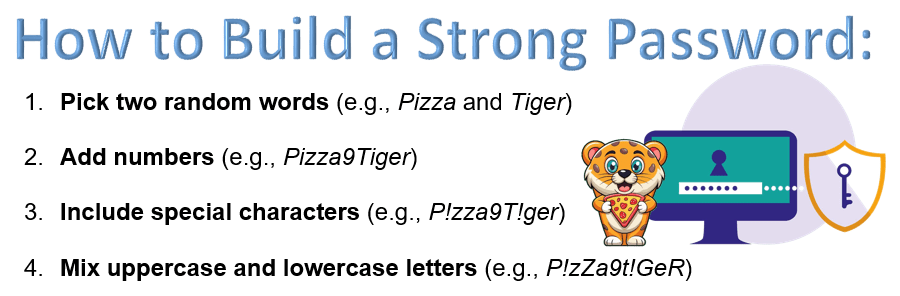
(Write the password on the worksheet provided.)

Swap the worksheet with a partner and check if the password follows all the strong password rules.
(This is just an exercise – you will not actually use these passwords online).
Can you come up with a fun but strong password you could actually use in the future?
(Just think about it – do not share this with the class!!!)
8.
- What was easy or difficult about making a strong password?
- How will you remember your password without writing it down in a place where someone can see it?
- Why is it important not to share your password with anyone except a trusted adult?
9.
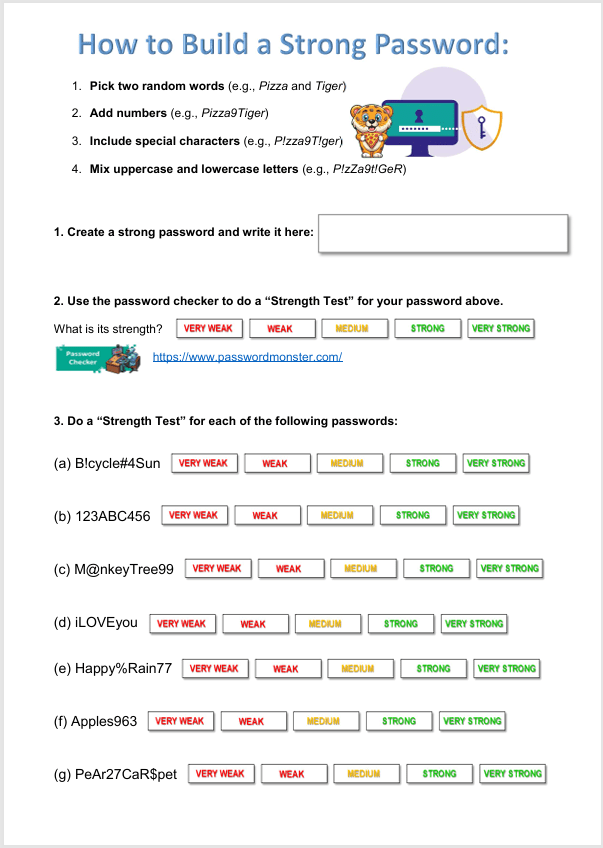
Complete the rest of the worksheet.
First, you need to test the strength of the password that you created, using the password checker below.
Then also test the strengths of the rest of the passwords on the worksheet.
Use this password checker. Click on GO to check if the passwords are strong or not…
10.

Here are some awesome internet safety games that not only entertain but will also teach you essential online skills.
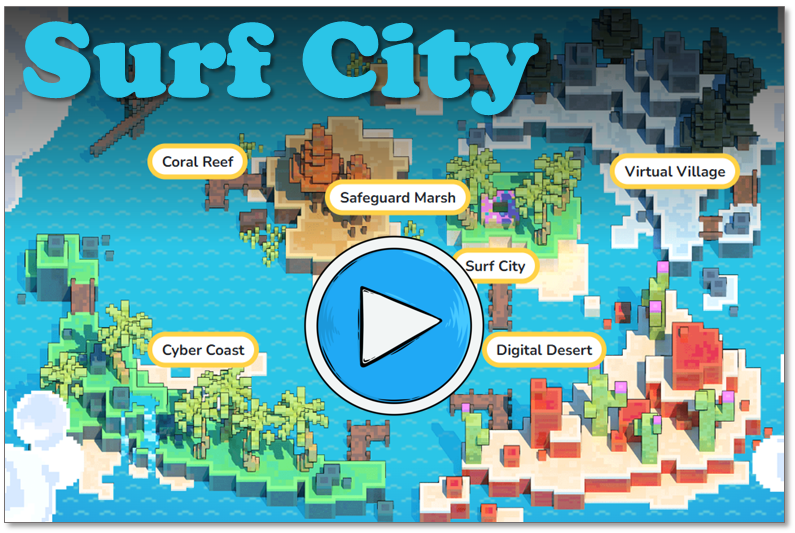
As you navigate through a virtual city, you will get pop-up questions at different points. By answering these questions, you do in an interactive quiz that helps you to learn essential internet safety skills.
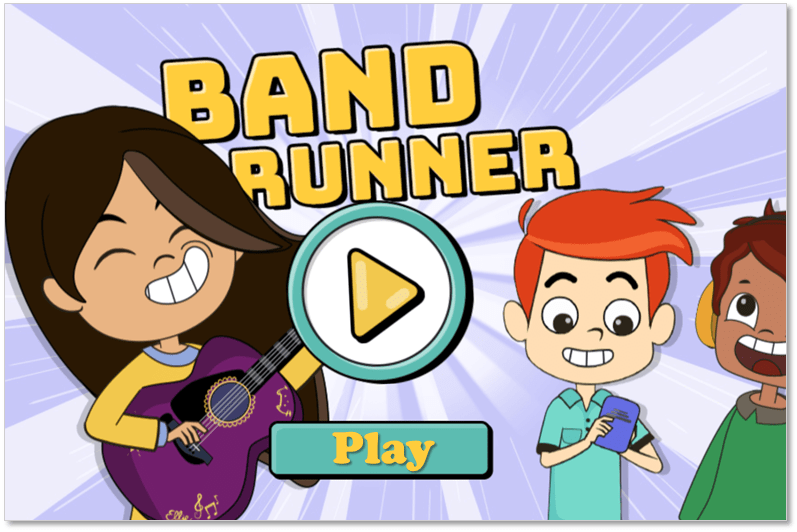
Band Runner blends fast-paced action with important safety lessons. You play as characters Alfie and Ellie. They run from potential dangers. You will help them recognize online predators and make quick, safe decisions.

(WordPress advertisements may appear below.)
 Best study methods