
THIS PAGE IS STILL UNDER CONSTRUCTION…

Today, you are going to….
- learn about healthy screen time habits
- consider how you use your time
- make a healthy schedule for yourself
1.

Discussion:
How much time do you spend on screens?
What do you do online?
2.
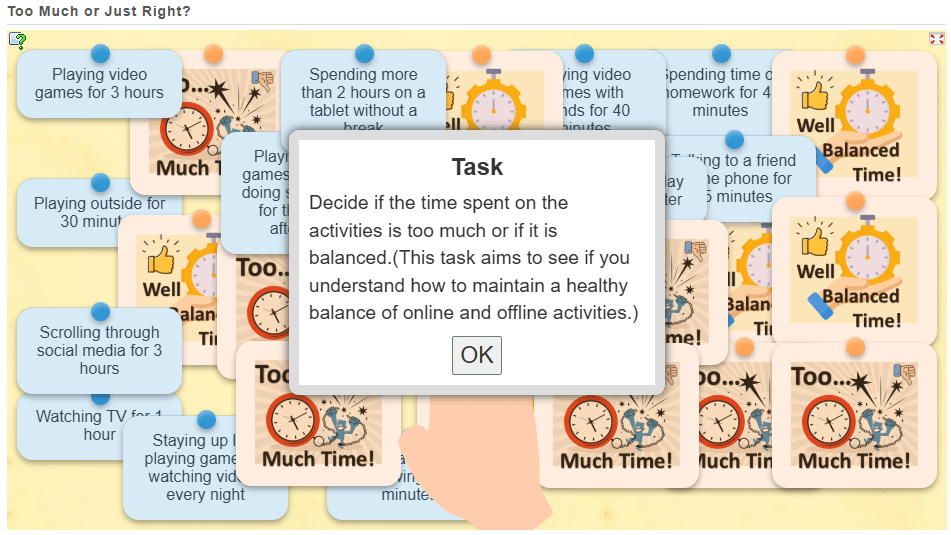
Complete the quiz below. It shows you various activities (e.g., playing outside, watching TV , etc.). You need to decide if it’s too much time spent, or balanced.

3.

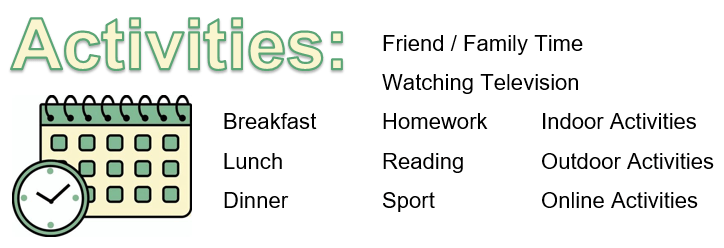
Group Work: In small groups, make a “Healthy Screen Time Plan” with a balance of activities.
Here are some tips, showing Key Points to Maintain Balance!

- Outdoor/Physical Play: At least 1-2 hours of physical activity each day is important for health and well-being.
- Screen Time: Limit recreational screen time to about 1-2 hours per day, and use the rest of the time for non-screen activities.
- Socializing: Encourage face-to-face time with family and friends.
- Offline Creativity: Arts, crafts, and other hands-on activities help foster creativity and are important for development.
[This schedule balances the time kids spend using devices with time for physical activity, family interaction, and creative pursuits. It’s designed to keep children active, engaged, and happy while ensuring they have healthy boundaries for screen time.]

Steps to Create a “Healthy Screen Time Plan”
- Discuss the Importance of Balance
Start by talking to the students about the importance of balancing screen time with other activities, like playing outside, reading, and spending time with family. Reinforce that too much screen time can affect their health, while a good balance helps them feel happy and healthy. - Brainstorm Different Types of Activities
Ask students to brainstorm different types of activities they enjoy doing (both online and offline). For example:- Offline activities: playing sports, drawing, reading, playing board games, spending time with family, etc.
- Online activities: playing games, watching videos, chatting with friends, educational apps, etc.
- Set Screen Time Limits
Help students set a time limit for how much screen time they think is reasonable each day. Based on their age, aim for about 1-2 hours of recreational screen time per day.
Example discussion question: “How much screen time do you think is healthy for you each day? Would you prefer 30 minutes, 1 hour, or 2 hours for fun activities on the screen?”
Write the Plan
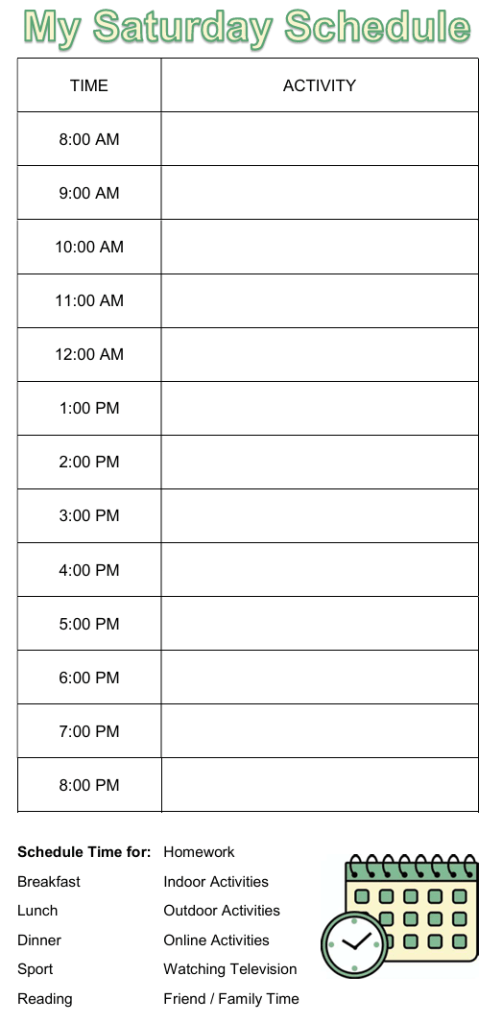
Have students write down their plan in a simple format. You could provide a worksheet with times of the day, and they can fill in their activities (both online and offline). They can also use pictures or symbols to make it easier for them to understand and remember.
4.
Create Your Own Schedule
Guide students to fill in their schedule with a balance of screen time and other activities. Here’s how they can use the example to make their own plan:

Morning: They can decide when to wake up and do something healthy, like a short workout or breakfast. This time is also good for offline activities like reading or chatting with family.
Mid-Morning: Set aside time for homework or learning activities that don’t involve screens, followed by screen time (e.g., watching an educational video or playing a fun game).
Afternoon: Include time for creative offline activities (e.g., drawing, building something with blocks), followed by outdoor play or screen-free time.
Late Afternoon/Evening: Schedule family time or quiet activities like reading a book. Then, decide if they want a short time for a movie or playing a game on a device.
Wind Down: End the day with some relaxing offline time, like a story, drawing, or chatting with family.
Personalize the Plan
Students should make choices based on their interests and schedule. Encourage them to think about what they want their day to look like, and let them decide what works best for them.
Questions for reflection:
“What activities do you enjoy doing the most? How can you balance those with your screen time?”
“What can you do during your screen time to make it fun and educational?”
5.
Key Points to Maintain Balance:
- Outdoor/Physical Play: At least 1-2 hours of physical activity each day is important for health and well-being.
- Screen Time: Limit recreational screen time to about 1-2 hours per day, and use the rest of the time for non-screen activities.
- Socializing: Encourage face-to-face time with family and friends.
- Offline Creativity: Arts, crafts, and other hands-on activities help foster creativity and are important for development.
[This schedule balances the time kids spend using devices with time for physical activity, family interaction, and creative pursuits. It’s designed to keep children active, engaged, and happy while ensuring they have healthy boundaries for screen time.]


6.

Set a “Screen-Free Challenge” for one evening and report back!
7.
Create a personal screen-time goal!
8.

Share one way one can balance screen time.
9.

Here are some awesome internet safety games that not only entertain but will also teach you essential online skills.

As you navigate through a virtual city, you will get pop-up questions at different points. By answering these questions, you do in an interactive quiz that helps you to learn essential internet safety skills.

Band Runner blends fast-paced action with important safety lessons. You play as characters Alfie and Ellie. They run from potential dangers. You will help them recognize online predators and make quick, safe decisions.

(WordPress advertisements may appear below.)
 Best study methods