
This lesson is based on teachcomputing.org lessons.

Today, you are going to….
- explore websites, to see what a website is
- review an existing web page and consider its structure
- discuss the different types of media used on websites
- see how websites are written in HTML
- review an existing website and consider its structure
1.
What is a website?
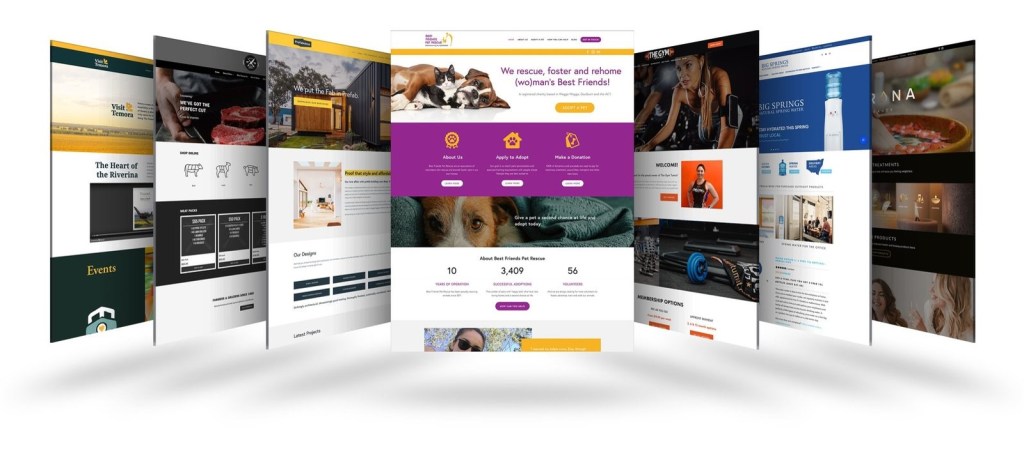
A website is a collection of information relating to a particular topic that can be accessed on a range of devices.
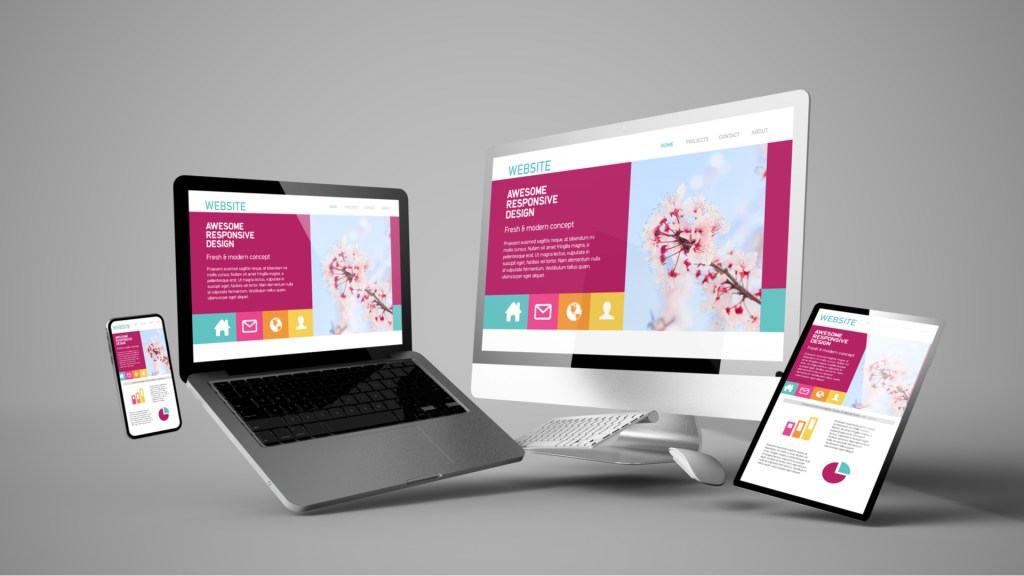
A website is one or more web pages and related content that is identified by a common domain name and published on at least one web server.
2.
What is a web page?

Websites can be made up of lots of different web pages. The pages are related and together they make a website.
3.
What is a browser?
A browser allows you to navigate or find your way around the World Wide Web.
A browser shows you what a website looks like.
4.
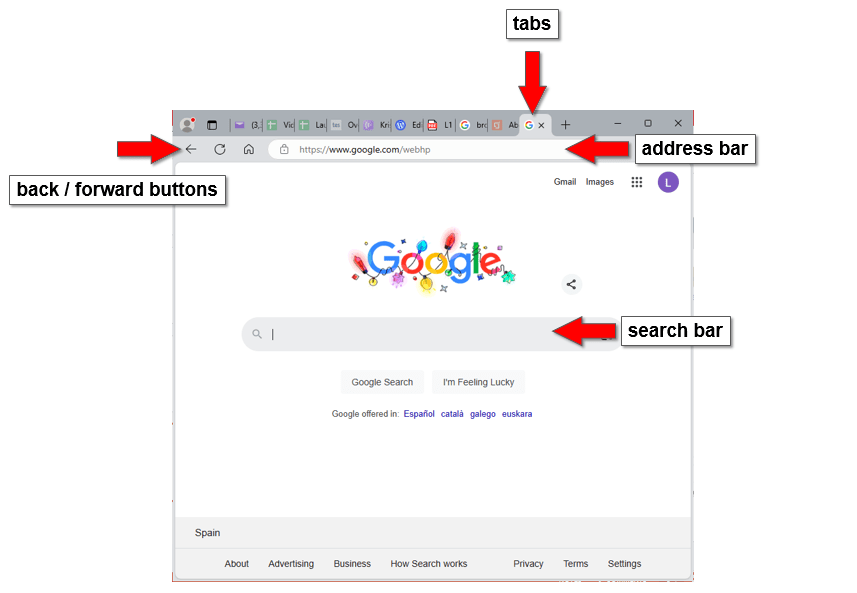
This is a webpage for Google…

Where are the tabs, back / forward buttons, and address bar?
ANSWER


5.
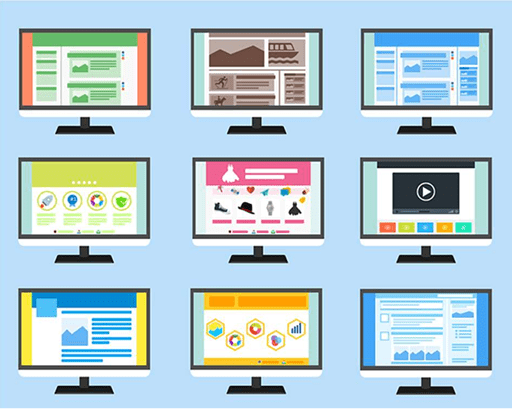
Which websites do you use?
6.
How could you explore this website?
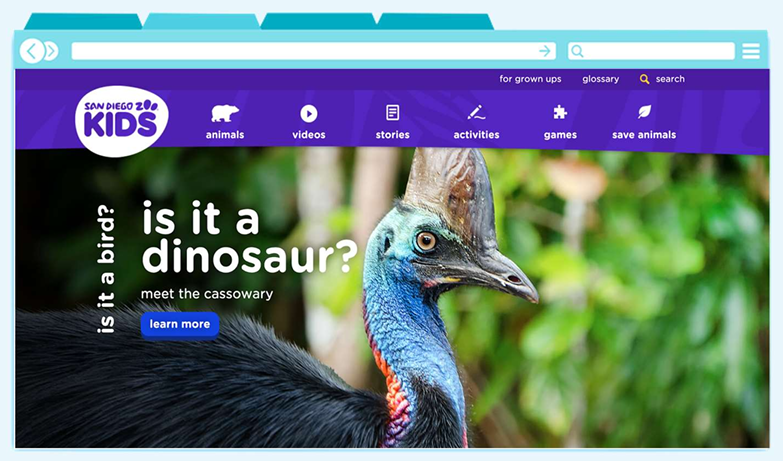
Question 1
What is special about a tiger’s night vision?

Question 2
In the story, ‘A Flamingo Leg Up’, what is the flamingo’s
name?

Question 3
What habitat does an arctic fox live in?

7.
Let’s see what else you know about websites…
8.
How are websites created?
Webpages are typically coded in HTML, styled with CSS, and made interactive with JavaScript.
The content of websites are made up of code called Hypertext Markup Language or HTML for short.


Key Technologies used in making a website are:
- HTML structures the content.
- CSS styles the content (colors, fonts, layout).
- JavaScript adds interactivity (sliders, menus, animations).
9.
You can see the code for any website by following these easy steps in Google Chrome:
- Go to a website
- Right-click on a section of the website e.g. an image
- Click Inspect
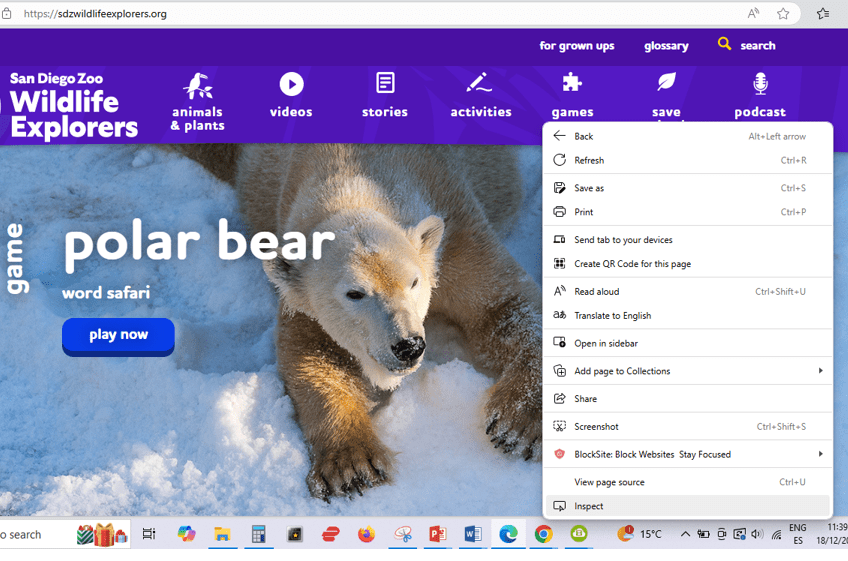

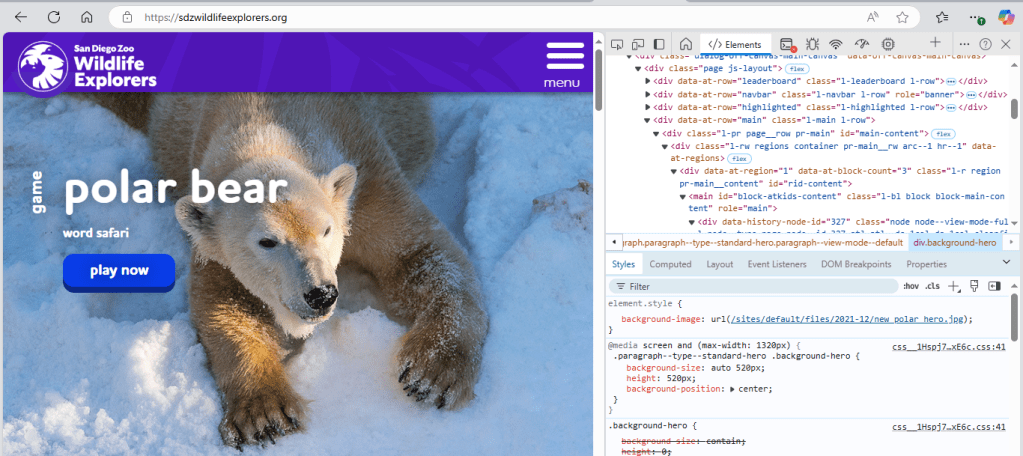
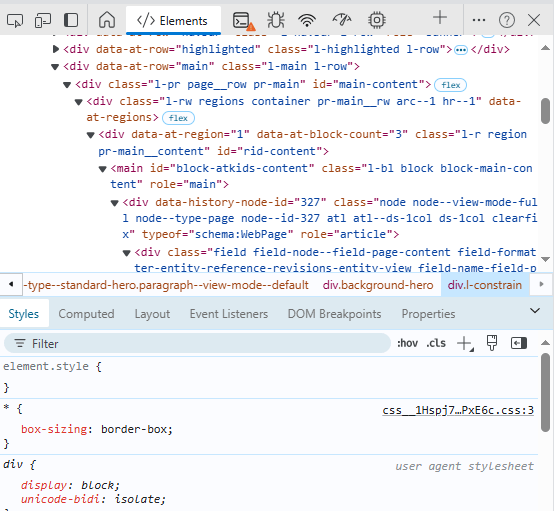
Now you can see the HTML code.
The code defines what the website will look like.
10.
So, what does HTML stand for?
(Choose the correct answer below.)
- How To Make Layouts
- Hypertext Make Up Language
- How To Move Lines
- Hypertext Markup Language
Can you explain what HTML is?
ANSWER
Websites are made up of code, called Hypertext Markup Language, or HTML for short.
11.
The video below will give you an idea of how HTML is used to create a website.

HTML coding for kids and caveman – HTML, Title and Tags. (3:20 minutes long)
12.
So, what makes a website?
Here are the key components that make up a website:
Domain Name & Web Hosting, Content & Web Pages, Frontend & Backend, Content, Management System (CMS), Design and User Experience (UX/UI), SEO (Search Engine Optimization), Analytics and Tracking, Security
By combining these elements effectively, a website can achieve its intended purpose, whether it’s for personal blogging, e-commerce, or corporate branding.

This is the original lesson source:
(WordPress advertisements may appear below.)
 Best study methods