
This is Lesson 4 on Computing Systems & Networks – the Internet, taken from teachcomputing.org.

Today, you are going to….
- discover how content can be added and accessed on the WWW
- explain what media can be found on websites
- see how you can add content to the WWW
- examine how internet services can be used to create content online
1.
Revision…

The World Wide Web is part of the internet.
The World Wide Web refers to all the websites or pages that users can access on their local computers and other devices through the internet.
2.

A website is a set of web pages located under a single name, typically produced by a single person or organization. Basically, it is a place you visit on the internet, like a page in a book, with pictures, words, and videos, on specific topics.
3.
What is on a website?
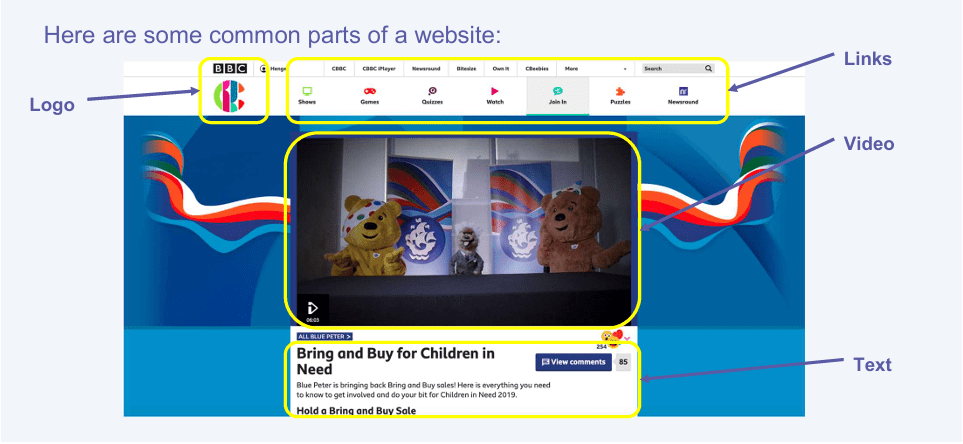
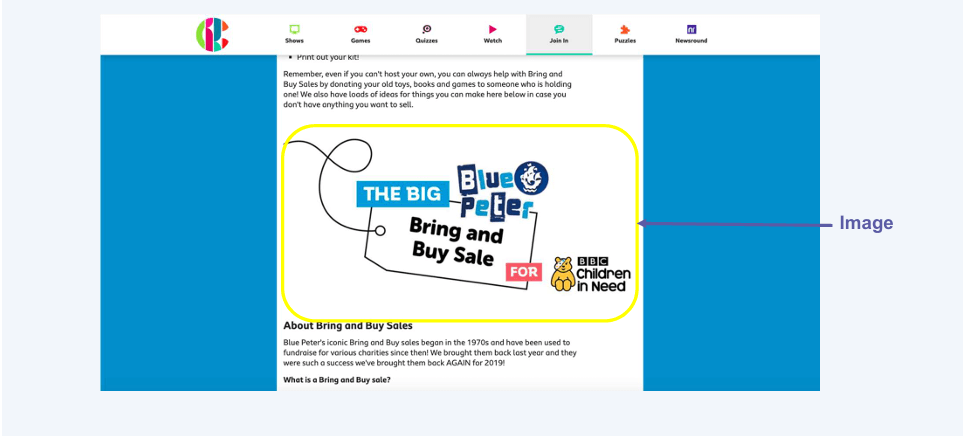
So, on websites we find:
- Titles
- Pictures
- Text
- Logos
- Links (to other websites / pages)
- Videos
- Sound
4.
Which of the features above are the most important on:

- a shopping website?
- an information website?
- a news websites?
5.

Videos, sound, images and text are called “media”.
6.
Some websites allow you to make your own creations!
There are also websites where we can create material. We can create new content online and add these to the WWW. We can create media which can be found on websites.
7.
Let’s look at some examples of what we can create.

We can create games, using websites like SCRATCH.
Scratch is a programming website that makes it easy to create interactive art, stories, and games — and share those creations online.

Scratch 2.0 Overview Video. (1:37 minutes long)

We can create animated videos, using websites like SIMPLESHOW.
Meet simpleshow video maker. (1:06 minutes long)

We can create and edit music, using websites like MUSICLAB.
Introducing Chrome Music Lab. (1:29 minutes long)

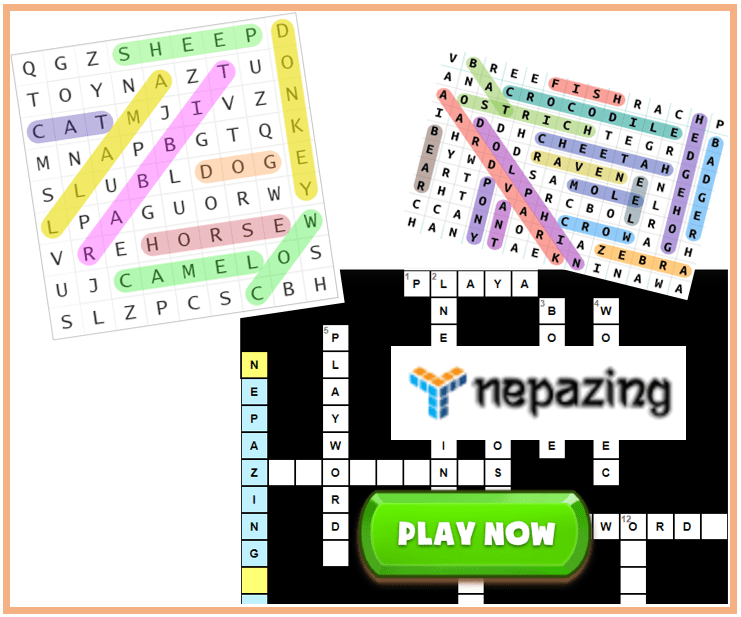
We can create word puzzles, using websites like NEPAZING.

We can create and edit images, using websites like PICSART.
Picsart is a photo editor used to create popular photo effects.
How to Create AWESOME Photo and Video Edits. (0:37 minutes long)

We can create drawings, using websites like PAINTZ.
PaintZ is a simple paint program for creating and editing drawings and other images.
Introducing Paintz app. (0:57 minutes long)
8.
We will now complete a few tasks online!

Make some music, using an online tool. Click on the button below to access the tool.
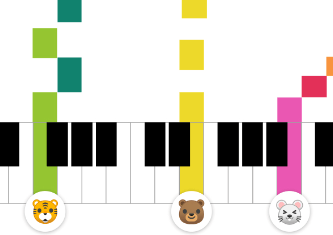
Then, in the website, click on the drawing that looks like this:

Making sounds with drawing: pitch
Try drawing lines at the top of the screen. Try drawing lines at the bottom of the screen. What is this website enabling you to do?
Making sounds with drawing: duration
Try drawing short lines. Try drawing long lines.
You have used a tool on the World Wide Web to create your own content!

Make a word search on “colours”, using an online tool. Click on the image below to access the tool.

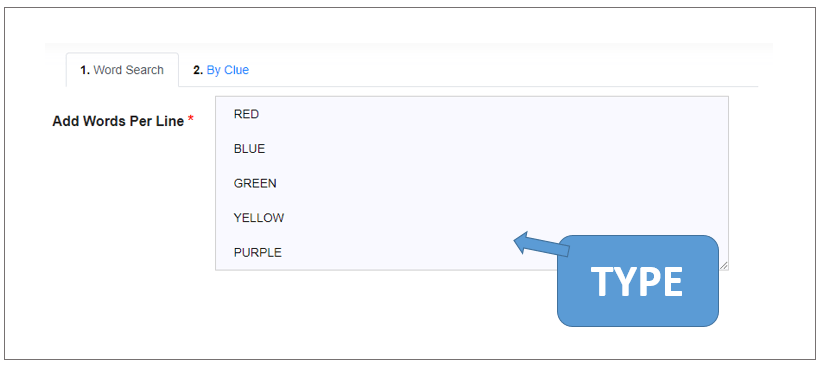
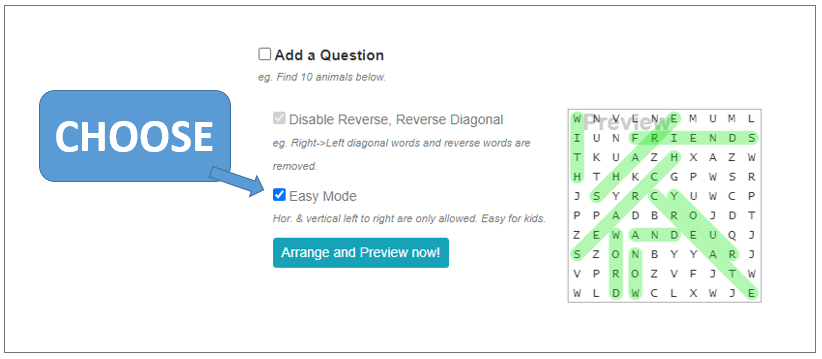
The following words must be in the word search:
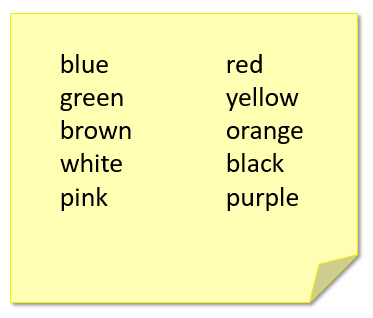
This is how you will make the word search:
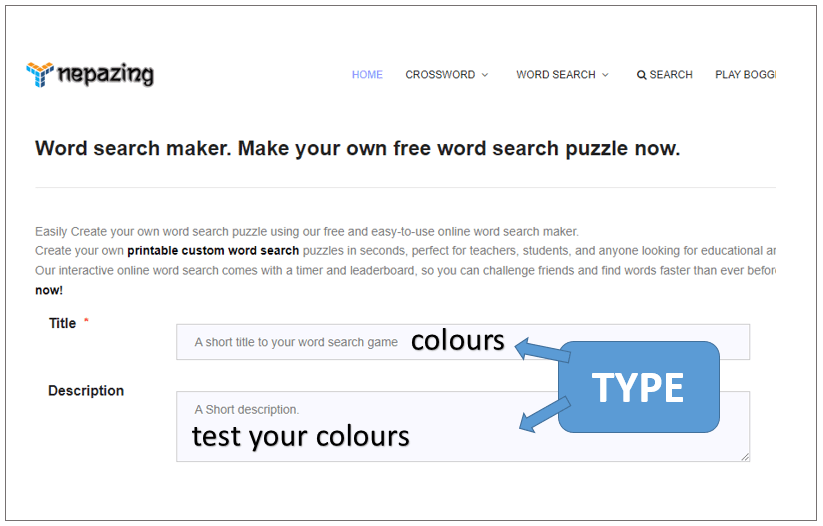

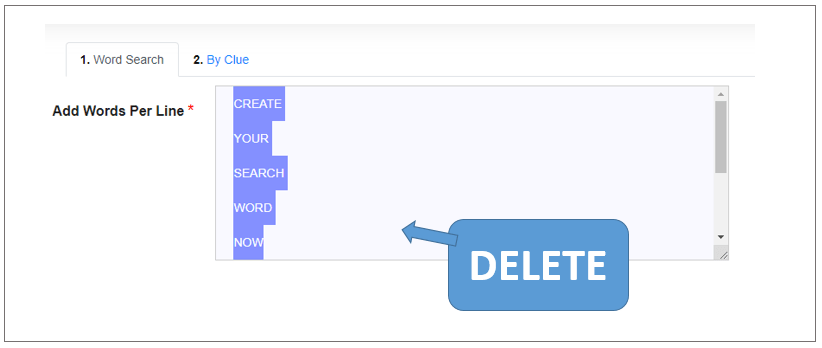



You have used a tool on the World Wide Web to create your own content!

Create a picture, using an online tool. Click on the image below to access the tool.
You have used a tool on the World Wide Web to create your own content!
9.
Here are links to all the online creation websites that we looked at today:


This is the original lesson source:
(WordPress advertisements may appear below.)
 Best study methods