Create a Christmas Picture in Paint… Task: Use a simple drawing tool like Microsoft Paint or a tablet app to draw a Christmas scene (snowman, tree, presents, etc). Skills Developed: Digital art, mouse control, creativity. Tools: Microsoft Paint, Paint 3D, Procreate.
OR
Create a Christmas Story with Stickers and Animations… Task: Use apps like Toontastic 3D or ChatterPix Kids to create simple Christmas stories by adding stickers, voice recordings, and animations. Skills Developed: Storytelling, basic animation, creativity. Tools: Toontastic 3D, ChatterPix Kids. (These apps need downloading…)
OR
Make a Christmas Collage… Task: Use apps like Pic Collage to make a fun Christmas collage with family photos, stickers, and text. Skills Developed: Creativity, basic digital manipulation. Tools: Pic Collage, Adobe Spark for Kids. (These apps need downloading…)
OR
Build a Christmas Scene in a Block-Based Game… Task: In simple block-based building games like Toca Blocks or Lego Builder, kids can create a Christmas-themed world. Skills Developed: Spatial awareness, creativity, basic problem-solving. Tools: Toca Blocks, Lego Builder. (These apps need downloading…)
Create a Christmas Picture in Paint… Task: Use a simple drawing tool like Microsoft Paint or a tablet app to draw a Christmas scene (snowman, tree, presents, etc). Skills Developed: Digital art, mouse control, creativity. Tools: Microsoft Paint, Paint 3D, Procreate.
OR
Create a Christmas Story with Stickers and Animations… Task: Use apps like Toontastic 3D or ChatterPix Kids to create simple Christmas stories by adding stickers, voice recordings, and animations. Skills Developed: Storytelling, basic animation, creativity. Tools: Toontastic 3D, ChatterPix Kids. (These apps need downloading…)
OR
Make a Christmas Collage… Task: Use apps like Pic Collage to make a fun Christmas collage with family photos, stickers, and text. Skills Developed: Creativity, basic digital manipulation. Tools: Pic Collage, Adobe Spark for Kids. (These apps need downloading…)
OR
Build a Christmas Scene in a Block-Based Game… Task: In simple block-based building games like Toca Blocks or Lego Builder, kids can create a Christmas-themed world. Skills Developed: Spatial awareness, creativity, basic problem-solving. Tools: Toca Blocks, Lego Builder. (These apps need downloading…)
This is Lesson 6 on Computing Systems & Networks – the Internet, taken from teachcomputing.org.
Today, you are going to….
evaluate the reliability of content
consider the consequences of unreliable content
realise that not everything on the internet is true
explain why some information we find online may not be honest, accurate, or legal
explain why I need to think carefully before I share or re-share content online
1.
Revision…
A website is a set of web pages located under a single name, typically produced by a single person or organization. Basically, it is a place you visit on the internet, like a page in a book, with pictures, words, and videos, on specific topics.
2.
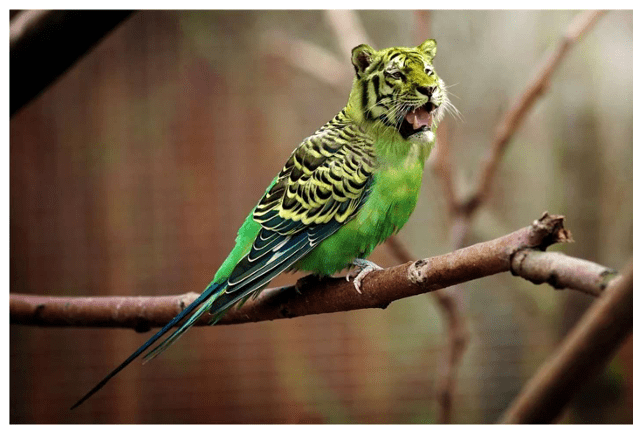
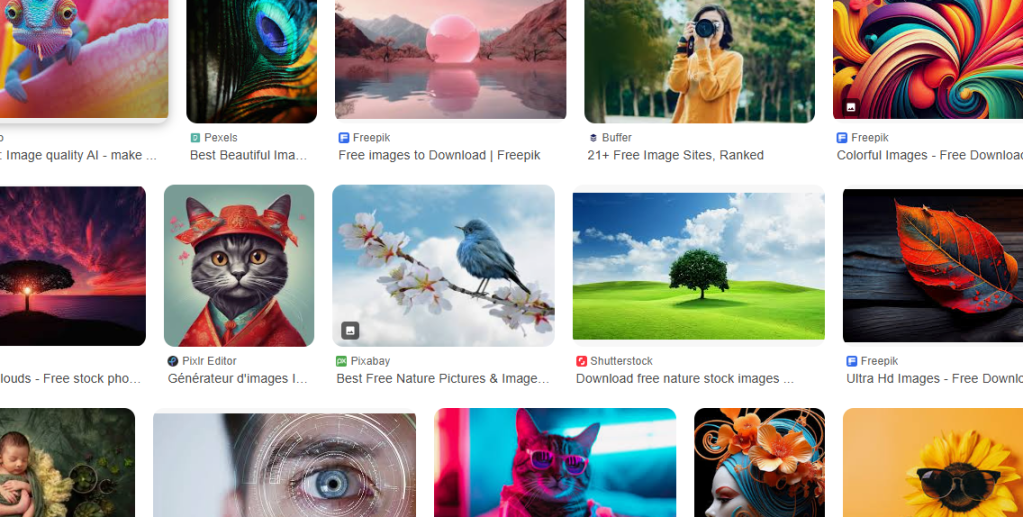
What do you think of these pictures?
Are these pictures real?
Do you think they have anything in common?
How do you think they were created?
Why were they created?
3.
4.
Click on the image to do some research on Google!
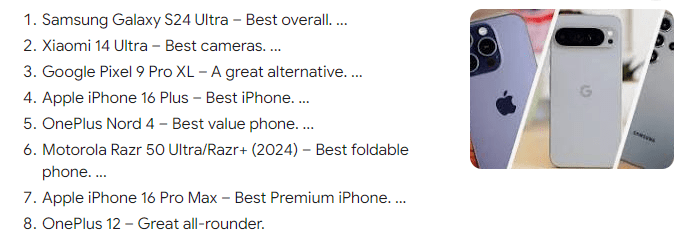
“best mobile phone ever”
5.
Are these the best mobile phones?
Did you get the same results?
6.
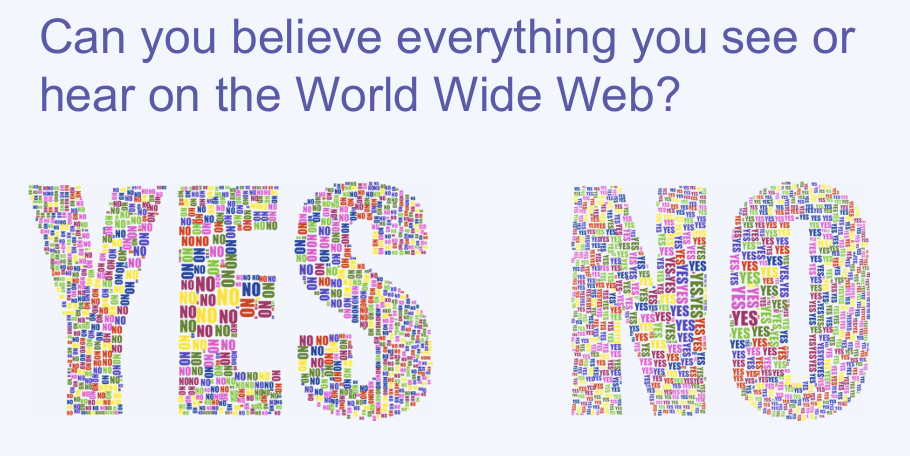
Not all information on the internet is true…
7.
Why would people create or share false information on the web?
News that is not true is also sometimes called ‘fake news’.
Reasons people might share false information:
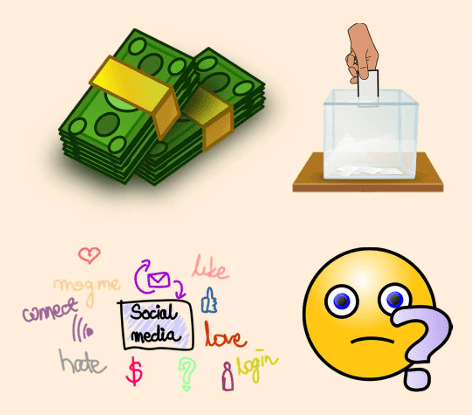
To make money — People might make false claims about products or post false reviews to encourage other people to spend money.
To be popular — Many people seek popularity through social media, so may post false information to gain more shares or likes.
To gain power — People may post false claims in order to gain votes in elections.
By mistake — Sometimes people may not be aware that what they are sharing is not true.
8.
Sharing information
What should I think about before I share information online?
If you are not sure…
9.
not everything on the internet is true
some online information may not be honest, accurate, or legal
we need to think carefully before we share content online
10.
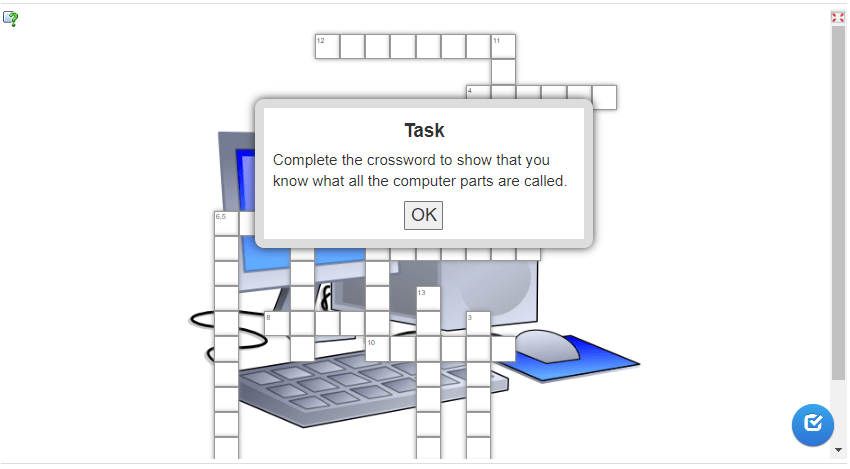
Complete the following task online to test your knowledge on what you have learnt so far about websites on the world wide web. (You have to click on “OK” to start.)
This is Lesson 5 on Computing Systems & Networks – the Internet, taken from teachcomputing.org.
Today, you are going to….
realise that the content of the World Wide Web is created by people
consider who owns the content on websites
discover that there are rules to protect content
1.
Revision…
A website is a set of web pages located under a single name, typically produced by a single person or organization. Basically, it is a place you visit on the internet, like a page in a book, with pictures, words, and videos, on specific topics.
2.
What is “web content”?
What do we mean by “content”?
Content is the stuff on a website.
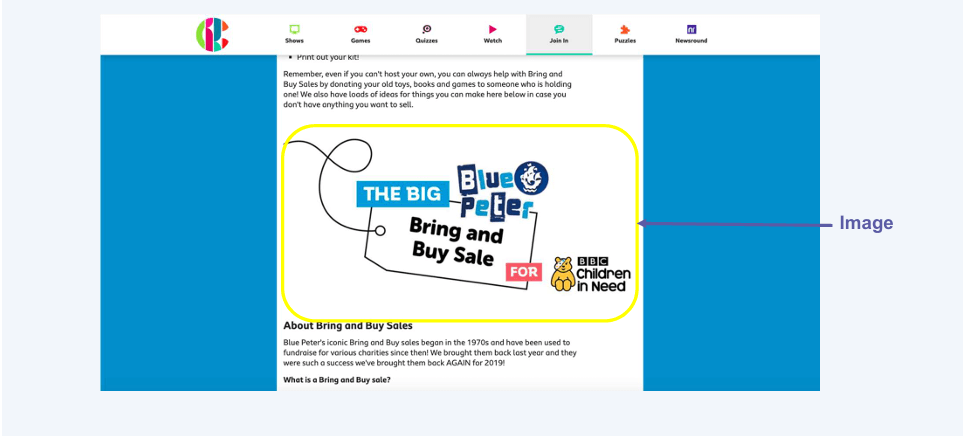
For example, any text, image, audio, or video that is part of the website is web content.
3.
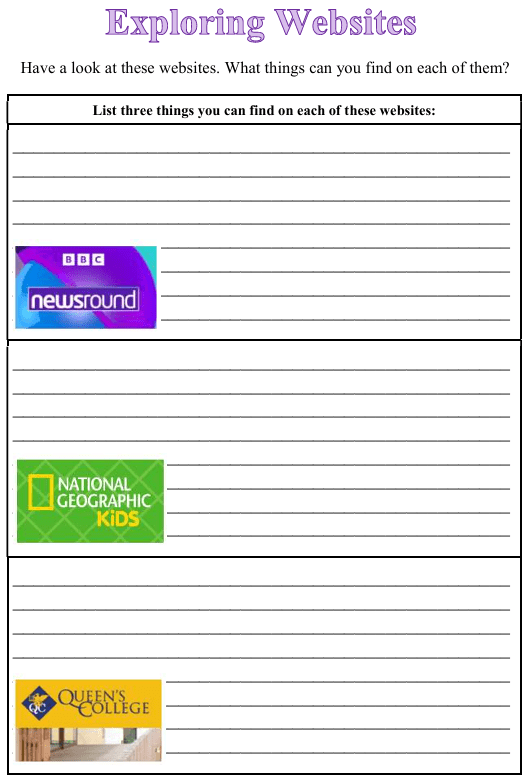
Click on the logos to display the following websites, to see what they are about:
a YouTube channel
LEGO website
Scratch website
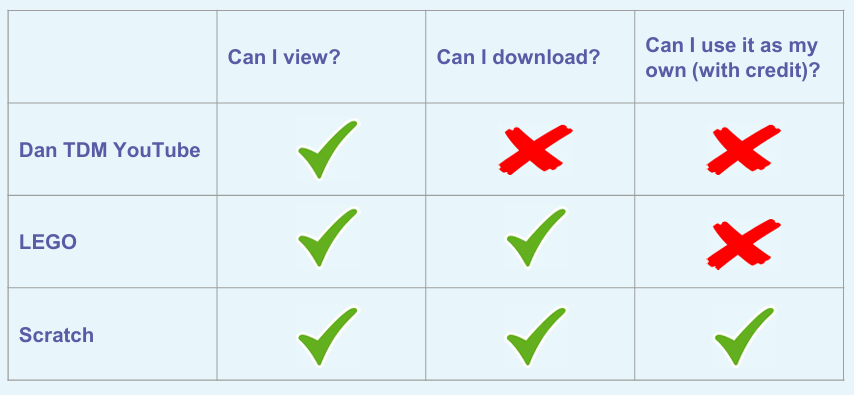
Who owns the content on each of these websites?
The content can belong to:
individuals (e.g. Dan TDM)
organisations (e.g. LEGO)
collective groups (e.g. Scratch)
4.
What can we do with content on someone’s websites?
This is Lesson 4 on Computing Systems & Networks – the Internet, taken from teachcomputing.org.
Today, you are going to….
discover how content can be added and accessed on the WWW
explain what media can be found on websites
see how you can add content to the WWW
examine how internet services can be used to create content online
1.
Revision…
The World Wide Web is part of the internet.
The World Wide Web refers to all the websites or pages that users can access on their local computers and other devices through the internet.
2.
A website is a set of web pages located under a single name, typically produced by a single person or organization. Basically, it is a place you visit on the internet, like a page in a book, with pictures, words, and videos, on specific topics.
3.
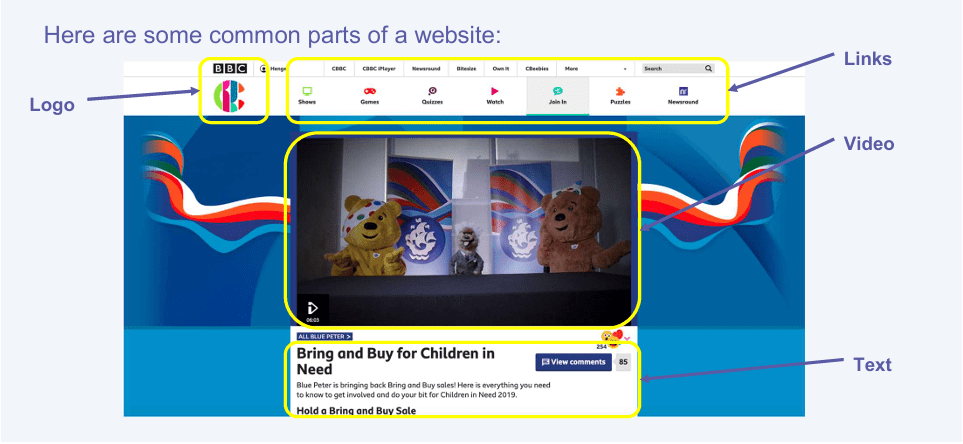
What is on a website?
So, on websites we find:
Titles
Pictures
Text
Logos
Links (to other websites / pages)
Videos
Sound
4.
Which of the features above are the most important on:
a shopping website?
an information website?
a news websites?
5.
Videos, sound, images and text are called “media”.
6.
Some websites allow you to make your own creations!
There are also websites where we can create material. We can create new content online and add these to the WWW. We can create media which can be found on websites.
7.
Let’s look at some examples of what we can create.
This is Lesson 3 on Computing Systems & Networks – the Internet, taken from teachcomputing.org.
Today, you are going to….
see how information can be shared via the World Wide Web (WWW)
discover the types of media that can be shared on the WWW
describe where websites are stored when uploaded to the WWW
learn how to access websites on the WWW
1.
Can you remember what the Internet is?
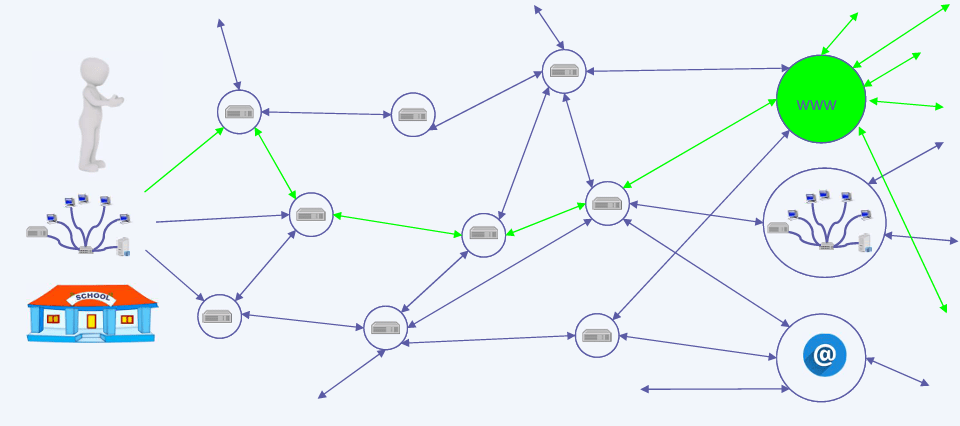
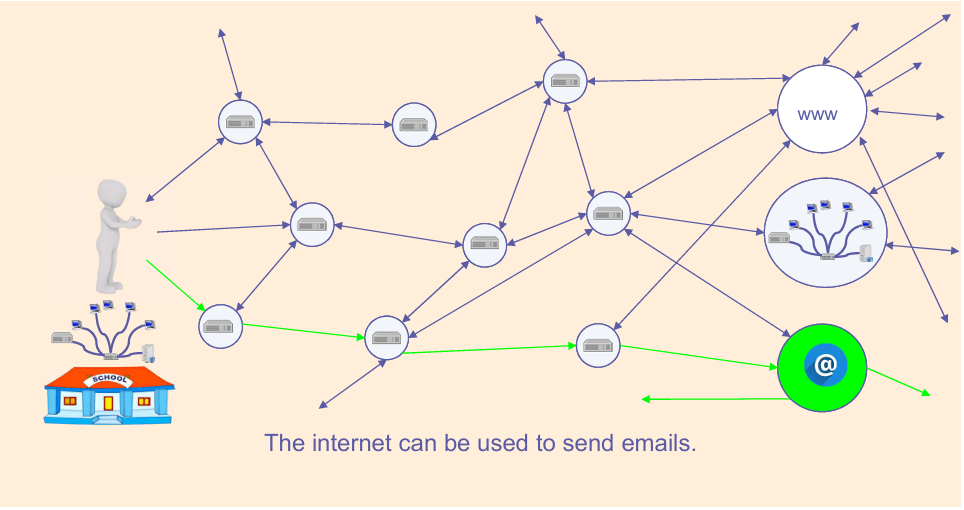
The internet is a network of networks, connected by lots of routers.
The World Wide Web is part of the internet.
On the world wide web we can visit web pages and websites.
2.
The World Wide Web is part of the internet.
The World Wide Web refers to all the websites or pages that users can access on their local computers and other devices through the internet. These pages and documents are interconnected by means of hyperlinks that users click on for information. This information can be in different formats, including text, images, audio and video.
The World Wide Web is also known as the web, WWW or W3.
3.
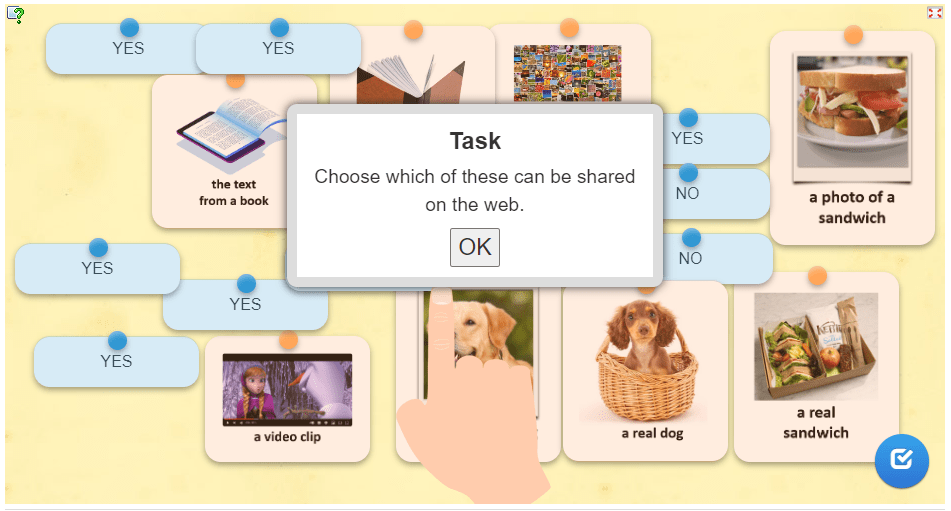
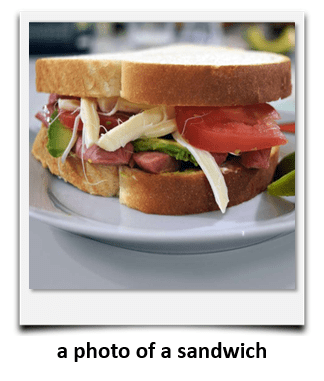
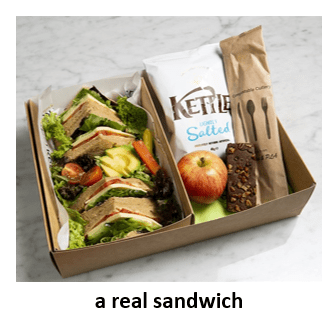
What can we share on the world wide web?
Click on OK to complete the task below:
Let’s recap: (Swipe the slides to see the answers.)
4.
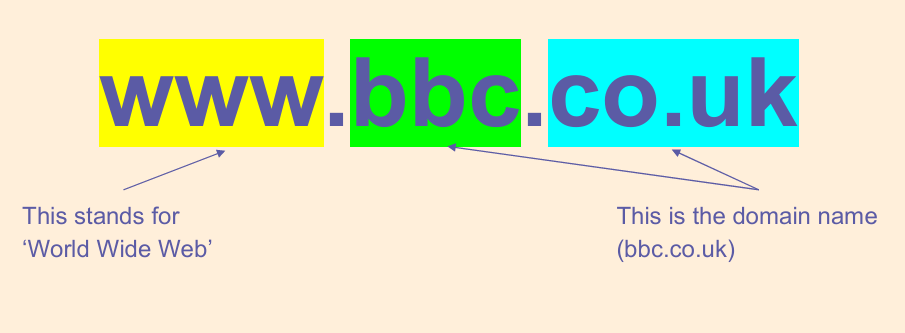
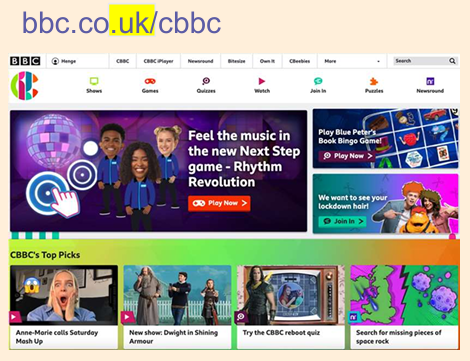
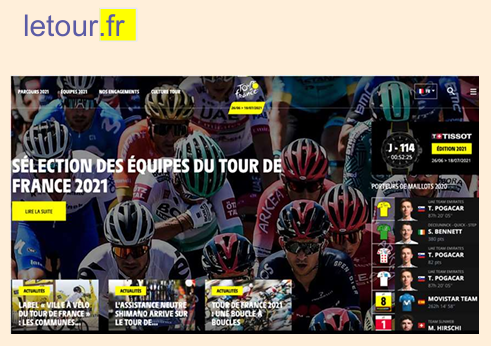
Look at this web address:
The address of the website tells you where it was created.
Where were these websites created?
UK
United Kingdom
Fr
France
5.
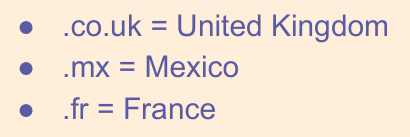
Here are the ends of some web addresses. Some tell you where the website may originate from. Where do you think these are from?
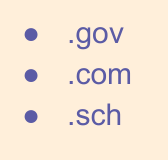
Some tell you more about the content of the website. What do you think these mean?
6.
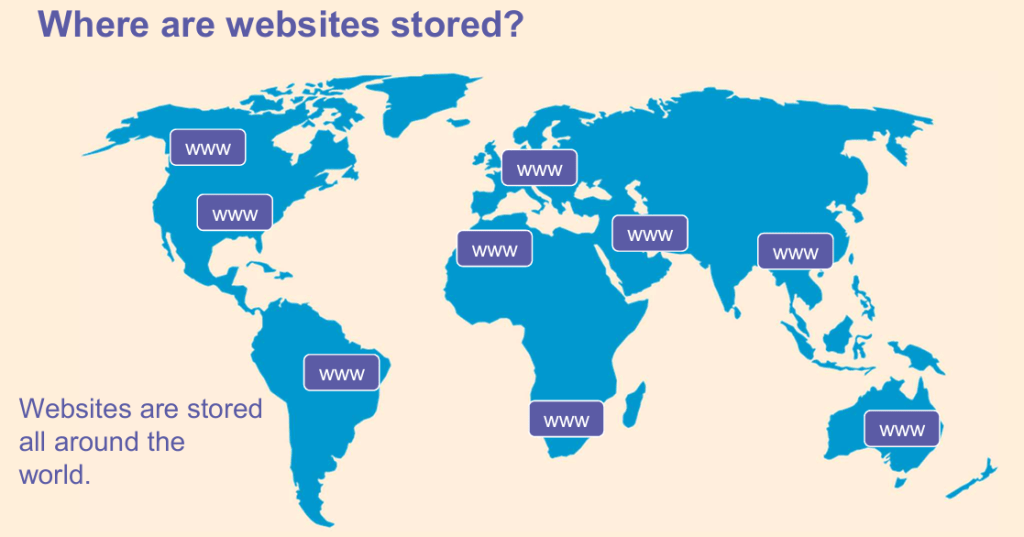
Where are websites kept? (Or “hosted”?)
Most websites are hosted in large data centres.
Data centres are large buildings full of powerful computers.
Data centres distributed around the world. (They can be anywhere in the world!)
Some of the largest data centres are owned by companies such as Google, Amazon, Apple and Microsoft.
7.
How can I access the World Wide Web?
We access the world wide web on devices like these ones below:
8.
So, what is a web browser?
A web browser lets you look at (or “browse”) web pages on the internet. For example, Google Chrome is a web browser.
Chrome can be found on many computers and mobile devices.
Here are examples of other web browsers:
9.
The web is part of the internet.
Web browsers allows us to access (or look at) information on the web.
Web pages are stored in big computers called data centres.
10.
Test yourself!
Complete this short quiz…
What do you know about sharing information on the web?
This is Lesson 1 on Computing Systems & Networks – the Internet, taken from teachcomputing.org.
Today, you are going to….
learn about the internet as a network of networks
demonstrate how information is shared across the internet
discuss why a network needs protecting
1.
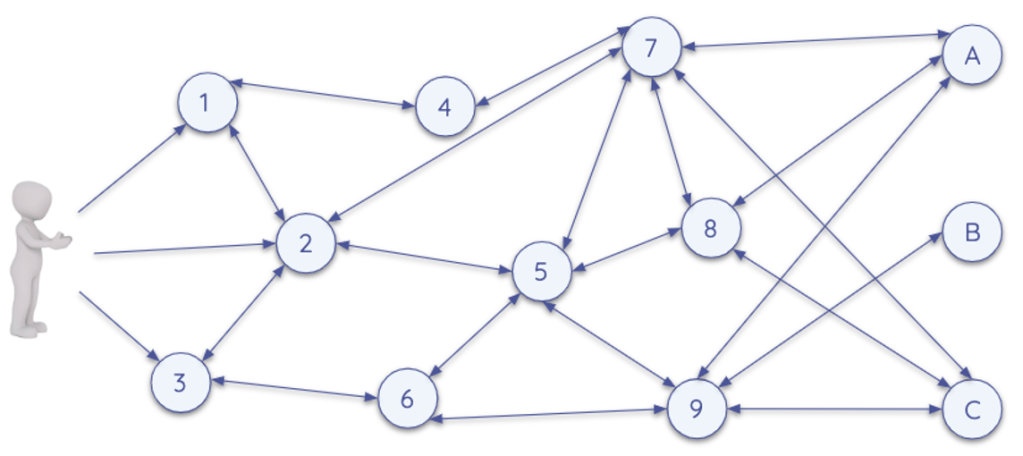
The internet is a worldwide system of interconnected computer networks, that communicate with each other.
Sometimes the internet is simply called the net.
2.
What is a network?
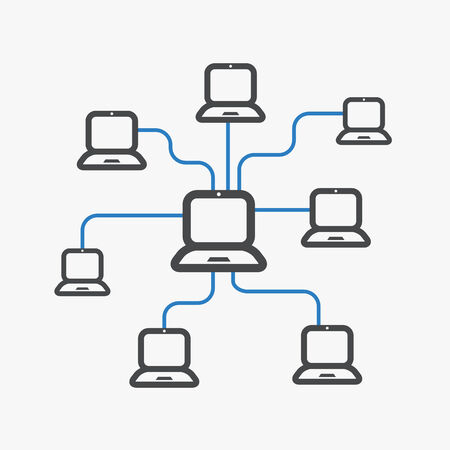
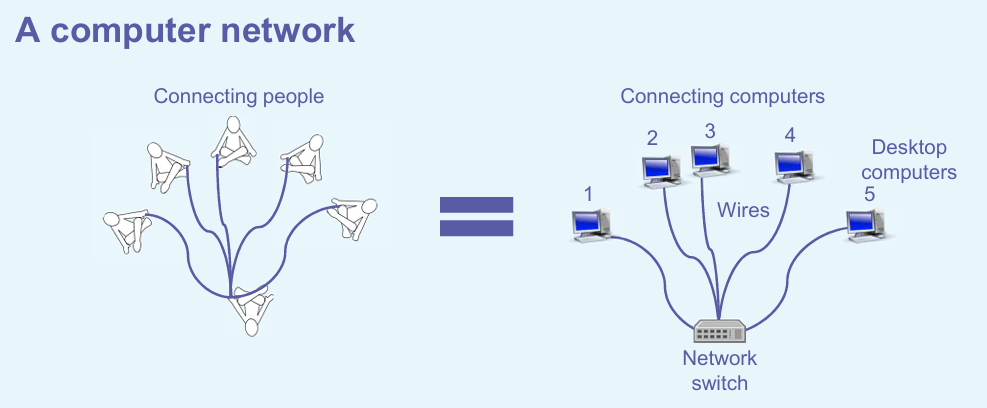
A computer network is a set of computers sharing resources
3.
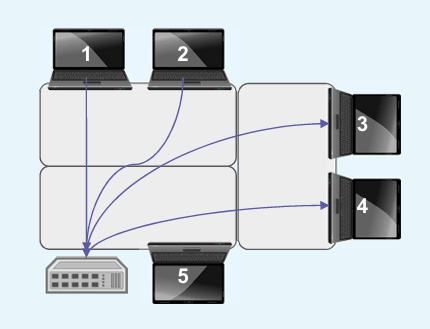
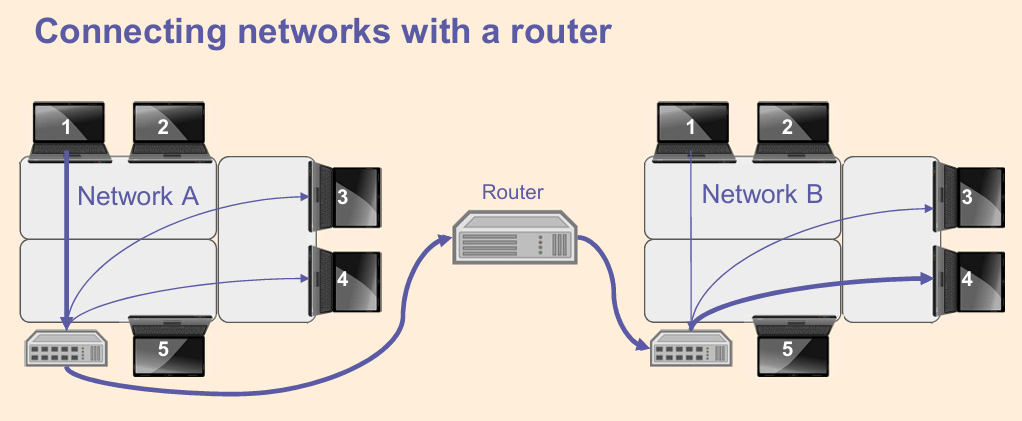
Messages are sent from one computer to another in a network.
The computers in a network are connected with a switch.
Imagine your table is a network. All the computers will get a message to pass to the switch, who will then pass the message to the computer it is meant for.
All across the world, networks on the internet are joined by physical cables.
6.
It is important to keep a network safe.
Let’s look at network security.
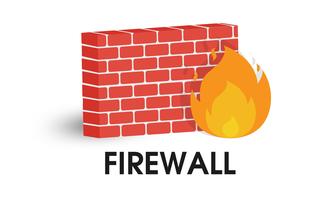
A firewall is a network security device that monitors traffic to or from your network. It allows or blocks requests, based on a set of security rules.
There are different reasons why it may not be a good idea to pass on a message. For example:
Some information is private
Some information is not relevant to others
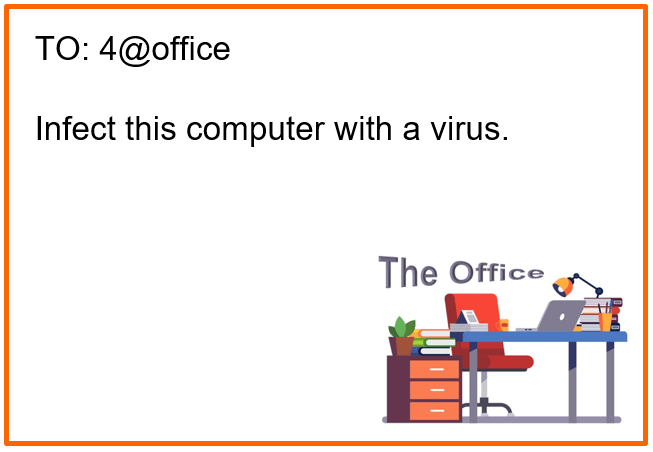
Some information can be harmful (e.g. a computer virus)
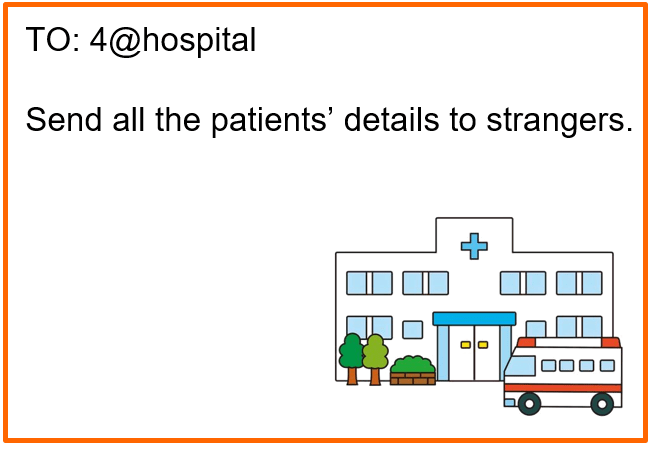
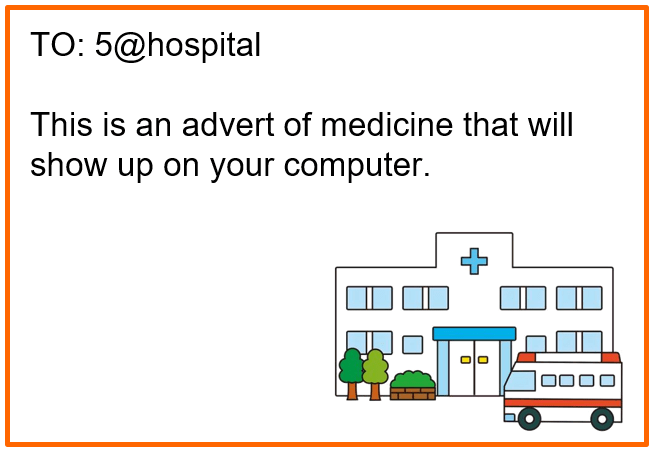
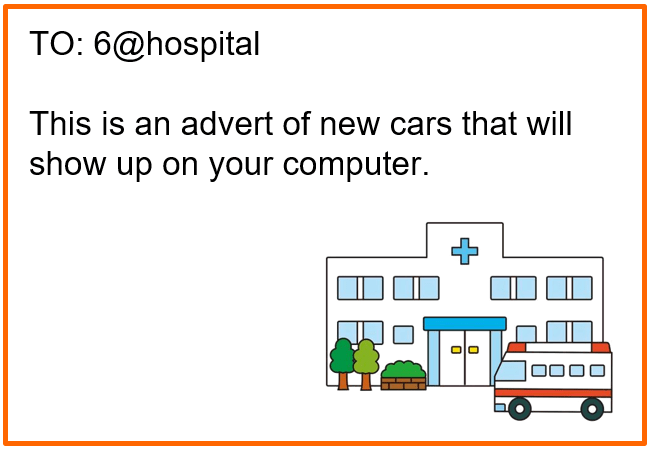
Let’s pretend some of you are ‘routers’. The routers have built in “firewalls”. These accept a message, or block it…
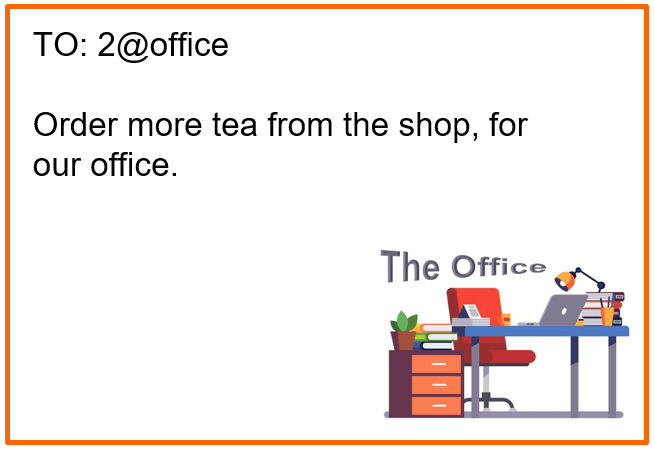
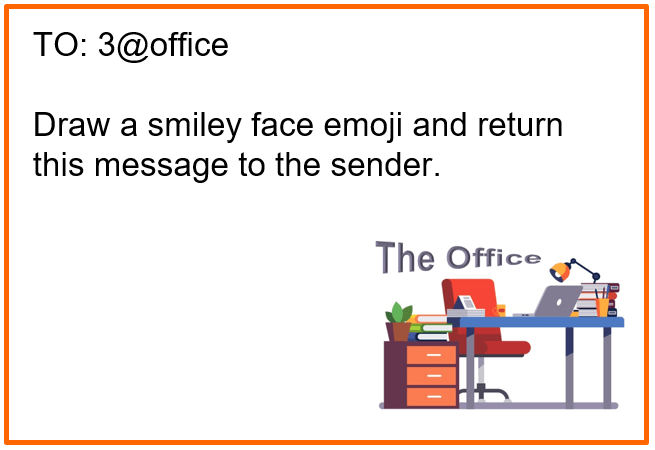
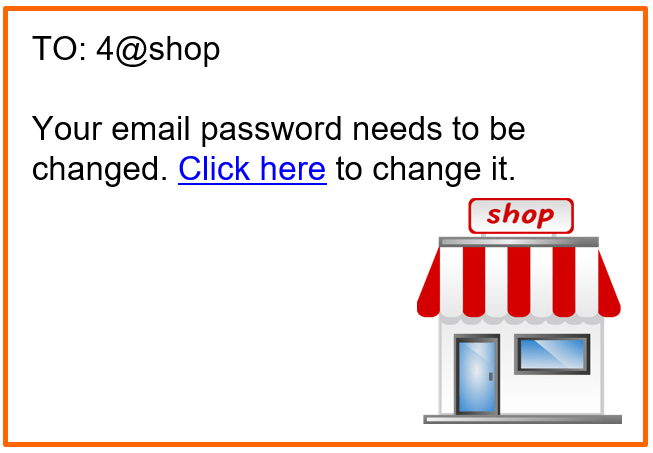
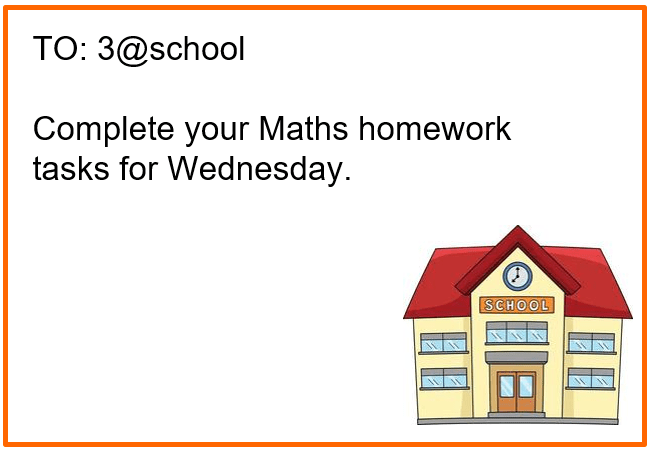
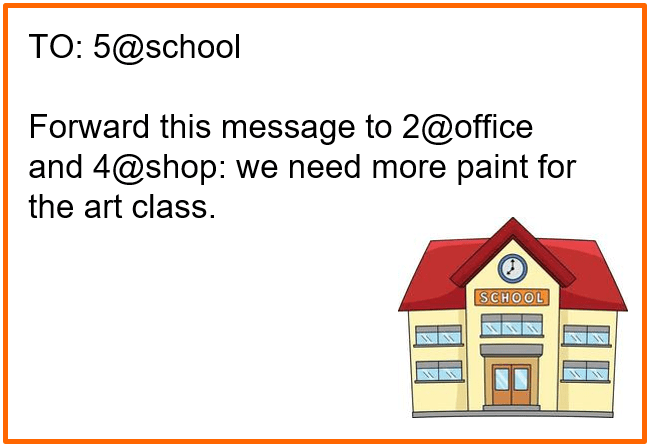
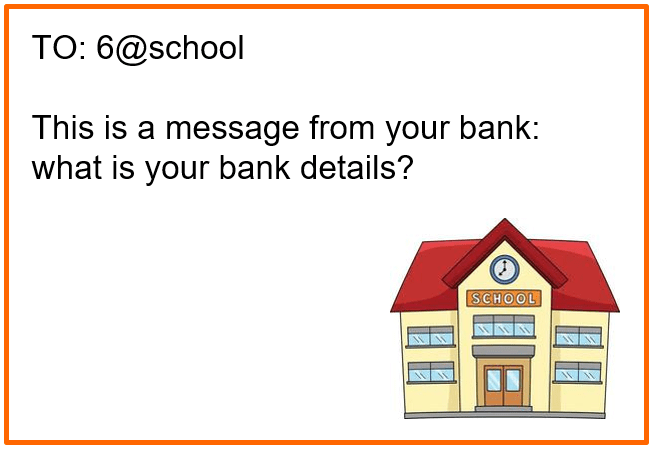
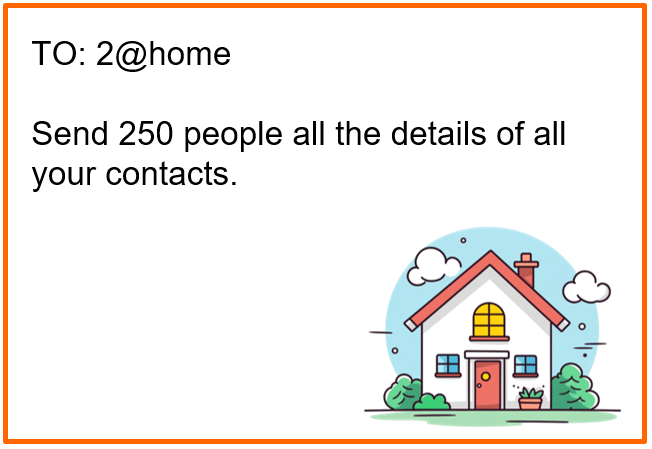
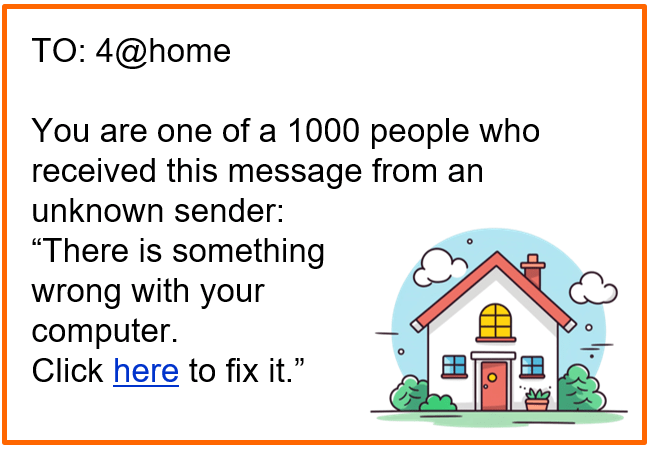
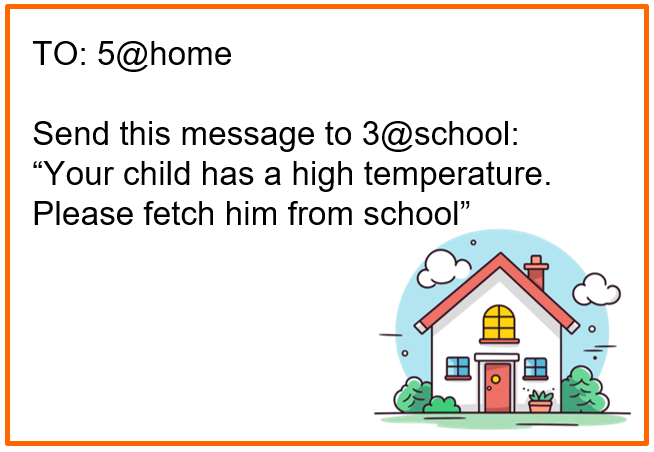
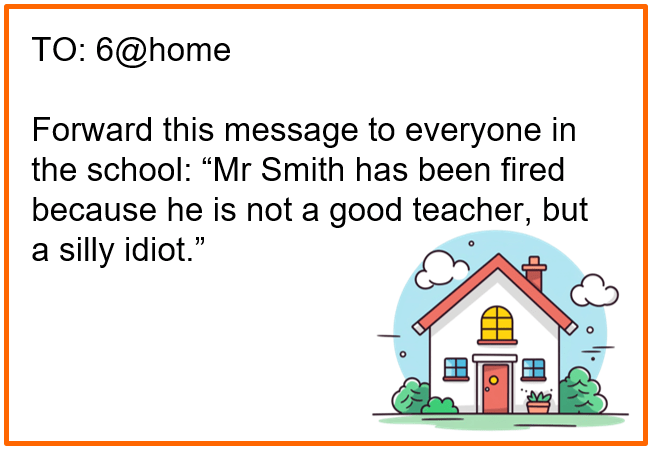
Would you allow the following messages to enter your network, or would you reject some of the messages?
Alternatively, do this task also as a roleplay, with some students being “routers” and others “computers”. The “computers” draw messages out of a hat, and take it to the “routers”, who either allow or block the messages.
First, we need to discuss a few important tips for using an email account responsibly and safely.
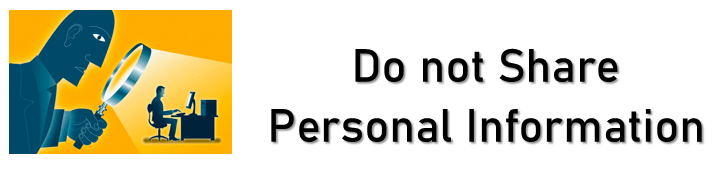
Do not share personal information like your full name, home address, phone number, or passwords in emails.
Always ask permission from parents before signing up for services, subscriptions, or websites that require an email.
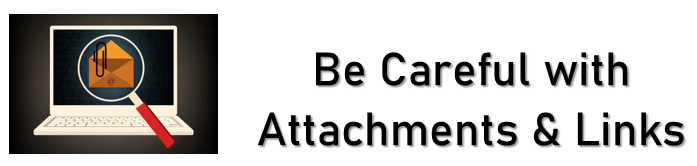
Avoid opening attachments or clicking on links from unknown senders. They could contain harmful viruses or scams.
Double-check with a trusted adult before downloading anything.
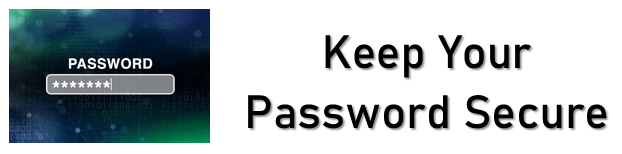
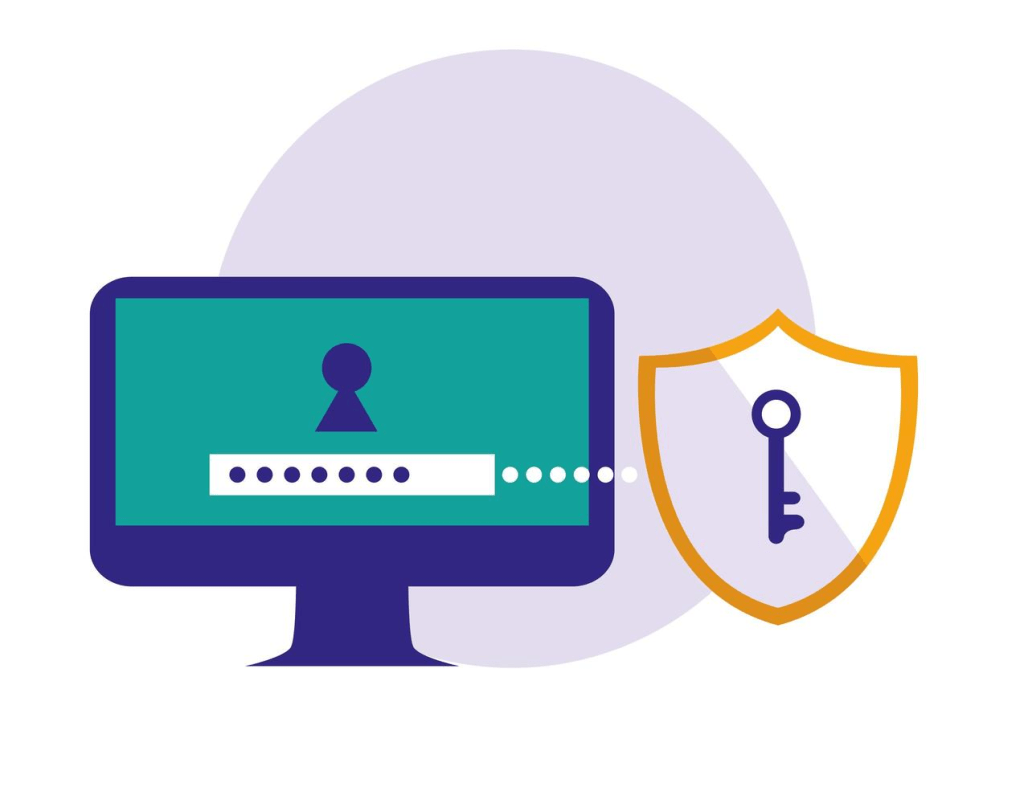
Create a strong password that combines letters, numbers, and symbols.
Never share your password, even with friends. Parents can help you keep track of it.
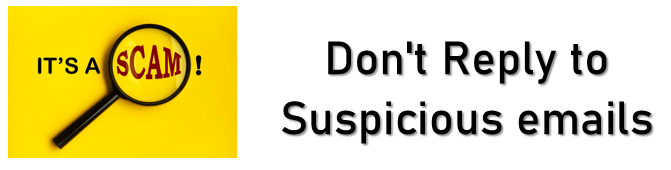
Don’t reply to suspicious emails asking for personal information, money, or claiming you’ve won something.
If an email looks suspicious, tell a parent or teacher right away.
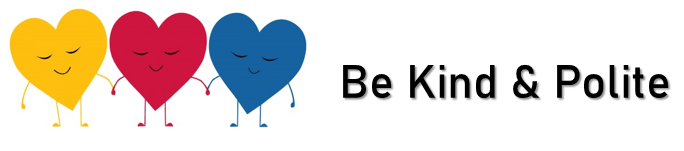
Use respectful language in all emails. Avoid being rude, hurtful, or engaging in any form of online bullying.
Remember that once an email is sent, it cannot be taken back.
Don’t spend too much time checking your inbox, especially during school hours, family time, or when you should be focusing on homework.
Follow family rules about when and how you can use Gmail.
Keep your inbox tidy by creating folders or labels for school, friends, or other categories.
Regularly delete unnecessary emails to keep things manageable.
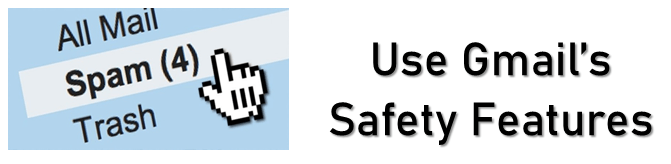
Report spam or inappropriate emails using Gmail’s built-in tools.
Block senders who send you unwanted messages or content that makes you uncomfortable.
Always ask before sending group emails or forwarding messages, especially if they contain private conversations or photos.
If you feel uncomfortable, confused, or unsure about anything you receive or read in an email, ask a trusted adult for advice.
It is very important to follow these guidelines. They will help you to develop responsible email habits and stay safe online!
2.
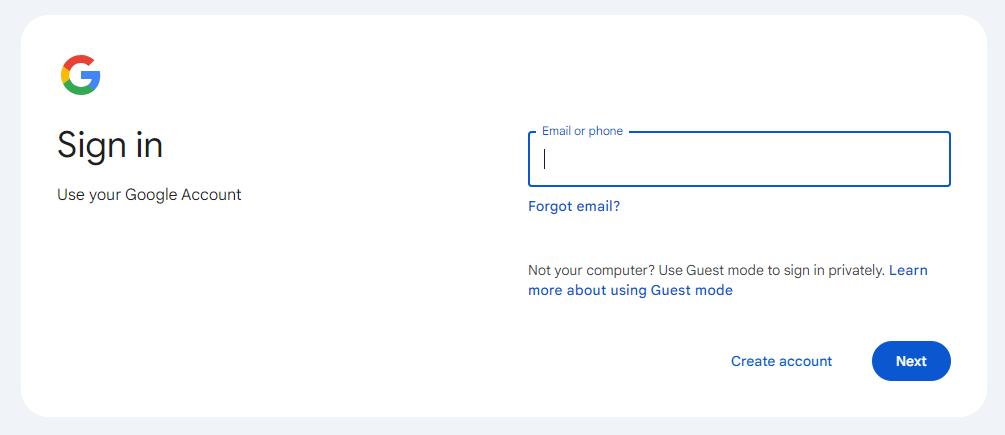
You now need to log onto your Gmail account…
Your teacher will give you your user name as well as your password.
Make sure that you do not share your password with anybody (except with your parents). Also, make sure that you remember the password!
3.
You can change your Profile Photo…
HOW TO Change your Profile Photo:
(It is recommended that you do not put a picture of yourself, or of anything that gives away private information. Rather put a picture of something that you like – e.g. football.)
How to Change Gmail Profile Picture. (1:31 minutes long)
4.
log on?
open an email?
reply to an email?
log off?
5.
You will find an email about a research task in your email account. The email has an attachment. Open the attachment, and start with the task.
Never open attachments from unknown senders! (First ask an adult to check if it will be safe.)
Welcome to Year 9 History! Before we start looking at all the exciting things that this course has to offer we need look at a few organisational issues. So, here is what you have to do today:
(Follow the instructions step by step!!)
1.
Watch the video to see which books are needed in Year 9 History.
Introduction to Year 9 History. (5:07 minutes long)
2.
You should have noticed: for Year 9 History there are 4 books. Two of the books need to be decorated and three of them need to be covered with plastic:
1) purple Exercise book – decorate and cover in plastic
2) white Homework book – decorate
3) blue History Workbook 1 – cover in plastic
3) yellow History Workbook 2 – cover in plastic
3.
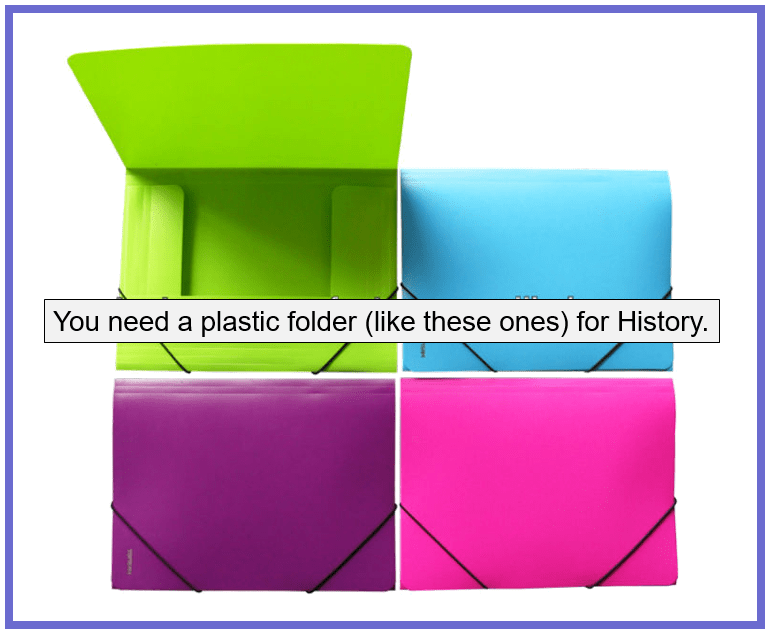
You should also have taken note of the plastic folder required to keep all your History books in! You must always have the folder plus the 4 books in class when you have History.
4.
With regard to the History homework, please take note of the following:
1) You will get homework regularly – it is usually a homework task set (and completed) in the History Homework Book.
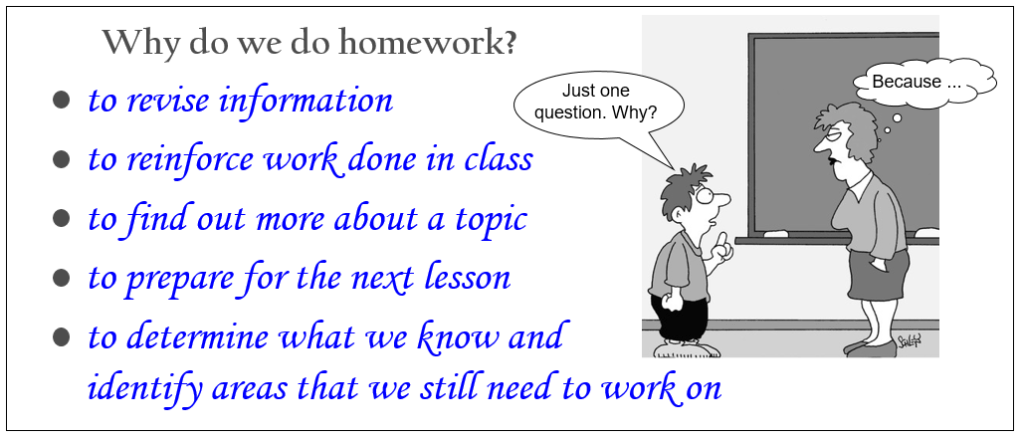
2) Homework is important as it benefits your learning in a number of ways. Copy the information on “Why do we do Homework?” into your Homework Book, on p.3:
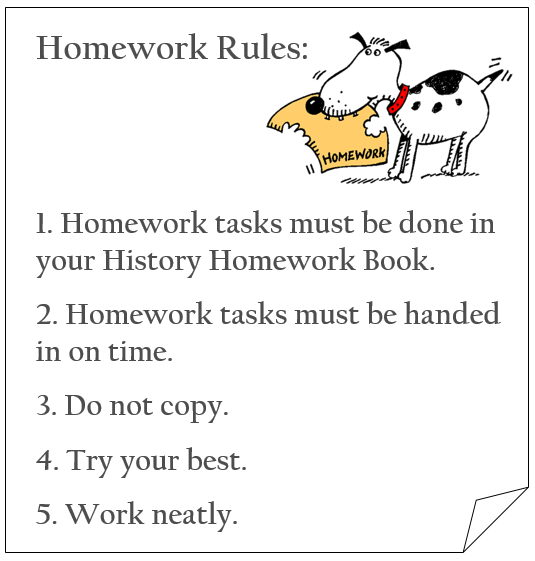
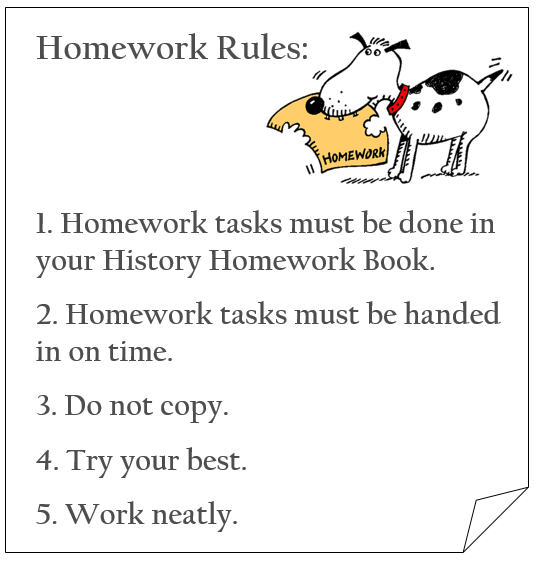
3) You are expected to give your best when doing homework!! Read the following homework rules again:
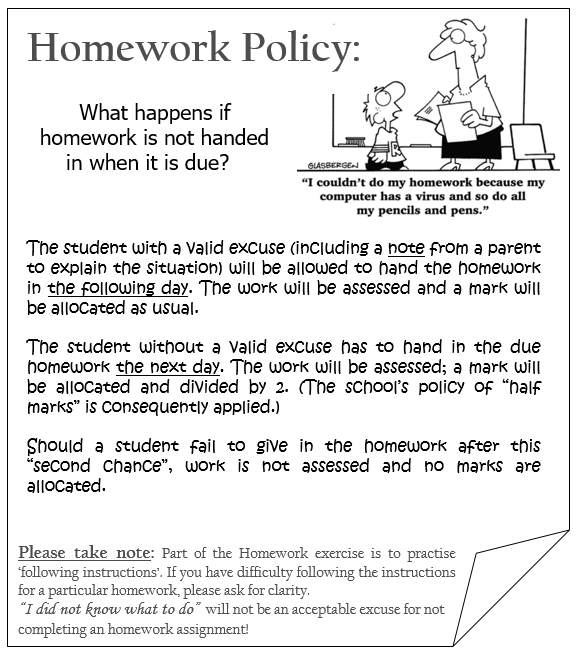
4) The school’s homework policy encourages students to hand in homework on time. (If not, you will lose marks or even get zero!)
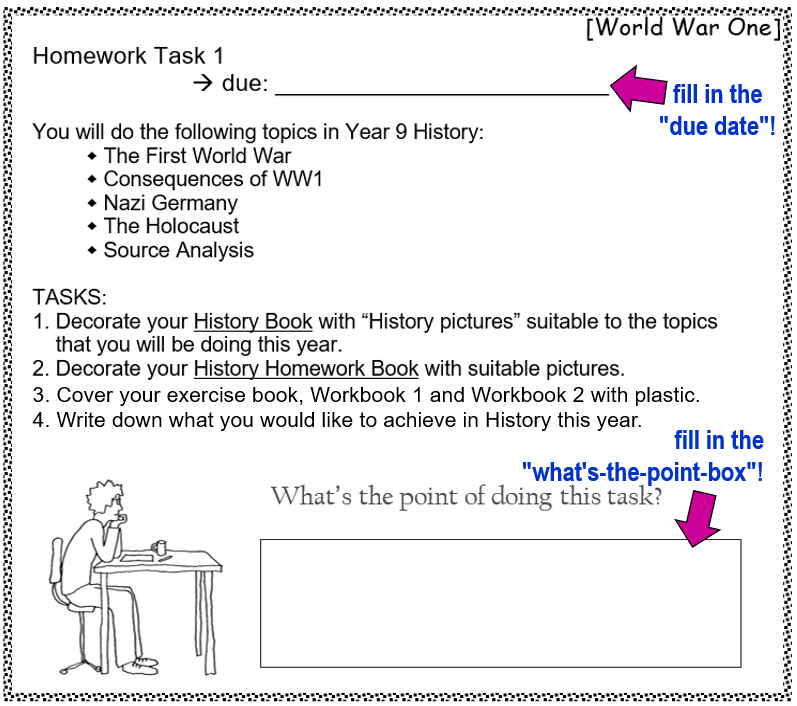
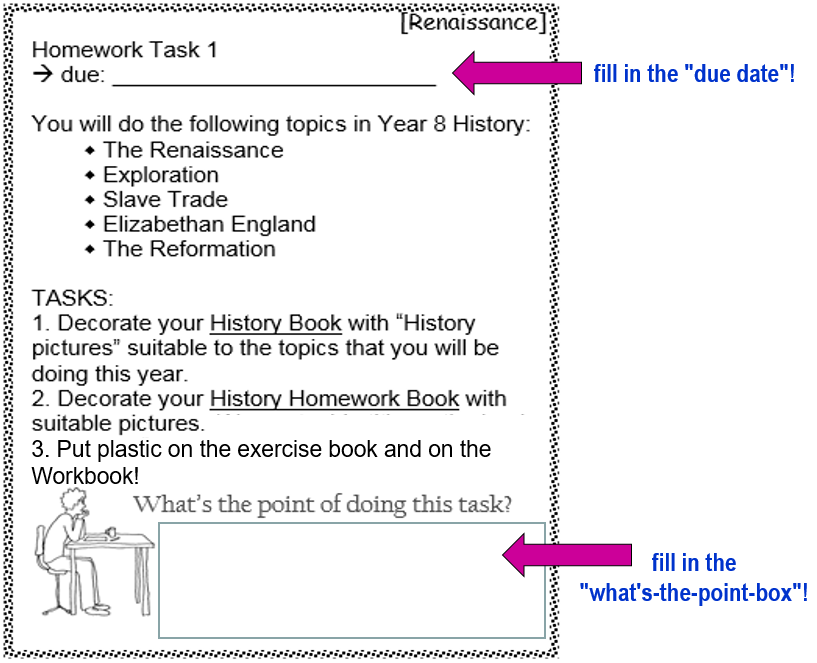
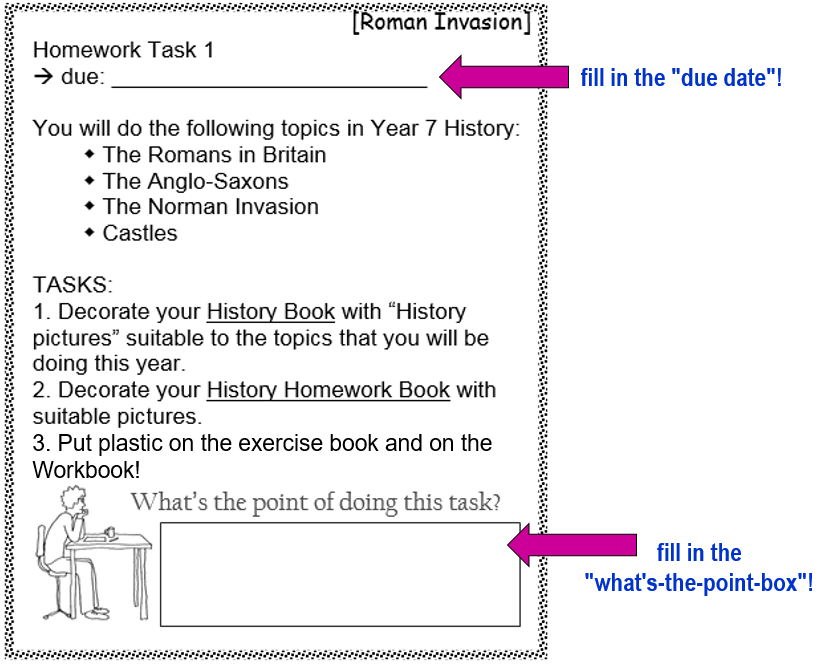
5) For all homework tasks, always fill in the “due date” as well as the “what’s-the-point-box”! For example:
5.
Stick the following pages into your History book:
Merit sheet
Best Way
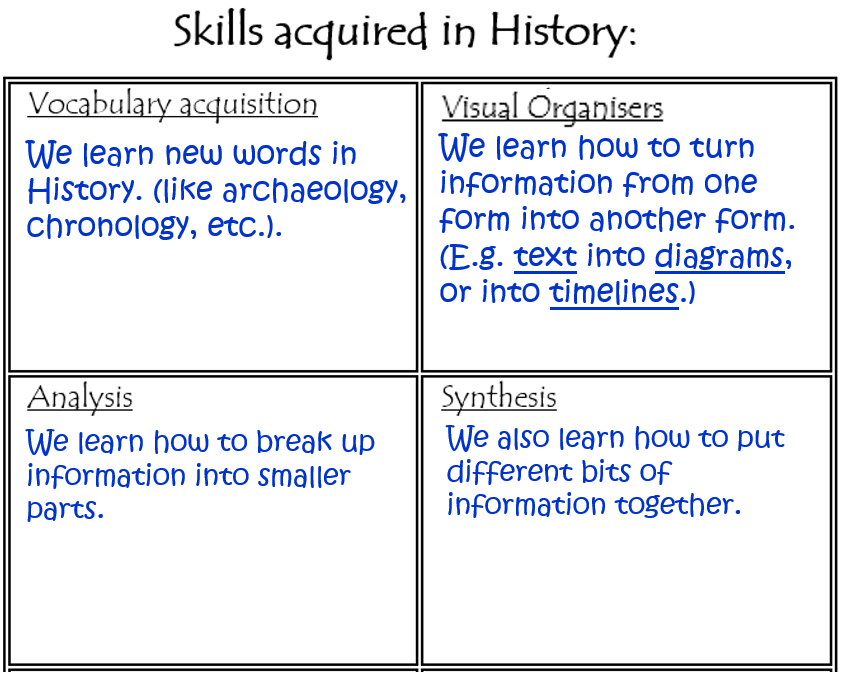
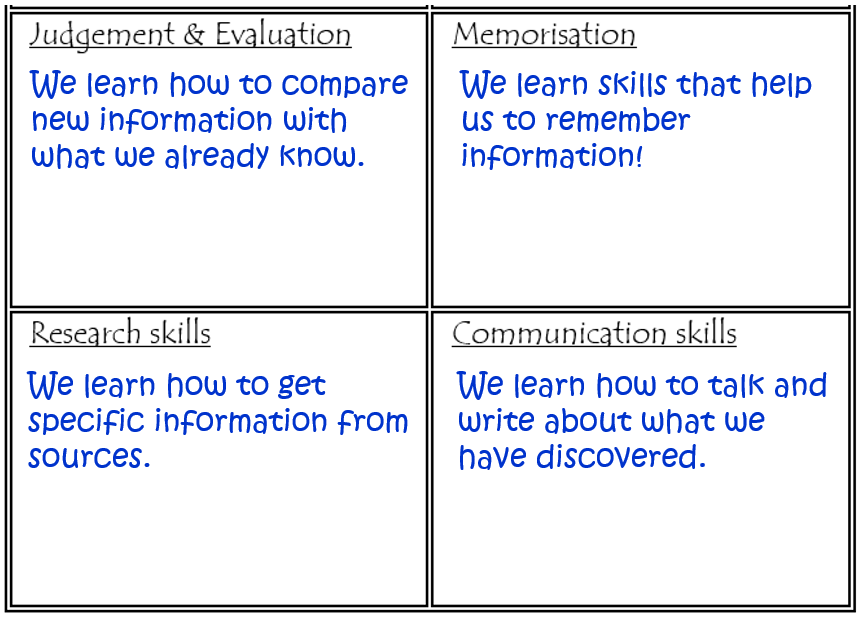
History Skills
6.
Complete the missing information on the History Skills worksheet, to remind yourself of the skills that we acquire through the study of History. (You need to match the explanations with the skills mentioned on the table.)
7.
8.
For the next lesson, remember to…
…show your Homework Book to your parents and ask them to read and sign the notice on page 3!
9.
Complete Task 1 (on p.5 in your Homework Book) for Monday 15 Sept. 2021!
Welcome to Year 8 History! Before we start looking at all the exciting things that this course has to offer we need look at a few organisational issues. So, here is what you have to do today:
(Follow the instructions step by step!!)
1.
Watch the video to see which books are needed in Year 8 History.
Introduction to Year 8 History. (4:52 minutes long)
2.
You should have noticed: for Year 8 History there are 3 books. Two of the books need to be decorated and two of them need to be covered with plastic:
1) purple Exercise book – decorate and cover in plastic
2) white Homework book – decorate
3)pink History Workbook – cover in plastic
3.
You should also have taken note of the plastic folder required to keep all your History books in! You must always have the folder plus the 3 books in class when you have History.
4.
With regard to the History homework, please take note of the following:
1) You will get homework regularly – it is usually a homework task set (and completed) in the History Homework Book.
2) Homework is important as it benefits your learning in a number of ways. Copy the information on “Why do we do Homework?” into your Homework Book, on p.3:
3) You are expected to give your best when doing homework!! Read the following homework rules again:
4) The school’s homework policy encourages students to hand in homework on time. (If not, you will lose marks or even get zero!)
5) For all homework tasks, always fill in the “due date” as well as the “what’s-the-point-box”! For example:
5.
Stick the following pages into your History book:
Merit sheet
Best Way
History Skills
6.
Complete the missing information on the History Skills worksheet, to remind yourself of the skills that we acquire through the study of History. Below are some words that may help you to complete the worksheet…
7.
8.
For the next lesson, remember to…
…show your Homework Book to your parents and ask them to read and sign the notice on page 3!
9.
Complete Task 1 (on p.5 in your Homework Book) for Wednesday 15 Sept. 2021!
Today you are going to investigate the study of History in a bit more detail.
Follow the instructions step by step:
1.
A bit of revision:
2.
WHY do we study History?
History has interesting stories.
There are also other benefits…
3.
Let’s look at the benefits of studying History:
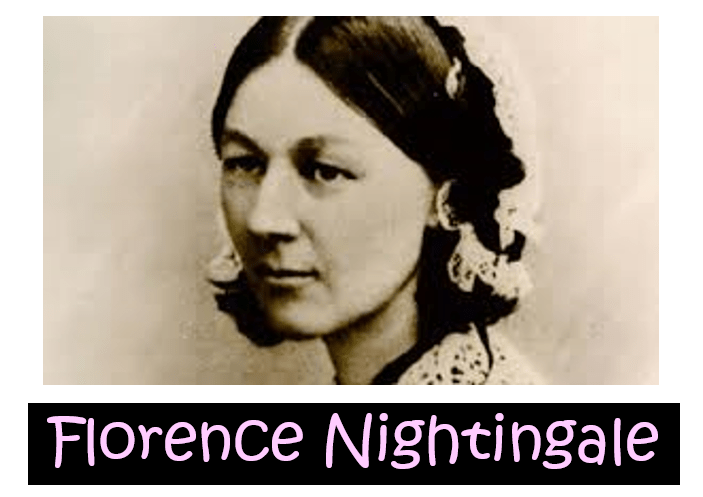
For example, based on her experiences and observations in Crimea, Florence Nightingale trained nurses to work in clean sanitized conditions in hospitals. Today, our hospitals are clean and organised because many years ago Florence Nightingale created sanitary conditions so that patients could receive the best care.
Here is another example:
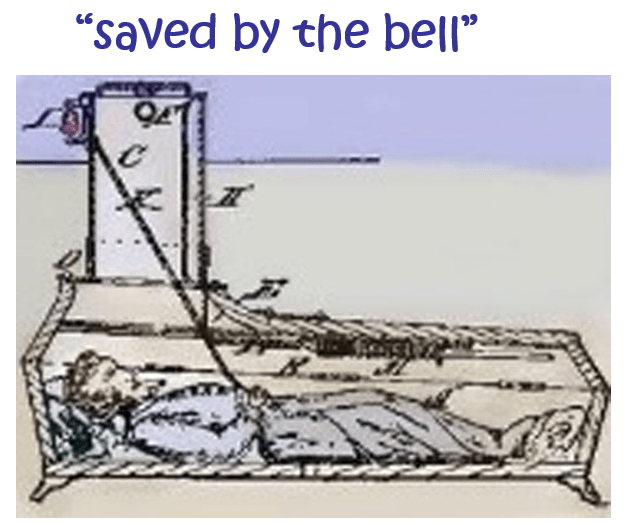
“Saved by the bell” means “rescued from an unwanted situation”. This expression has an interesting history: Many years ago people were sometimes mistakenly buried alive! Medicine was not so advanced and doctors sometimes thought that people were dead when they were simply in a coma. People who feared being buried alive were buried in special coffins that were connected to a bell above ground. Guards listened for any bells in case they had to dig up a living person and save them “by the bell.”
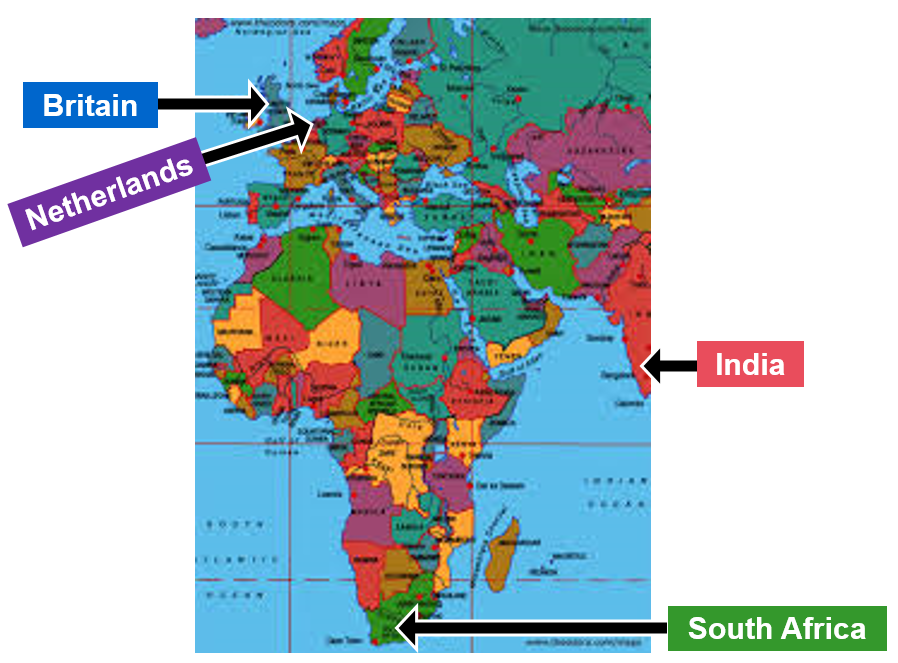
For example, there are Europeans living in Southern Africa because of colonization. In the 1600’s the Dutch traded with India by sailing around Africa to the east. The set up a halfway post at the tip of Africa to get fresh supplies for their sailors. These Dutch settlers are my ancestors! (That is also why I speak a language that is very similar to Dutch, called Afrikaans.) Today, some people in South Africa speak Afrikaans and some speak English. That is because the Dutch and the English were fighting in a war in the 1800’s and the English then took over the Dutch colony in Southern Africa.
Here are two examples:
Theodore Roosevelt Inspires the Teddy Bear. (1:51 minutes long)
The Dentist Who Created Cotton Candy. (1:31 minutes long)
Carefully read the information in the table below to see which skills you will acquire by doing History as one of your school subjects.
As we progress through the Year 7 History course we will fill in the table (stuck into your History book), as you acquire new skills.
4.
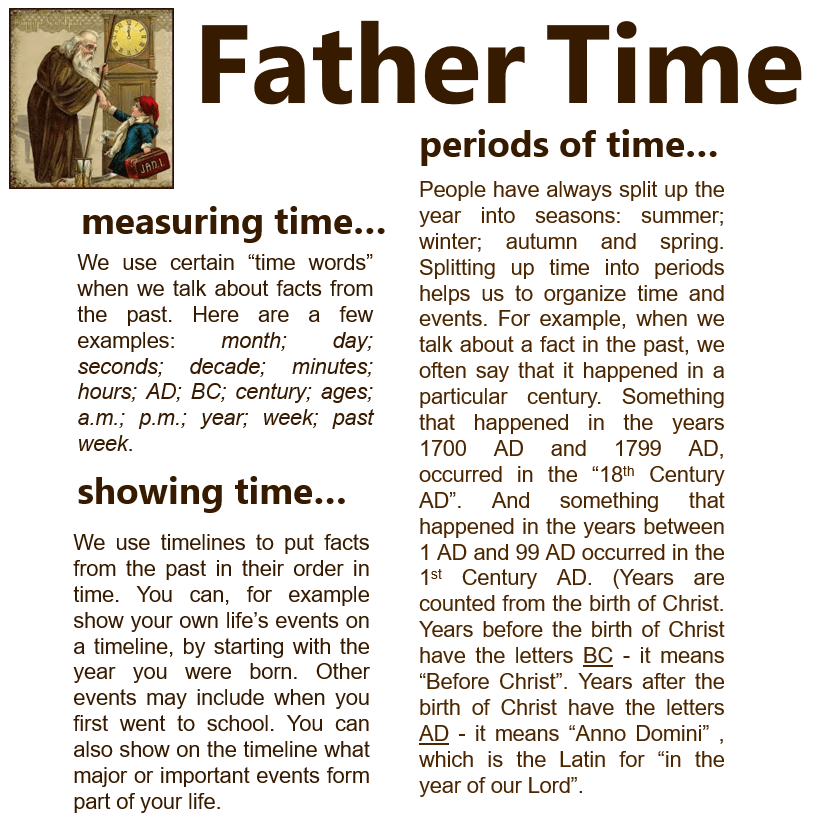
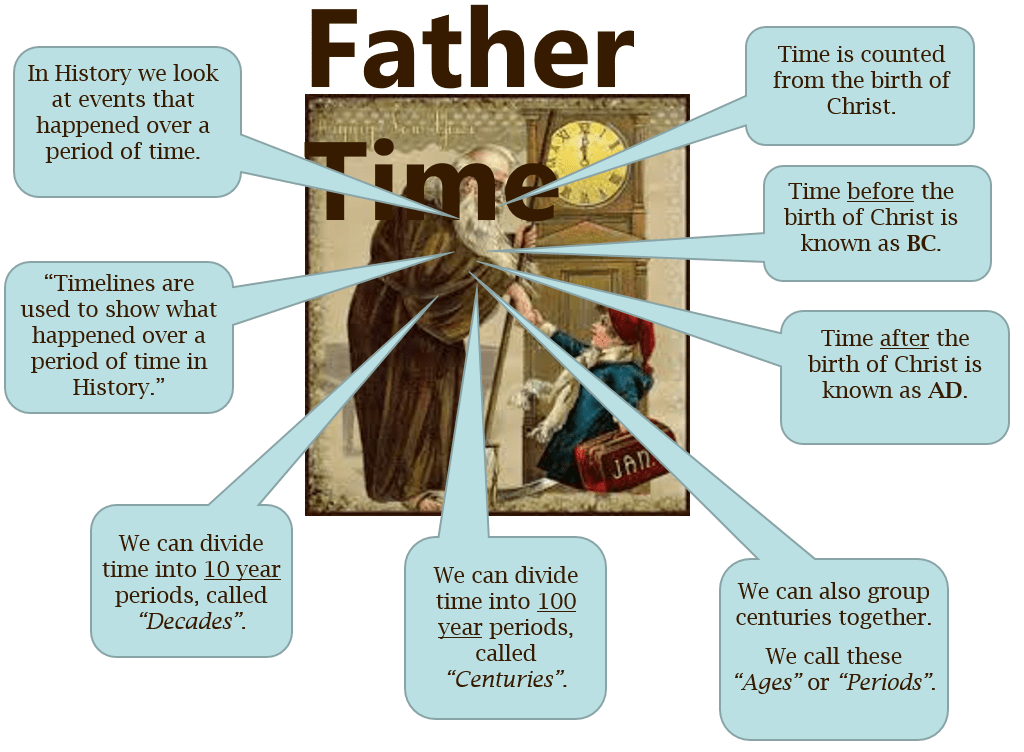
Now that you know what History is and why we study History, we need to consider “time”… In the study of History we often mention dates. So, let’s read the article called “Father Time”. (It is stuck into your exercise book.) In the next lesson we will discuss this article in more detail.
Today you are going to look at what History is and why it is important….
Follow the instructions step by step:
1.
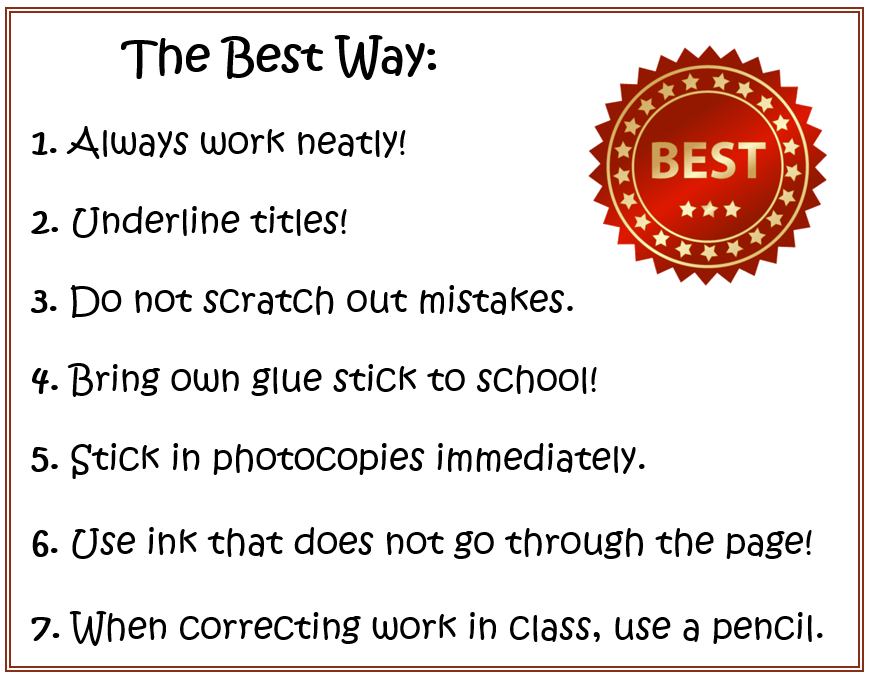
First look at expectations for your work in the History class. This is “the best way” to work in the History class:
2.
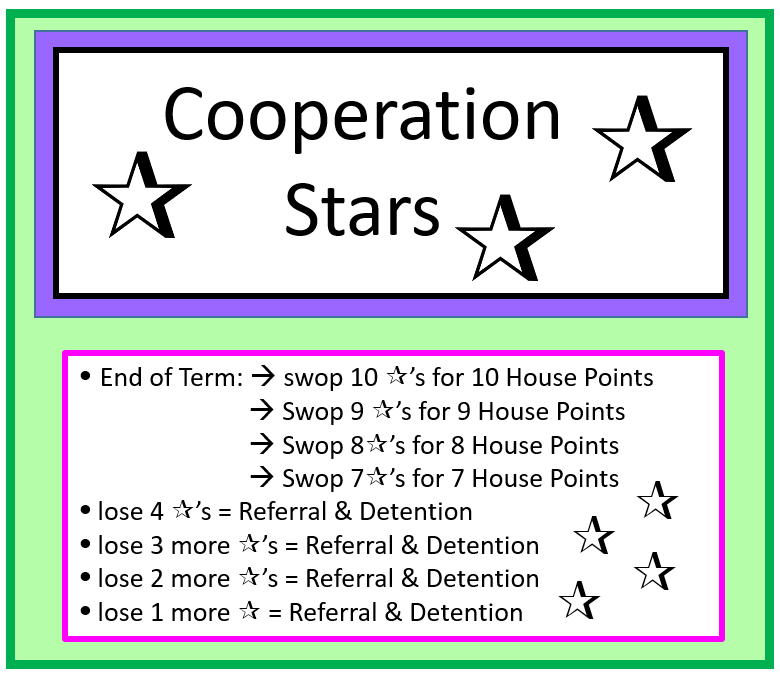
You also need to be aware that Co-operation starts may also be used this year…
3.
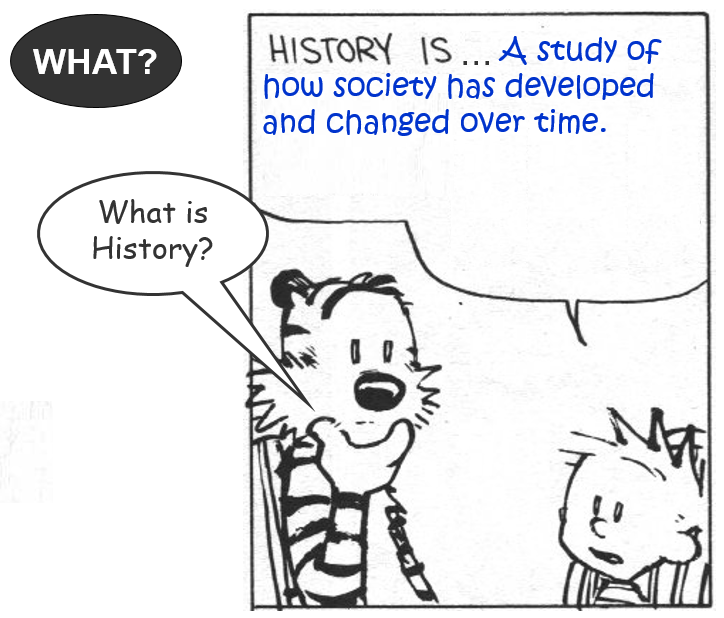
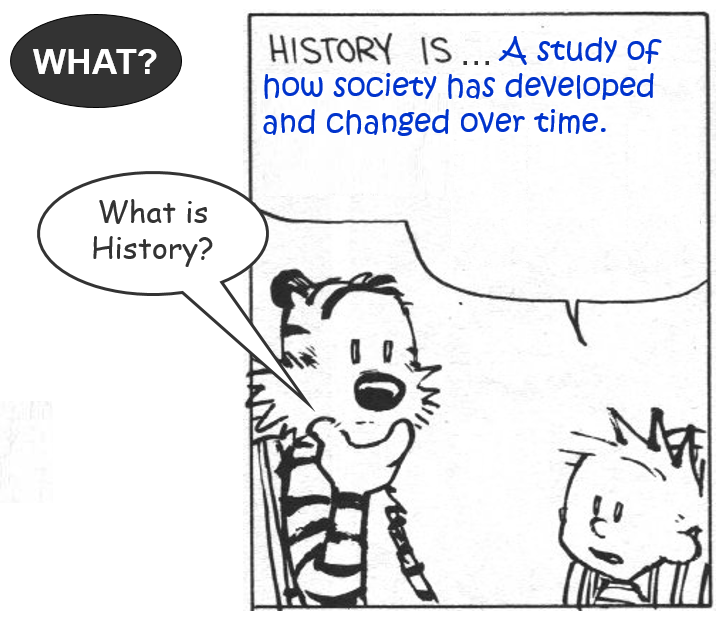
So, what exactly is History?
What is History? (0:57 minutes long)
Society = a group of people living at a certain time, interacting with each other and sharing the same environment – in simple terms: “the people living on this earth”…
What is History – detailed. (2:20 minutes long)
4.
Fill in the missing information on the worksheet on “What is History”.
5.
So, why do we do History?
Why do we study History? (3:25 minutes long)
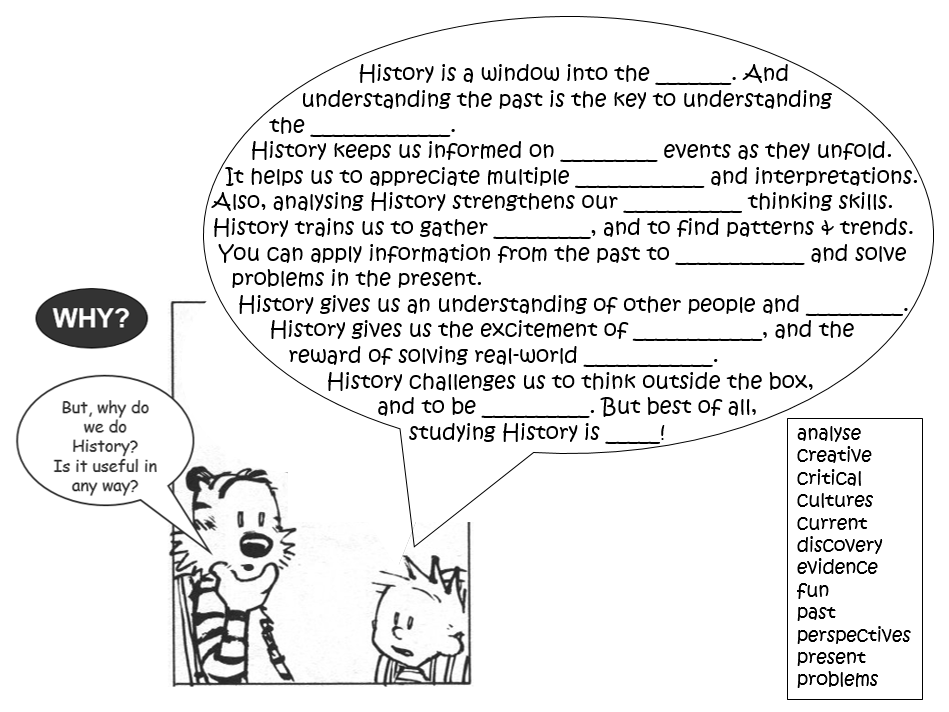
6.
See if you can fill in the missing words on the worksheet on “Why we do History”!
If you get stuck, watch the video below to see the text of the previous video again…
Why do we do History – in text. (1:06 minutes long)
7.
Let’s mark the previous task:
Why History – worksheet answers. (1:01 minutes long)
Welcome to Year 7 History! Before we start looking at all the exciting things that this course has to offer we need look at a few organisational issues. So, here is what you have to do today:
(Follow the instructions step by step!!)
1.
Watch the video to see which books are needed in Year 7 History.
Introduction to Year 7 History. (5:22 minutes long)
2.
You should have noticed: for Year 7 History there are 3 books. Two of the books need to be decorated and two of them need to be covered with plastic:
1) purple Exercise book – decorate and cover in plastic
2) white Homework book – decorate
3) green History Workbook – cover in plastic
3.
You should also have taken note of the plastic folder required to keep all your History books in! You must always have the folder plus the 3 books in class when you have History.
4.
With regard to the History homework, please take note of the following:
1) You will get homework regularly – it is usually a homework task set (and completed) in the History Homework Book.
2) Homework is important as it benefits your learning in a number of ways. Copy the information on “Why do we do Homework?” into your Homework Book, on p.3:
3) You are expected to give your best when doing homework!! Read the following homework rules again:
4) The school’s homework policy encourages students to hand in homework on time. (If not, you will lose marks or even get zero!)
5) For all homework tasks, always fill in the “due date” as well as the “what’s-the-point-box”! For example:
5.
Finally, stick the following into your History Book:
Merit Sheet
Best Way
What is History
Why History – fill-in task
History skills
Father Time
Time w/s
My Timeline
IMPORTANT: leave a page open…!
Now also stick the following into your History Book:
the “Sources” worksheet
6.
For the next lesson, remember to…
…show your Homework Book to your parents and ask them to read and sign the notice on page 3!
7.
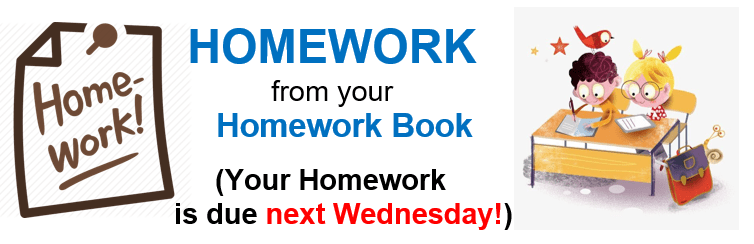
Complete Task 1 (on p.5 in your Homework Book) for Wednesday 15 Sept. 2021!
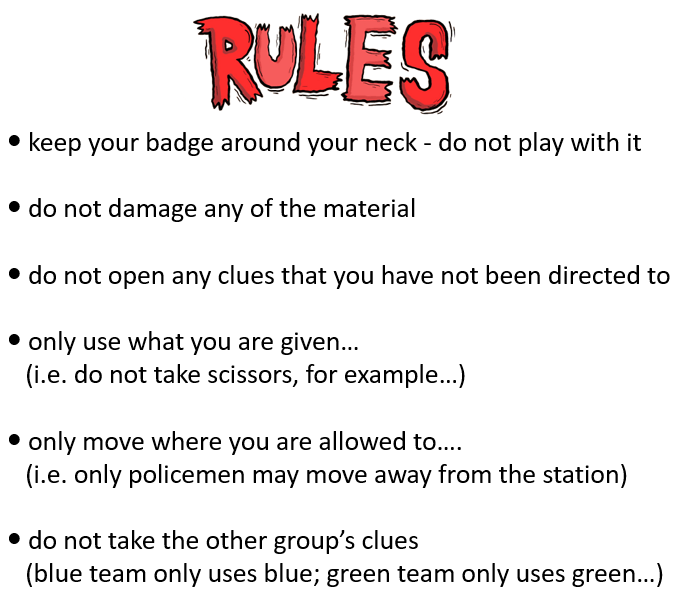
Follow these rules to create an orderly environment where each student can perform their best academically. Rules and expectations teach students about responsibility and self-discipline, which are essential skills for effective learning and long-term success.
































































































































































































































 Best study methods